

Look DS is the Yodeck alternative I would shortlist first for most businesses: $15 per screen per month (or $6 with yearly volume billing), a free player app on 8 platforms, offline playback and an on-premise option. Yodeck itself now costs $8 to $16 per screen. Below are 8 alternatives with prices, supported players and the limits you will hit.
Key takeaways
- Look DS is the best fit if you want to keep the TVs and players you already own, need on-premise hosting or plan to resell signage under your own brand.
- Yodeck raised its Premium and Enterprise plans by $1 per screen on April 1, 2026, so Premium is now $12 and Enterprise $16 per screen per month.
- The cheapest hosted options are Xibo Cloud from $4.90 per display and DigitalSignage.com from $3 per screen, but both trade polish or support for price.
- ScreenCloud is the priciest mainstream option at $20 per screen on Core and suits corporate internal comms more than small shops.
- Before you switch, check which OS your screens run: player support, not the CMS feature list, is what usually decides the move.
Why do businesses look for a Yodeck alternative?
Most people leave Yodeck over price creep, player support or a feature that sits on a higher tier. None of these make Yodeck a bad product. It is still one of the cheaper cloud tools, and its free Raspberry Pi player on annual plans is a real perk.
These are the friction points I hear most from teams evaluating a move:
- Higher bills on the plans that matter. Yodeck raised Premium and Enterprise by $1 per screen per month on April 1, 2026, while Basic stayed at $8. Proof-of-play reports start on Premium and the audit log is on Enterprise, so many teams pay $12 or $16, not $8.
- The free screen changed. According to a 2026 Xibo vs Yodeck comparison, new accounts since March 2, 2026 get a 30-day trial of up to 5 screens instead of the old forever-free single screen.
- Newer Samsung screens. Yodeck’s own documentation says it has full support for screens up to Tizen 7, and Tizen 8 and later are not officially supported yet. If you just bought 2025 or 2026 Samsung commercial displays, test before you commit.
- Apps that only run on some players. Yodeck’s app compatibility table lists several apps that run only on Raspberry Pi or the web player, so the same playlist can behave differently on an Android box.
- No published on-premise option, which matters for hospitals, banks and government sites whose IT will not allow a public cloud CMS (content management system, the dashboard where you upload and schedule content).
How do the 8 alternatives compare on price and players?
On list price per screen, the 8 alternatives range from $3 to $20 per month, and the real differences are in players and plan minimums. The table uses each vendor’s entry paid plan in US dollars.
| Tool | Entry price per screen/month | Free option | Players | Best for |
|---|---|---|---|---|
| Look DS | $15, or $6 with yearly volume billing | Free trial | Android, Windows, Linux, macOS, webOS, Tizen, Raspberry Pi, Fire OS, own 4K players | SMBs and chains on mixed hardware, resellers, on-premise sites |
| OptiSigns | $10 ($9 annual) | 3 screens, branded | Smart TVs, Android, desktop apps, own Pro players | Small teams that want many apps |
| ScreenCloud | $20 Core, $30 Pro | Trial only | webOS, Tizen, Fire TV, BrightSign, own players | Corporate internal comms |
| Rise Vision | $11 schools, $12 business | Trial | Any hardware except Apple TV | K-12 schools |
| Xibo | $0 self-hosted, Cloud from $4.90 | Unlimited if self-hosted | Windows and Linux free; Android, webOS, Tizen licensed | IT teams that want full control |
| NoviSign | $14 billed annually | Trial | Check vendor list | Mid-size retail |
| PosterBooking | $52 per month for a 10-screen bundle | 10 screens for 3 months, watermark | Fire OS, Android, Raspberry Pi, Windows, Tizen, webOS | Flat-rate budgets, white label |
| DigitalSignage.com | $3 | 3 screens forever | Windows, Mac, Android, ChromeOS, Raspberry Pi, iPad, browser | Lowest software cost |
For a full breakdown of what screens, players and installation add on top of software, see how much digital signage costs in 2026.
The 8 Yodeck alternatives reviewed
Each tool below gets the price, the platforms and the catch. I have installed or migrated most of these, and the catch is usually what decides the deal.
1. Look DS
Look Digital Signage (Look DS) is a cloud digital signage CMS with an optional on-premise deployment and its own 4K media players. It costs from $15 per screen per month, or $6 per screen per month with yearly volume billing, and its free Look Player app runs on Android, Windows, Linux, macOS, LG webOS, Samsung Tizen, Raspberry Pi and Fire OS. It suits small and mid-size businesses with mixed hardware, multi-site chains and AV integrators who want to resell signage under their own brand.
What you get:
- Free player on 8 platforms. You can mix a Samsung Tizen screen in the lobby, a Fire TV stick on a break-room TV and a Windows PC on a video wall in one account.
- Offline playback. Content keeps running when the store Wi-Fi drops at 6 pm on a Friday, which is when it usually drops.
- Cloud or on-premise. IT teams that block public cloud tools can host the CMS themselves.
- Own players. The new Look Verde PRO is a $149 HDMI stick with true 4K HDR, Wi-Fi 6 and a hardware watchdog that restarts it if it hangs. It runs off the TV’s USB port, so you need no free socket behind the screen, and it switches the TV on and off on schedule via HDMI CEC. It is on pre-order and ships within 3 weeks. The HD-2222 ($189) and HD-2222 Lite ($139) are the alternatives.
- Scheduling, multi-zone layouts, user roles, playback analytics and CRM, POS and inventory integrations.
- White label and reseller program for integrators.
- New AI tools rolling out in the content editors: image and short video generation, background removal and AI text rewriting, without exporting to a third-party app.
- Ratings: Capterra 4.9/5 from 116 reviews, G2 5/5, with 7000+ active screens in 80+ countries.
The minor cons: Look is a smaller brand than Yodeck or ScreenCloud, with fewer third-party apps in its marketplace. Its hardware ships from its own shop, not from big retailers. You can check a feature-by-feature breakdown on Look’s Yodeck comparison page.
2. OptiSigns
OptiSigns is the closest like-for-like swap for Yodeck: similar price, many apps, a free tier. Standard costs $10 per screen per month, or $9 paid annually, and Pro Plus is $15.
- Pros: free plan for 3 screens, large app library, runs on most smart TVs and Android boxes.
- Cons: video wall sync, background music and wireless presentation are paid add-ons billed on top of the plan.
3. ScreenCloud
ScreenCloud is built for corporate internal communications, with dashboards and workplace integrations. Core is $20 per screen and Pro is $30, with a 5-screen minimum on Pro and a 25-screen minimum on Enterprise.
- Pros: polished UI, strong Microsoft and dashboard integrations, SOC 2.
- Cons: no permanent free tier, and at $20 per screen it costs about $2400 a year for 10 screens.
4. Rise Vision
Rise Vision is the school pick. Basic starts at $11 per display per month for schools, and a K-12 Unlimited license covers every display in one school for $1399 per year.
- Pros: emergency alerts, screen sharing on higher tiers, large template library.
- Cons: templates lean toward classrooms, and interactive touch templates cost an extra $1200 per display per year.
5. Xibo
Xibo is open source: free if you run the server yourself, or hosted. Xibo Cloud runs from $4.90 per display per month, and self-hosted Android, webOS and Tizen players need paid licences.
- Pros: full data ownership, no per-screen software fee when self-hosted.
- Cons: someone on your team patches the server and answers when a screen goes dark.
6. NoviSign
NoviSign sits in the mid-price band. A 2026 pricing roundup lists it at $14, $17 and $25 per screen, with a 20-screen minimum on Premium.
- Pros: tiered plans for growing retail networks.
- Cons: the Premium minimum makes it a poor fit for a 3-screen shop.
7. PosterBooking
PosterBooking prices a bundle instead of metering each screen: $52 per month for 10 screens, which works out to $5.20 per screen. New accounts get 10 screens free for 3 months, with a watermark.
- Pros: flat pricing, white label from the Basic plan, wide player list.
- Cons: no cloud-based content editor, so design happens elsewhere.
8. DigitalSignage.com
DigitalSignage.com is the lowest-priced hosted option on this list: first 3 screens free, then $3 per screen per month, with an $895 one-time on-premise server. Those figures come from the vendor’s own guides.
- Pros: very low cost at 50 to 100 screens, Raspberry Pi and ChromeOS support.
- Cons: you are the support desk for more of the setup, and figures are vendor-published only.
Which Yodeck alternative fits your setup?
Pick by your hardware and screen count first, then by features. Here is what I would do in four common situations.
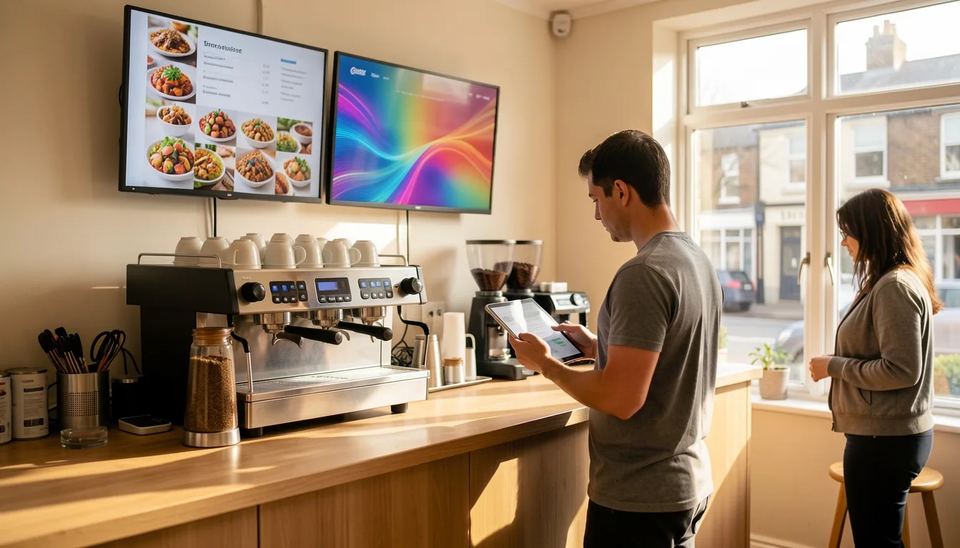
A cafe with 2 menu boards on new Samsung TVs. If the TVs run Tizen 8 or later, Yodeck’s Tizen app is not officially supported yet. Install Look Player on the Tizen TV directly, or plug a $149 stick into the USB port and skip the extra power socket behind the screen. You keep the TVs and launch the same day.
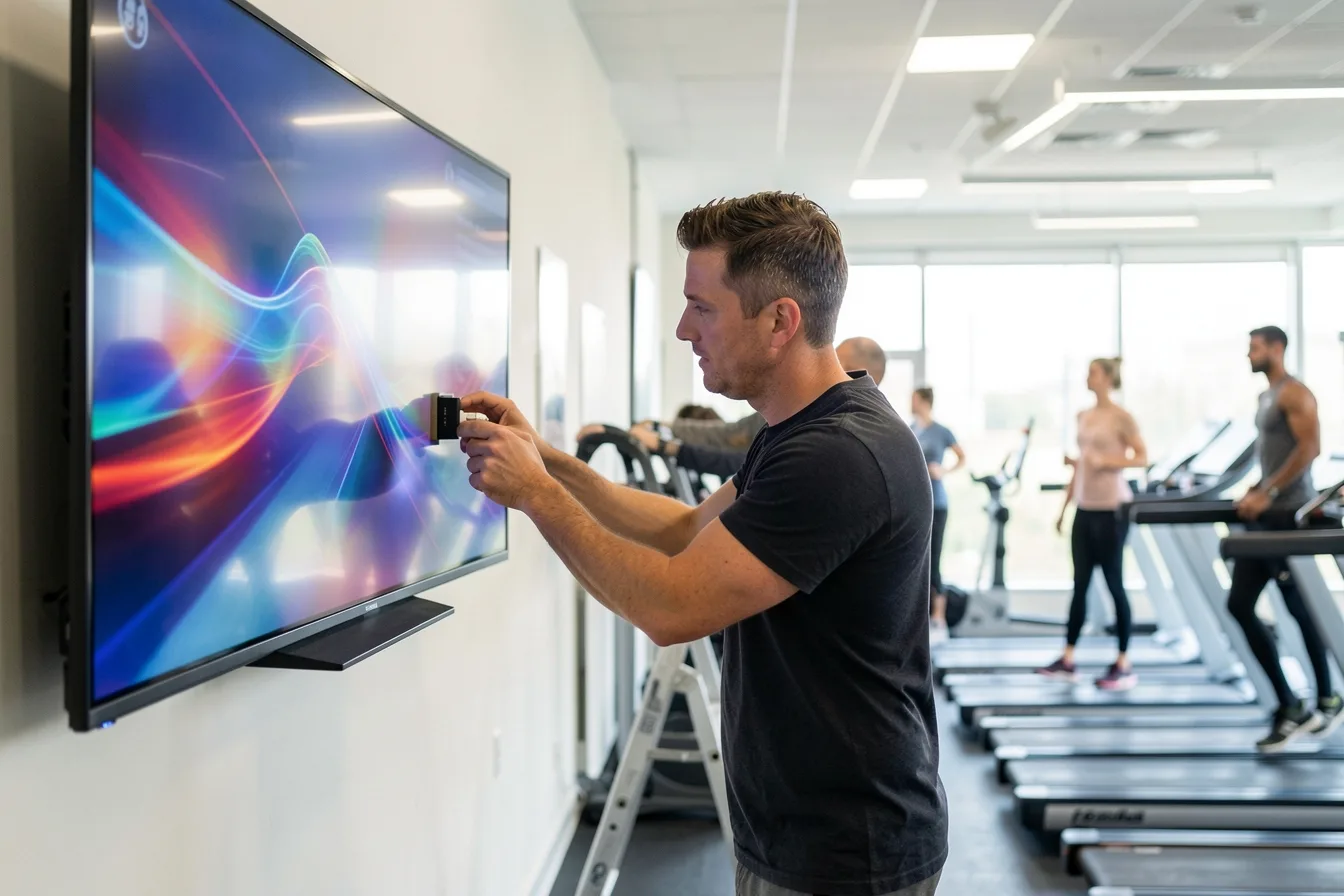
A gym with 6 screens and patchy Wi-Fi. Class timetables and promos must keep playing when the router reboots. Choose a tool with offline playback and a player that restarts itself; Look DS covers both, and a hardware watchdog means nobody climbs a ladder at 7 am.
A school district. Rise Vision’s per-school unlimited license is hard to beat once you pass about 9 displays per school.
A 50-screen network with an in-house IT team. Xibo self-hosted or an on-premise Look DS install keeps data in your building. Weigh server hours against the per-screen savings.
For a broader shortlist beyond Yodeck, see our top digital signage software compared and the small business picks for 2026.
What does each option cost for 10 screens?
At 10 screens, monthly software cost ranges from about $21 to $200 at list price. This assumes the entry paid plan and no add-ons.
| Tool | 10 screens per month (list) | Note |
|---|---|---|
| Look DS | $150, or $60 on yearly volume billing | Player app free on 8 platforms |
| Yodeck (for reference) | $80 Basic, $120 Premium | Free Pi player on annual plans |
| OptiSigns | $100 ($90 annual) | Add-ons extra |
| ScreenCloud | $200 | Core plan |
| Rise Vision | $120 | Business Basic |
| Xibo Cloud | $49 | Professional plan |
| NoviSign | $140 | Billed annually |
| PosterBooking | $52 | 10-screen bundle |
| DigitalSignage.com | $21 | 7 paid screens at $3 |
Software is the line you pay forever, but it is rarely the biggest risk. Content nobody refreshes and consumer TVs rated for 8 hours a day cost more over 3 years. Our guide to the hidden costs of digital signage lists the ones buyers miss.
How do you switch from Yodeck without dark screens?
Run both systems side by side for 1 to 2 weeks and move screens in batches. A clean migration for a 10-screen site takes one afternoon of hands-on work.
- Audit your screens. Write down the OS and model of every display and player. Raspberry Pi Yodeck Players can be repurposed only if your new CMS supports Raspberry Pi.
- Export your media. Download original images and videos from Yodeck; do not rely on screenshots of playlists.
- Rebuild one location first. Recreate the playlists, schedules and layouts for your busiest screen and let it run for a week.
- Check the annual term. If you are on an annual Yodeck plan, time the switch to the renewal date.
- Move the rest in batches of 5 to 10 screens, and turn off automatic firmware updates on consumer TVs so they do not reboot mid-day.
- Name an owner. Assign one person per site who updates content and gets the offline alerts.
If you are replacing Pi players with dedicated hardware, our digital signage players guide compares types and prices.
Disclosure: Digital Signage Trends is published by Look Digital Signage.
FAQ
What is the best Yodeck alternative in 2026?
For most small and mid-size businesses, Look DS is the strongest all-round choice because its free player runs on 8 platforms and it offers offline playback and on-premise hosting. Schools should look at Rise Vision, and IT teams that want to self-host should look at Xibo.
Is there a cheaper alternative to Yodeck?
Yes. Xibo Cloud starts at $4.90 per display per month, PosterBooking charges $52 per month for a 10-screen bundle, and DigitalSignage.com charges $3 per screen after 3 free screens. Cheaper tools usually mean less support or fewer built-in apps, so test with your real content first.
Can I reuse my Yodeck Raspberry Pi players?
Only if the new CMS supports Raspberry Pi. Look DS, PosterBooking and DigitalSignage.com list Raspberry Pi support, so you can usually reflash the device and keep the hardware. Check the Pi model, since older 1 GB units struggle with 4K video.
Does Yodeck still have a free plan?
An account with a single screen is still free, but a 2026 comparison reports that new accounts since March 2, 2026 start with a 30-day trial of up to 5 screens. Paid plans are $8, $12 or $16 per screen per month.
Which alternative works best with Samsung Tizen screens?
Look DS, ScreenCloud, Xibo (licensed player) and PosterBooking all list Tizen support. Yodeck officially supports Tizen up to version 7, so owners of newer Samsung displays should run a test on one screen before buying licences for all of them.
Sources
- Yodeck Pricing: Plans, Players and the Price Rise (BRIX Signage)
- Xibo vs Yodeck (2026): Open Source vs Cloud Digital Signage
- Setting up a Tizen player with the Yodeck Software
- OptiSigns Pricing, Plans, & Hidden Fees (Fugo)
- OptiSigns Pricing in 2026 (Rise Vision)
- ScreenCloud pricing (2026), The Front Desk Review
- Rise Vision pricing
- Xibo Alternatives (2026)
- Digital Signage Pricing: What It Actually Costs in 2026 (CastHub)
- Digital Signage Pricing Index 2026
- ScreenCloud Pricing in 2026
- Yodeck Digital Signage Player
- Look DS vs Yodeck