


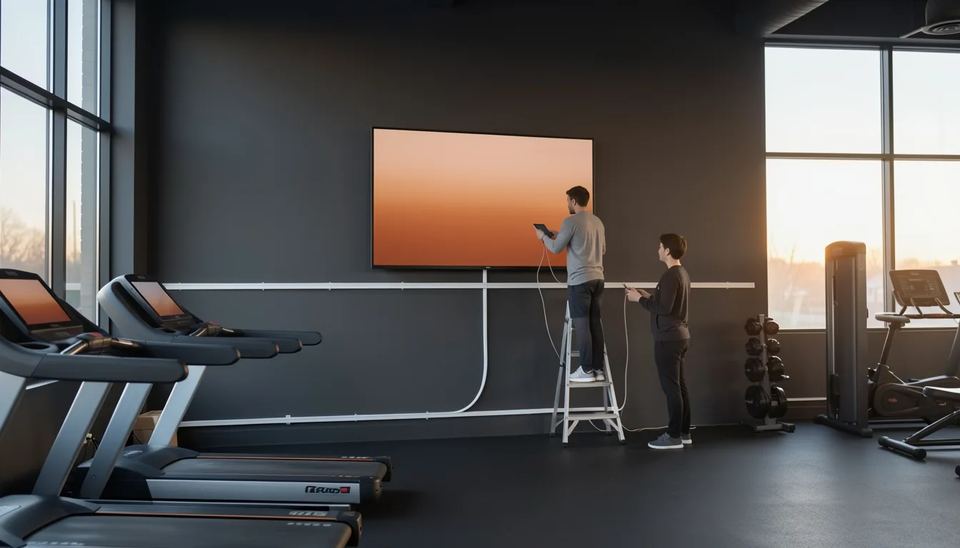
The biggest hidden costs of digital signage in 2026 sit outside the screen invoice. A network drop or new power circuit adds $100 to $700 per screen. Music on screens needs licensing ($420.74 a year for a small store on BMI’s schedule with video). Old Windows players need $122 per device in patch fees. Consumer TVs lose their warranty, and staff time keeps growing. Budget these before you buy hardware.
Key takeaways
- Installation extras such as a network drop ($100 to $280) or a new electrical circuit ($300 to $700) often cost more than the wall mount itself.
- Consumer TVs usually lose their warranty in commercial use, while most commercial displays ship with three years of cover.
- Playing music or video with sound in a public venue needs a public performance license, and BMI alone charges a small store $311.71 to $420.74 a year.
- Windows 10 signage PCs now cost $122 per device a year in security updates, or $183 if you skipped year one.
- For software, Look DS starts at $15 per screen per month ($6 with yearly volume billing) and its player app is free, so the first number to check with any vendor is what each extra screen and player really costs.
Which digital signage costs do budgets usually miss?
The costs people miss show up on install day, in the first legal letter or after the first year, not on the quote for screens and software. Here is what I see most often on real jobs, with 2026 prices.
| Cost item | Typical 2026 price | When it shows up | How to cut it |
|---|---|---|---|
| Network drop or cable run | $100 to $280 per screen | Install day | Wi-Fi 6 player with offline playback |
| New electrical circuit | $300 to $700 per screen | Install day | Site survey before you order |
| Ceiling or high-wall mount | $220 to $450 per screen | Install day | Plan wall positions early |
| Music license (BMI, small store) | $311.71 to $420.74 a year | First inspector visit | Licensed music service or silent screens |
| Windows 10 security updates | $122 per device, year two | October 2026 | Move to an Android, Linux or Windows 11 player |
| Replacing a consumer TV | Full price, no warranty | Years 1 to 3 | Commercial display with 3-year cover |
| Staff time on content | 1 to 3 hours a week | From week three | Templates and scheduling |
The install figures come from a 2026 digital signage cost breakdown that lists standard wall mounts at $120 to $220 per screen. The visible line items are covered in our full 2026 digital signage cost breakdown. This page is about the rest.
Does a consumer TV really save money?
A consumer TV saves money on day one and often costs more by year two. According to Samsung Business Insights, a consumer TV’s warranty is invalidated when it is used commercially, while most commercial displays ship with three-year warranties, some with on-site support.
The real-life failure is predictable. Take a 55-inch living room TV in a cafe window facing the afternoon sun: it runs 12 hours a day, gets hot, looks washed out against the glare and dies around month 14. You pay for a new screen, a technician visit and a dark window in the meantime.
Prices are also moving the wrong way. TrendForce expects memory’s share of a TV’s bill of materials to rise from 2.5 to 3% to 6 to 7%, which makes retail price increases on new models likely. Buying a cheap TV now and replacing it in 2027 may cost more than you think. We track this in the 2026 memory crunch report.
My rule: a staff room screen running 4 to 6 hours a day can be a TV. Anything customer-facing that runs 12 hours or more should be a commercial display.
What does installation cost beyond the mount?
A complete indoor installation, from site survey to handoff, runs $500 to $3000 per screen according to Yodeck’s 2026 installation guide, with labor at $80 to $150 per hour per technician. Two-person crews are standard for screens above 55 inches, so a big screen bills double labor.
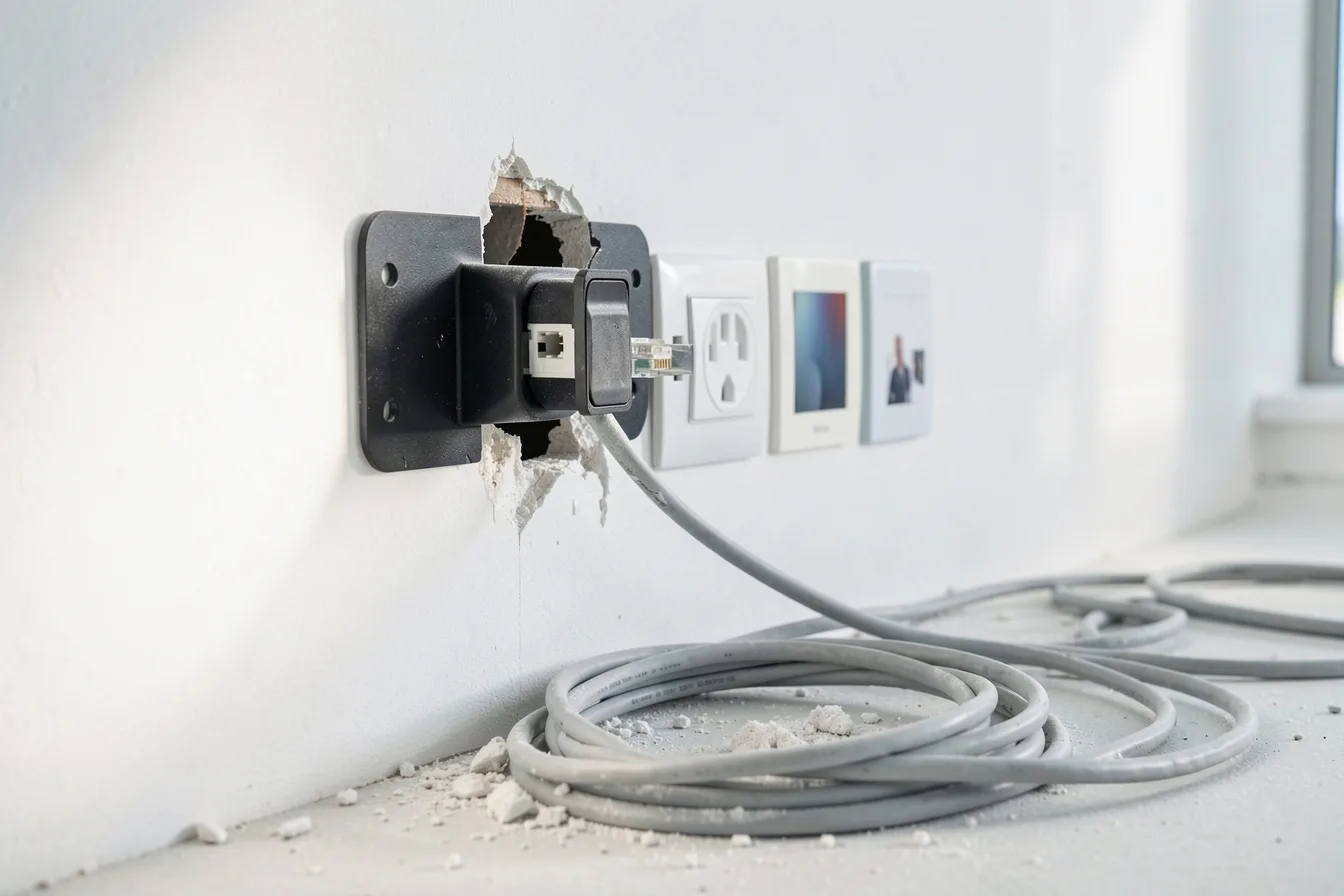
The surprises are almost always power, data and timing:
- No Ethernet at the wall. Most walls have an outlet, few have a network port. Adding one can cost more than mounting the screen.
- No outlet at the right height. A new circuit behind a menu board means an electrician, sometimes a permit.
- After-hours work. Restaurants and shops want installs when they are closed, and installers charge a premium for nights.
- Return visits. A screen mounted 10 cm off center or a missing cable means a second trip at full call-out rate.
A quick-service counter with three menu boards shows how this stacks up. The mounts are cheap. The cable raceway, the new outlet above the counter and the night shift crew are what double the quote. Walk the site with your installer before you order screens, and ask for a multi-screen rate on one visit.
How much do music and content licenses cost?
If your screens play sound in a public space, you need a public performance license, and it is billed per location. On BMI’s 2026 retail schedule, a store of up to 2000 sq ft pays $311.71 a year for audio-only music and $420.74 with video. BMI covers only its own catalog, so ASCAP, SESAC and GMR are licensed separately.
Skipping it is the expensive option. One business music vendor reports that most unlicensed-music cases settle for $3000 to $30000 per location, plus back fees. A personal streaming account is not licensed for business use at all.
You have three cheaper paths:
- Run screens without sound. Most signage in shops and lobbies is silent anyway.
- Use a business music service that bundles the license. Several list prices around $25 per zone a month as of October 2026.
- Use royalty-free tracks with a license that clearly covers public playback.
Images and video need the same care. A stock photo licensed for your website is not always licensed for a 4K screen in a store window, so read the terms. Fonts have licenses too. Generating your own visuals avoids most of this, and editors now include AI tools for it. In Look’s AI content tools, for example, the price of each image or video is shown before you run it and the original file is never overwritten.
What does security cost on signage players?
Security costs are now a line item, not a vague risk. Windows 10 lost free support in October 2025, and commercial Extended Security Updates cost $61 per device in year one, $122 in year two and $244 in year three. Joining in year two means paying for year one too, so $183 per device.
Windows 10 commercial Extended Security Updates price per device by year, USD
For a chain with 20 old mini PCs behind its screens, that is $2440 this year just to keep receiving patches, and $4880 next year. The cheaper move is usually to replace those PCs with dedicated signage players. If you stay on Windows, read our notes on Windows signage players after the October 2026 Patch Tuesday.
Cheap Android boxes carry a different risk. Unbranded boxes with old firmware have been found infected out of the box, as covered in our XCPE botnet report. Basic hygiene costs little:
- Put signage players on their own network segment, away from POS terminals.
- Change default passwords and remove unused apps.
- Buy players whose vendor ships firmware updates in the background.
- Give CMS logins by role, so a part-time employee cannot publish to every screen.
How do downtime and Wi-Fi drops raise the bill?
Every dark screen costs you twice: lost exposure, then a paid visit to fix something that often needed only a restart. With technicians at $80 to $150 an hour, one call-out to power cycle a player can cost more than a year of software for that screen.
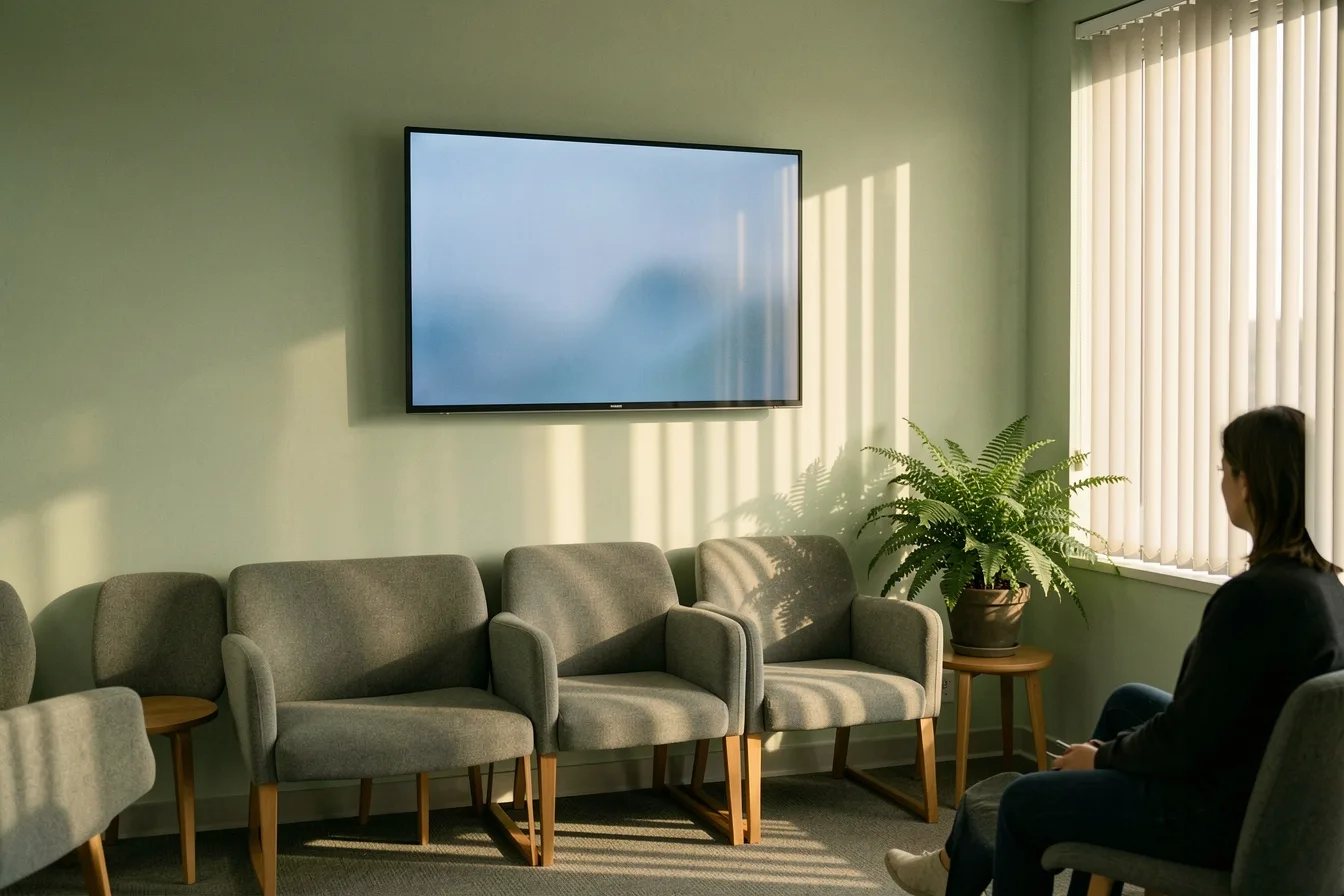
The usual causes are boring. Store Wi-Fi drops at peak hours. A smart TV installs an update overnight, reboots and lands on its home menu instead of the HDMI input. A player hangs after weeks of uptime. Someone unplugs the screen to charge a phone.
Picture a clinic waiting room with two screens showing wait times and health tips. When the Wi-Fi fails, a player without offline playback goes black and patients start asking the front desk what is wrong. A player that caches content keeps the loop running until the network returns.
What prevents most of these visits:
- Offline playback, so content keeps running when the internet drops.
- HDMI CEC control, which lets the player switch the TV on, off and back to the right input on schedule. Our guide to turning screens on and off automatically covers the setup.
- A hardware watchdog that restarts a frozen player by itself. Look’s Verde PRO stick ($149) has one and runs off the TV’s USB port, so you need no free power socket behind the screen.
- A small UPS for screens that show critical information, such as departure times or queue numbers.
How do software fees grow as you add screens?
Software is priced per screen per month, so the monthly number looks small and the three-year number does not. At $15 per screen, 25 screens cost $375 a month and $13500 over three years, according to Cast Hub’s pricing math. Multiply before you sign.
Look DS is a cloud digital signage CMS (the software you use to upload content and schedule it to screens) from $15 per screen per month, or $6 with yearly volume billing, with a free trial. The Look Player app is free and runs on Android, Windows, Linux, macOS, LG webOS, Samsung Tizen, Raspberry Pi and Fire OS, so you can often reuse screens and players you already own. It also offers on-premise deployment, a white label and reseller program, and holds a 4.9 rating on Capterra from 116 reviews. Two limits to know: it is a smaller brand than Yodeck or ScreenCloud with fewer third-party apps in its marketplace, and its hardware players ship from its own shop rather than big retailers. Current plans are on Look’s pricing page.
Whichever vendor you pick, check these hidden software costs:
| Question to ask | Why it matters |
|---|---|
| Is the player app free on every platform? | Some vendors require their own hardware |
| Are users or locations charged extra? | Costs grow with staff, not screens |
| Which features sit in a higher tier? | Scheduling or user roles may cost more |
| Does content play offline? | Prevents black screens and call-outs |
| Can you export your content if you leave? | Switching vendors costs rebuild time |
A gym with 6 screens is a good test. At $15 per screen that is $90 a month, or $1080 a year. If the vendor also charges for each extra admin login and requires its own $200 player per screen, the real first-year number is several times the headline price.
Who keeps the content fresh, and what does that cost?
Staff time is the cost that never appears on a quote and lasts as long as the screens do. Someone has to update prices, swap promotions and remove last month’s event. When nobody owns the screens, you end up with a Christmas offer running in February.
A cafe with 2 menu boards changes prices on maybe 10 items twice a year and swaps a seasonal drink every month. With templates and scheduled playlists that is about 30 minutes a month. Without them, it means rebuilding slides in a design tool, exporting and re-uploading, which takes an afternoon and usually gets postponed.
Keep this cost low with three habits: name one owner per location, schedule content in advance with start and end dates, and use templates so a new hire can edit a price without breaking the layout. Most vendors offer free tutorials and knowledge bases, so external training is rarely needed for teams under 20 screens.
Disclosure: Digital Signage Trends is published by Look Digital Signage.
FAQ
What is the most common hidden cost of digital signage?
Installation extras are the most common. A missing Ethernet port or power outlet behind the screen adds $100 to $700 per screen, plus a second visit if nobody checked the wall first. A site survey before ordering prevents most of it.
Can I use a regular TV for digital signage?
You can for light use, such as a staff room screen running a few hours a day. For customer-facing screens running 12 hours or more, consumer TV warranties usually do not cover commercial use, so a failure means paying for a full replacement. Commercial displays typically come with three-year warranties.
Do I need a music license if my signage plays video with sound?
Yes, in most countries public playback of commercial music needs a public performance license per location. In the US each performing rights organization (BMI, ASCAP, SESAC, GMR) licenses its own catalog. Running screens silent or using music with a business license included avoids the issue.
How much should I budget per screen per year after installation?
Plan for software (typically $6 to $30 per screen per month), music licensing if you use sound, occasional repairs and staff time for content. Add security costs if you run old Windows PCs: Windows 10 updates cost $122 per device in year two. Commercial screens and players with remote management keep repair visits rare.
How do I avoid paying for downtime?
Choose a player with offline playback, a watchdog that restarts it automatically and HDMI CEC control so it can turn the TV on and switch inputs on schedule. Keep players on a separate network segment. These steps remove most of the reasons a technician needs to visit.
Sources
- 2026 Digital Signage Cost Guide: Full Pricing Breakdown, Hidden Costs and ROI
- Samsung Business Insights: Why you shouldn’t use consumer TVs for commercial digital signage
- TrendForce: Surging Memory, Panel, and Precious Metal Prices Weigh on TV Brand Profitability
- Yodeck: Digital signage installation cost, surveys and hiring guide 2026
- My Corporate Radio: How much is a BMI license? Retail rates by store size
- Tunio: Background Music License for Business 2026
- Top 6 Business Music Licensing Services in 2026
- Ingite: Windows 10 ESU Price Doubles
- Cast Hub: Digital Signage Pricing 2026