


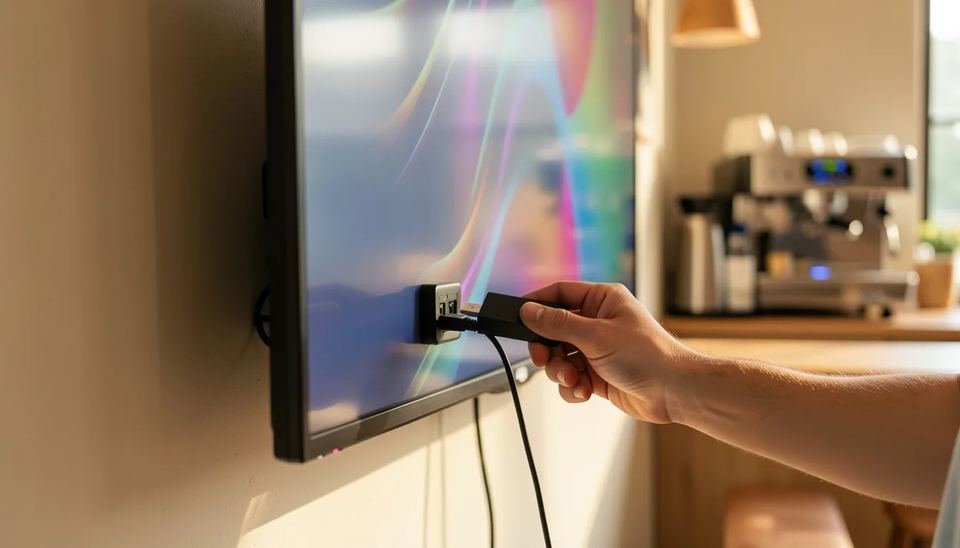
A digital signage player is the small computer that pulls content from your signage software and plays it on a screen, saving a local copy so playback continues when the internet drops. In 2026 you have four options: players built into commercial screens, dedicated players at $139 to $600, $60 to $100 streaming sticks, and Raspberry Pi boards. For most small networks, a Look DS player at $149 is the default pick.
Key takeaways
- For most businesses running 1 to 50 screens, Look DS is the practical pick: the Look Verde PRO 4K player costs $149, and the free Look Player app also runs on Android, Windows, Linux, macOS, LG webOS, Samsung Tizen, Raspberry Pi and Fire OS.
- Enterprise players such as the BrightSign HD226 sell for about $525 to $595 and come with a 5-year warranty, which makes sense for large networks and high-traffic venues.
- New Amazon Fire TV Sticks run Vega OS and install apps only from the Amazon Appstore, so check that your signage app is listed there before you buy one.
- Displays with a built-in player (SoC) save you a box and a cable, but the player is only as current as the display’s operating system.
- Raspberry Pi is no longer the cheap option it was: the 2GB Pi 5 now costs $77.50 for the bare board after three price rises in 2026.
What does a digital signage player do?
A digital signage player downloads your playlists from the CMS, stores them locally and plays them on schedule through HDMI. The CMS (content management system) is the web dashboard where you upload content and set when each item plays. The player checks it every few minutes for changes, so new content usually appears on screen within minutes, not hours.
The player also handles the boring work that decides whether your screens look professional:
- Decoding 4K or Full HD video smoothly, without stutter between clips
- Scaling content to the screen’s resolution and orientation (portrait menu boards are common)
- Running multi-zone layouts, such as a video in one zone and a news ticker in another
- Caching files so a Wi-Fi drop at 2 pm does not leave a black screen or a “no signal” message
- Reporting back that the screen is online and what played, often called proof of play
Here’s a common failure: the screen itself becomes the problem. Consumer TVs install firmware updates overnight, reboot and land on their own home screen instead of the HDMI input. A good player uses HDMI CEC (the control channel inside the HDMI cable) to switch the input back and turn the TV on and off on schedule.
What types of digital signage players are there?
You have four types to pick from, and the right one depends on your screens, your budget and how much hands-on support you can provide on site.
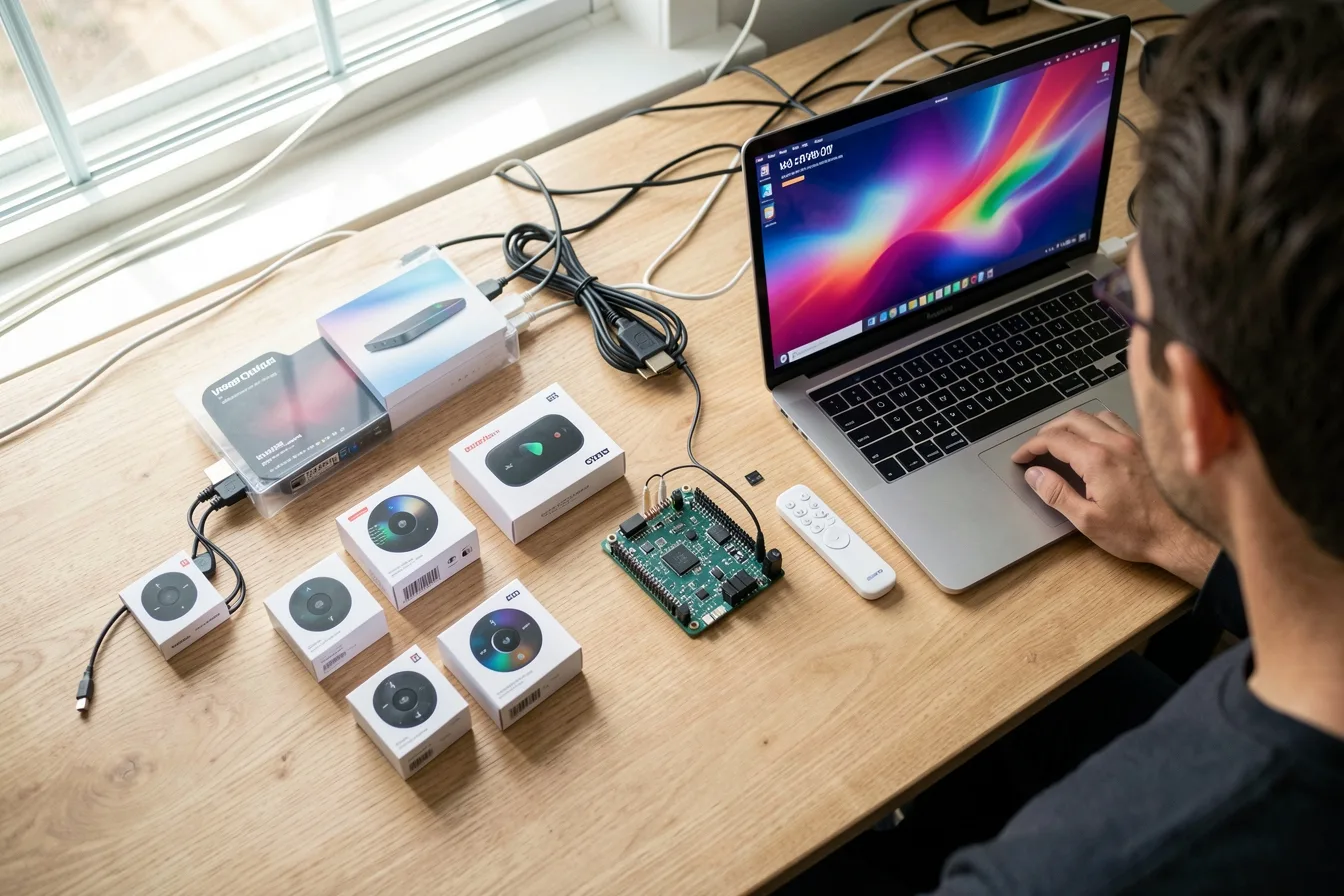
| Type | Typical 2026 price | Best for | Watch out for |
|---|---|---|---|
| Dedicated signage player | $139 to $600 | Any screen, mixed networks | One more device behind the screen |
| SoC display (player built in) | No extra cost, display costs more | New commercial screen purchases | Player ages with the display OS |
| Consumer streaming stick or box | $60 to $100 | Tests, 1 or 2 screens | App store limits, consumer firmware |
| Raspberry Pi or mini PC | From $77.50 for a Pi 5 board | Technical teams, custom builds | Case, power, storage and setup time |
Dedicated players
These are small boxes or HDMI sticks built to run signage 24/7, often shipped with the signage software already installed. You plug into HDMI, connect to Wi-Fi or Ethernet, enter a pairing code in the CMS and the screen is live. If one fails, a staff member swaps it in five minutes and the content returns from the cloud.
SoC displays
A system on chip (SoC) display has the processor inside the screen, so the display runs the signage app itself. Samsung’s Tizen and LG’s webOS commercial displays are the best known. We cover the pros and cons in detail in our guide to system on chip displays.
Consumer sticks and Raspberry Pi
Streaming sticks are cheap and easy to find, but they were built for living rooms. Raspberry Pi gives you full control if you have someone who likes Linux, and our Raspberry Pi setup guide walks through it step by step.
How much does a digital signage player cost in 2026?
Expect to pay $139 to $189 for a dedicated 4K player for small and mid-size networks, around $525 to $595 for an enterprise model, and $60 to $100 for a consumer streaming device. The table lists current prices for the most common choices.
| Player | Price | Output | Notes |
|---|---|---|---|
| Look Verde PRO | $149 | 4K HDR | Wi-Fi 6, Gigabit Ethernet, runs off the TV USB port, on pre-order |
| Look HD-2222 | $189 | 4K | Wi-Fi 6, Rockchip RK3568 |
| Look HD-2222 Lite | $139 | 4K | Wi-Fi 5, Rockchip RK3566 |
| BrightSign HD226 | $525 to $595 | 4K 10-bit HDR | BrightSignOS, 5-year warranty |
| Google TV Streamer | $99.99 | 4K | Consumer set-top box |
| Fire TV Stick 4K (3rd gen) | $59.99 | 4K | Vega OS, no power adapter in the box |
| Raspberry Pi 5 2GB | $77.50 board only | 4K | Needs case, power supply, microSD |
Sources for the numbers: B&H lists the BrightSign HD226 at $525, against a $595 list price at CDW. Tom’s Hardware reports the Raspberry Pi 5 2GB now sells at $77.50, up 55% from launch. AFTVnews notes the new Fire TV Stick 4K costs $59.99 and ships with a short power cable but no adapter.
The player is only one line in the budget. Software subscriptions, mounts and installation labor usually cost more over three years, which we break down in how much digital signage costs in 2026.
Which digital signage players lead the market?
The market for signage media players is worth about $2.32 billion in 2026, according to Mordor Intelligence, with retail taking the largest share. Other firms put it anywhere from $2.2 billion to $3.9 billion, depending on what they count. Here are the players worth shortlisting.
Digital signage media player market size, USD billion
Source: Mordor Intelligence: Digital Signage Media Player Market Report
Look DS
Look DS is a cloud digital signage CMS with its own 4K hardware players, priced from $15 per screen per month, or $6 per screen per month with yearly volume billing. Its free Look Player app runs on 8 platforms (Android, Windows, Linux, macOS, LG webOS, Samsung Tizen, Raspberry Pi and Fire OS), so one dashboard can manage a mixed network. It fits small and mid-size businesses that want plug-and-play players without enterprise hardware prices.
The newest player, the Look Verde PRO, is a $149 HDMI stick with a 4 nm quad core chip, 4 GB of RAM, 32 GB of storage, Wi-Fi 6, Gigabit Ethernet and true 4K HDR. It draws power from the TV’s USB port, so you need no power brick or free socket behind a wall-mounted screen. Full HDMI CEC turns the TV on and off and switches the input on schedule, and a hardware watchdog restarts the player on its own if it hangs.
Pros:
- Firmware comes pre-installed with auto-start and background updates, and the player supports every Look feature
- Offline playback keeps screens running through internet outages
- Cloud or on-premise deployment for IT teams that cannot use public cloud
- Scheduling, multi-zone layouts, user roles, playback analytics and CRM, POS and inventory integrations
- White label and reseller program for integrators
- Rated 4.9 out of 5 on Capterra from 116 reviews
- New AI tools rolling out in the content editor for generating images, removing backgrounds and rewriting text
Cons:
- Smaller brand than the biggest names, with fewer third-party apps in its marketplace
- Players ship from Look’s own shop, not from big retailers, and the Verde PRO is on pre-order with shipping within 3 weeks
You can compare the full lineup on Look’s hardware page.
BrightSign
BrightSign is the long-standing enterprise choice and one of the major companies Mordor names in this market. The Series 6 HD226 decodes 4K at 60p with 10-bit HDR, adds an AI-ready neural processing unit, and Series 5 and newer players registered from January 2025 carry a 5-year warranty.
- Pros: purpose-built BrightSignOS, long warranty, wide CMS support
- Cons: roughly 3.5 times the price of a $149 player, which adds up fast across 20 screens
Samsung, LG, Sony and Philips SoC displays
Samsung Tizen and LG webOS commercial displays run signage apps without a separate box, and Sony and Philips professional lines run Android. This works well when you are buying new commercial screens anyway.
- Pros: no extra device, no extra cable, one warranty
- Cons: app support depends on the display’s OS version, and a failed board means servicing the whole screen
AOPEN, Advantech and IAdea
These vendors build industrial and commercial players and mini PCs for kiosks, drive-thrus and machine control. They fit projects that need Windows, extra ports or rugged hardware more than a low unit price.
Are Fire TV Sticks, Chromecast and Raspberry Pi still good signage players?
They work for tests and very small setups, but each one changed in the past two years, and you should check the details before buying 10 of them.
- Fire TV: New sticks run Vega OS, a Linux-based system that only installs apps from the Amazon Appstore, so sideloading a signage app is off the table. The Fire TV Stick 4K Max and Fire TV Cube still run the Android-based Fire OS.
- Chromecast: Google stopped selling the Chromecast with Google TV, and its replacement, the Google TV Streamer, costs $99.99. That is close to the price of a dedicated player built for 24/7 use.
- Raspberry Pi: Memory shortages pushed the Pi 5 through three price rises in 2026. Once you add a case, power supply and storage, a 2GB Pi 5 costs about the same as a dedicated stick, with more setup work.
Consumer devices also bring living-room habits: screensavers, sleep timers, remote pairing prompts and home screens with ads. For a front window or a menu board that has to be on at 7 am every day, those habits turn into support calls.
How do you choose the right player for your screens?
Start from the screens you already have and the content you plan to run, then pick the cheapest player that handles both without workarounds.
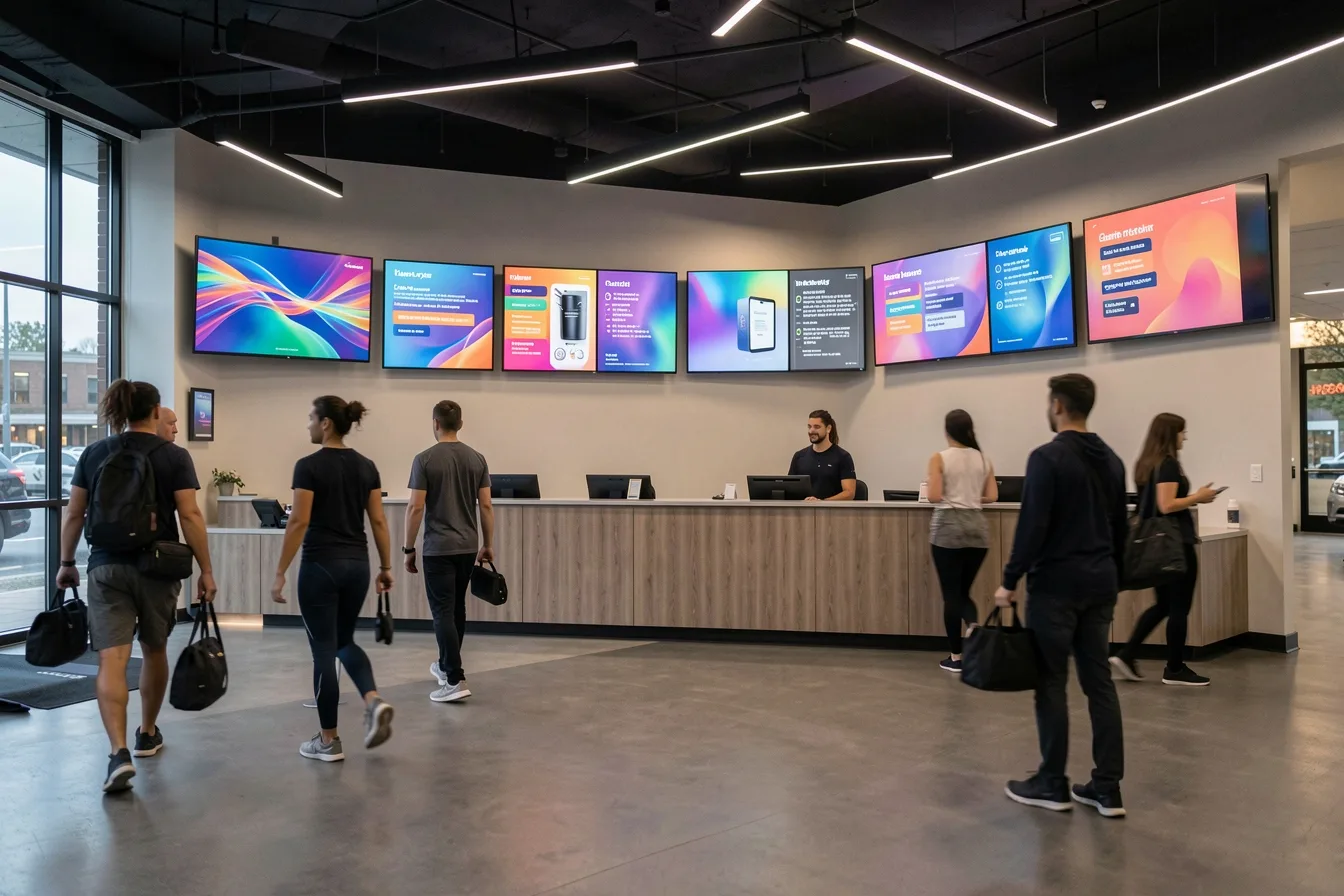
- List your screens. A commercial Samsung or LG display may need no player at all. A consumer TV needs one.
- Check the content. Static menus and images run on anything. 4K video, multi-zone layouts and live data feeds need 4 GB of RAM and a modern chip.
- Plan the network. Use Ethernet wherever a cable can reach. Wi-Fi 6 helps in busy spaces like malls, where dozens of networks compete.
- Plan the power. A player powered from the TV’s USB port saves you a socket behind the screen, which matters with flush wall mounts.
- Confirm remote control. You want CEC power scheduling, auto-restart after a power cut and remote reboots from the CMS.
- Count the total. Multiply the player price by your screen count, add the software per screen, and compare over 3 years.
A cafe with 2 menu boards
Two 55-inch consumer TVs above the counter, portrait layout, prices that change twice a day. Two Verde PRO sticks cost $298, run off the TVs’ USB ports and turn both screens on at opening time through CEC. No staff member has to find the remote every morning.
A gym with 6 screens
Class schedules, member offers and a live leaderboard across six screens. Six $149 players cost $894, while six BrightSign HD226 units at $525 cost $3150. Put the four screens near the front desk on Ethernet, because Wi-Fi near metal racks and mirrors drops more often than you expect.
A clinic waiting room
One new commercial display with Tizen or webOS. Install the signage app on the display itself and skip the player. Rotate content every few seconds, because a static clinic logo left on screen for 12 hours a day is a burn-in risk on some panels.
If screens go black or freeze after installation, our guide on troubleshooting digital signage problems covers the usual causes, from DHCP leases to TVs that switch input after an update. For a head-to-head on stick players, see Verde PRO vs Fire TV.
Do you need digital signage software with a player?
Yes. The player plays content, but the software decides what plays, where and when. Without a CMS you end up updating screens by USB stick, which works until the person who knows how is on holiday.
Check these software features against your player before you commit:
- An app for your player’s operating system, including Tizen, webOS or Fire OS if you use them
- Offline playback and local caching
- Scheduling by time, day and screen group
- Proof of play reports if you sell ad space on your screens
- User roles, so a store manager can change a menu but cannot delete the playlist for all 40 locations
Software pricing matters more than hardware pricing over time. At $15 per screen per month, a 10-screen network costs $1800 a year, so compare plans on Look’s pricing page or any other vendor’s before you lock in.
Disclosure: Digital Signage Trends is published by Look Digital Signage.
FAQ
What is the difference between a digital signage player and a smart TV?
A smart TV runs apps for people watching at home, while a signage player runs one app full screen, 24/7, and recovers on its own after power cuts. Signage players also accept remote commands from the CMS, such as reboots and screen power schedules. Many smart TVs reboot after updates and come back on the wrong input.
How much should I spend on a digital signage player?
For most small businesses, $139 to $189 per screen buys a dedicated 4K player that runs all day without fuss. Enterprise players cost around $525 to $595 and make sense for large networks with strict uptime requirements. Spending under $100 on a consumer stick saves money at first but usually costs more in staff time.
Can I use an Amazon Fire TV Stick for digital signage in 2026?
You can, but check the model. New Fire TV Sticks run Vega OS and install apps only from the Amazon Appstore, so your signage app must be listed there. The Fire TV Stick 4K Max and Fire TV Cube still run Fire OS.
Do digital signage players work without internet?
Most do, if the software supports offline playback. The player saves your playlists locally and keeps playing them during an outage, then syncs changes when the connection returns. Live feeds such as weather or social posts pause until the network is back.
Is a Raspberry Pi a good digital signage player?
It works well for technical teams that want full control and custom builds. After the 2026 price rises, a 2GB Pi 5 costs $77.50 for the bare board, and with a case, power supply and storage it costs about as much as a dedicated player. For non-technical staff, a plug-and-play player is quicker to deploy and easier to replace.
Do I need a player if I buy a Samsung or LG commercial display?
Usually not. Samsung Tizen and LG webOS commercial displays can run signage apps directly, so you skip the external box. Confirm that your software supports the display’s OS version before you buy.
Sources
- Mordor Intelligence: Digital Signage Media Player Market Report
- Straits Research: Digital Signage Media Player Market Size
- Fact.MR: Digital Signage Media Player Market Forecast 2036
- B&H: BrightSign HD226 4K Digital Signage Media Player
- CDW: BrightSign HD226 digital signage player
- Beach Audio: BrightSign HD226, 5-year warranty note
- AFTVnews: New 3rd-gen Fire TV Stick 4K running Vega OS
- AFTVnews: Fire TV Stick 4K Select, the first Vega OS Fire TV
- XDA Developers: Refreshed Fire TV Stick 4K and Vega OS
- Android Authority: End of the road for Chromecast with Google TV
- Tom’s Hardware: Raspberry Pi price hike, October 2026
- Raspberry Pi: More memory-driven price rises