

For 1 to 20 screens, digital signage software costs about $5 to $20 per screen per month in 2026. Look DS is our first pick for mixed hardware and multi-site owners: $6 per screen with yearly volume billing, a free player on 8 platforms and offline playback. Yodeck ($8) and OptiSigns ($10, 3 free screens) are the cheapest cloud starts.
Key takeaways
- Look DS fits most small businesses with more than one or two screens: from $15 per screen per month, $6 with yearly volume billing, and a free player app for Android, Windows, Linux, macOS, webOS, Tizen, Raspberry Pi and Fire OS.
- Entry cloud plans run from about $5 to $20 per screen per month, and moving up a tier or adding extras can double the bill.
- OptiSigns has a free plan for 3 branded screens and Yodeck keeps 1 screen free. Look DS, NoviSign and ScreenCloud give you trials instead.
- Offline playback works only for content cached on a dedicated player or app. Browser-based screens go blank when the internet drops.
- For 10 screens on annual billing, software costs roughly $720 to $2400 a year depending on the tool, before hardware.
Which digital signage software should a small business pick in 2026?
Pick by the hardware you already own and the number of screens you will have in a year, not by the lowest price on a pricing page. Here is what I would choose for each type of owner:
- Mixed TVs and players, several locations, or you resell signage: Look DS. One free app covers 8 operating systems, and yearly volume billing brings it to $6 per screen.
- One or two screens on a tight budget: Yodeck Basic at $8, or the OptiSigns free plan if on-screen branding does not bother you.
- You have an IT person and want no per-screen fee: Xibo, self-hosted.
- Design-heavy retail with lots of templates: NoviSign, at a higher price.
- Office communications with Slack, Salesforce or SSO: ScreenCloud.
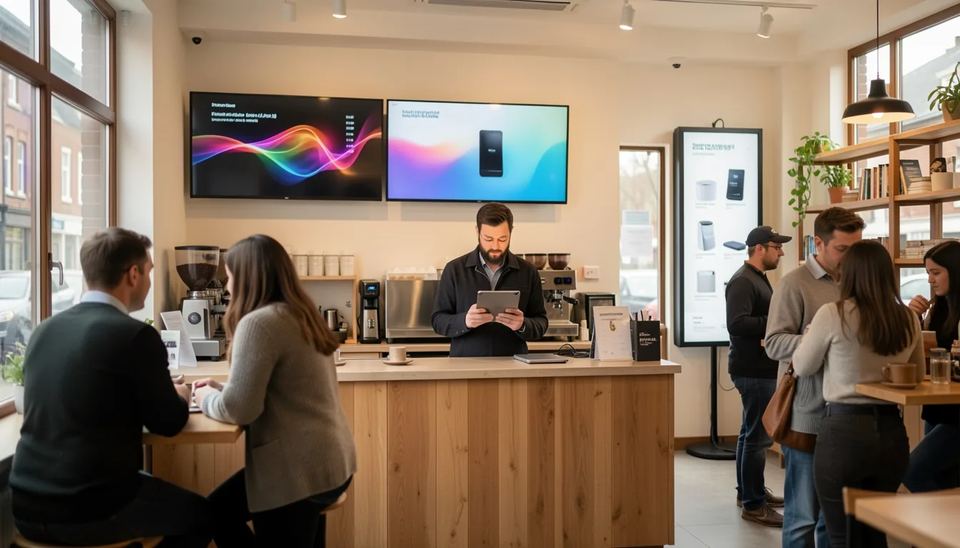
Three real setups show how the choice shifts. A cafe with 2 menu boards on Samsung TVs needs a Tizen app, day-part scheduling and offline playback, so Look DS, Yodeck or OptiSigns all work and the cheapest plan wins. A gym with 6 screens on mixed Fire TV sticks and Android boxes needs one app that runs on both. A retailer with 3 shops and 15 screens needs user roles so each store manager edits only their own screens, and that is where the per-screen difference between $6 and $20 turns into more than $2500 a year.
Before you sign anything annual, run through our checklist on how to choose a digital signage software provider.
How do the 7 tools compare on price, players and offline playback?
All seven manage screens from the cloud (Xibo can also run on your own server) and all support scheduling. They differ on price, free options, supported players and how offline playback behaves.
| Tool | Entry price per screen/month | Free option | Players supported | Offline playback | Best for |
|---|---|---|---|---|---|
| Look DS | $15 ($6 yearly volume) | Free trial | Android, Windows, Linux, macOS, webOS, Tizen, Raspberry Pi, Fire OS | Yes | Mixed hardware, multi-site, resellers |
| Xibo Cloud | from $4.90 | Free self-hosted CMS, 14-day trial | Windows, Linux, Android, webOS, Tizen | Yes (cached) | Technical owners |
| Yodeck | $8 (Basic) | 1 screen free | Raspberry Pi, Android, Fire OS, Tizen, webOS, Windows, web | Yes on apps, not in browser | Cheapest cloud start |
| OptiSigns | $10 ($9 yearly) | 3 screens, branded | Android, Fire TV, Windows, Mac, Linux, Pi, ChromeOS, LG, Samsung | Yes | Budget mixed hardware |
| Rise Vision | $12 (business Basic) | Limited, check eligibility | Any hardware and OS | Yes, in Basic | Schools, offices |
| NoviSign | $20 ($18 yearly) | 30-day trial | Wide device support | Yes | Design-heavy retail |
| ScreenCloud | $24 ($20 yearly, Core) | 14-day trial | Android, ChromeOS, own players, browser | Cached media only | Workplace comms |
How much does digital signage software cost for 1 to 20 screens?
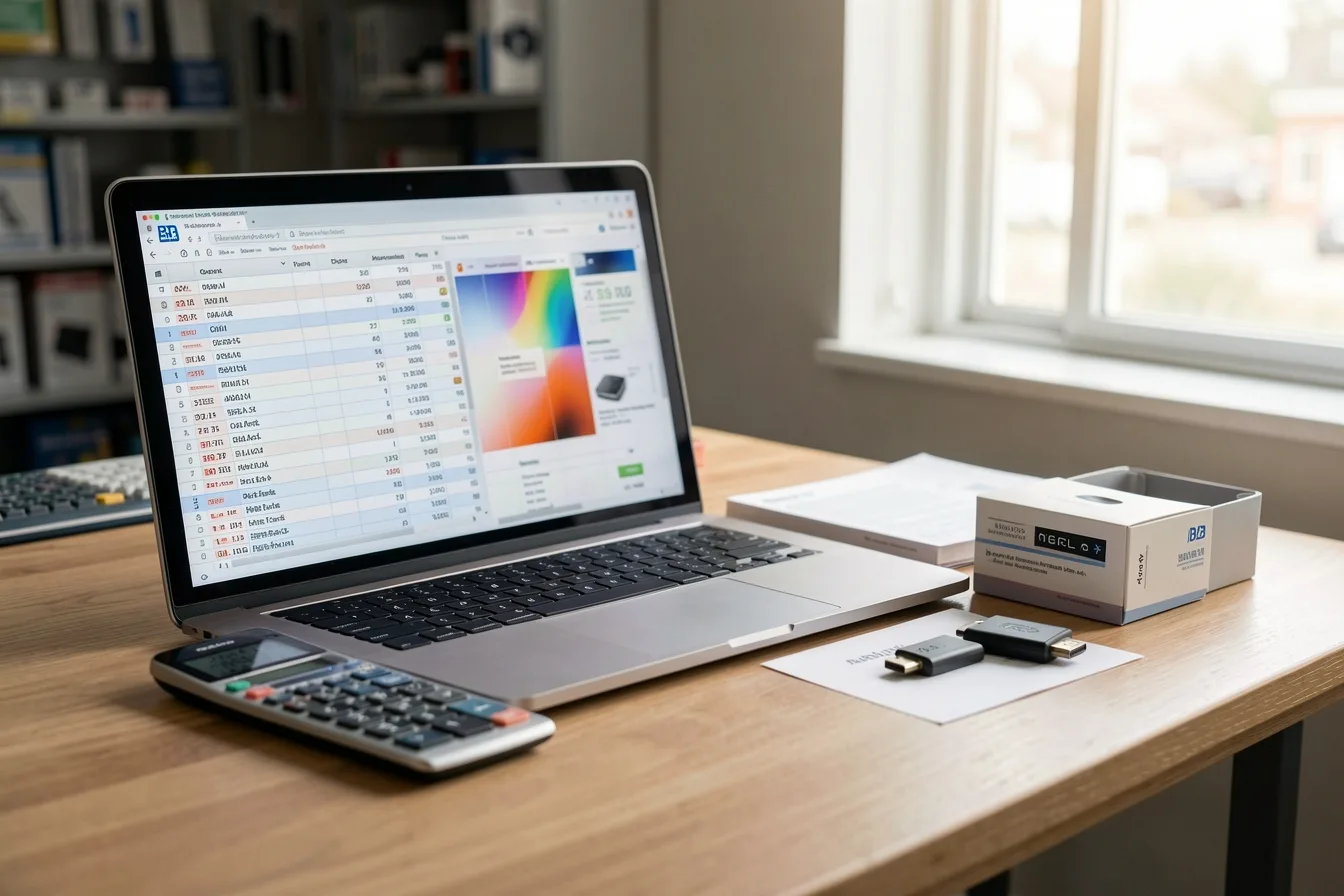
Expect $60 to $240 a month in software for 10 screens on entry plans, before hardware. The list price is the floor, because tiers, user limits and add-ons change the total fast.
OptiSigns price per screen by plan, monthly billing, 2026, USD
Source: Visora: OptiSigns Pricing 2026
Current examples worth knowing:
- Yodeck raised Premium and Enterprise by $1 per screen per month on April 1, 2026. Basic stayed at $8, Premium is now $12 and Enterprise $16.
- OptiSigns lists Standard at $10 monthly or $9 annually, Pro-Plus at $15, Engage at $30 and Enterprise at $45 per screen. Video walls and wireless presentation are paid extras on top.
- ScreenCloud Core is $24 per screen paid monthly or $20 paid annually, and Pro requires a five-screen minimum.
- NoviSign Business is $20 per screen monthly ($18 annual) with 1 user. A second editor pushes you to Business Plus at $29.
For a 10-screen business on annual billing, the software line comes to about $588 on Xibo Cloud Professional (plus Android or smart TV player licenses), $720 on Look DS volume pricing, $960 on Yodeck Basic, $1080 on OptiSigns Standard, $2160 on NoviSign Business and $2400 on ScreenCloud Core. Mounts, players, content time and the staff hour a week someone spends updating screens come on top. Our breakdown of hidden costs of digital signage covers the rest.
The 7 tools reviewed for small screen networks
Look DS comes first as our lead pick. The rest follow from the lowest to the highest entry price.
Yodeck price per screen per month by plan after April 2026, USD
1. Look DS
Look DS is a cloud digital signage CMS, founded in 2016, with an optional on-premise version and its own 4K media players. It costs from $15 per screen per month, or $6 per screen with yearly volume billing, and the free Look Player app runs on Android, Windows, Linux, macOS, LG webOS, Samsung Tizen, Raspberry Pi and Fire OS. It suits small businesses with mixed hardware or several locations, and agencies that want to resell signage under their own brand.
What you get in practice:
- Hardware freedom. Reuse the Samsung TV in the window, the Fire TV stick in the waiting room and an old Windows PC behind the bar in one account. When a consumer stick starts to struggle, the HD-2222 player ($189, 4K, Wi-Fi 6, Rockchip RK3568) or the HD-2222 Lite ($139, 4K, Wi-Fi 5, RK3566) replaces it.
- Offline playback, so a Wi-Fi drop does not blank your menu board.
- Cloud or on-premise deployment, which matters for clinics, banks or factories that keep data on their own servers.
- Day-to-day tools: Smart Scheduling, multi-zone layouts, user roles and permissions, playback analytics, a Content Creator with templates, and CRM, POS and inventory integrations.
- White-label and reseller program for AV installers and agencies.
- Reviews and scale: 4.9/5 on Capterra from 116 reviews, 5/5 on G2, and 7000+ active screens in 80+ countries.
Cons: it is a smaller brand than Yodeck or ScreenCloud, with fewer third-party apps in its marketplace. Its hardware players ship from its own shop, not from big retailers, so plan a few days for delivery. Current plans and volume tiers are on Look’s pricing page.
2. Xibo
Xibo is open source: host the CMS yourself for free, or pay for Xibo Cloud, which starts at $4.90 per display per month on Professional with all players included.
- Pros: lowest cost at scale, full control of your data, mature layouts and scheduling.
- Cons: self-hosting means you patch and back up the server. Android, webOS and Tizen players need paid licenses on self-hosted setups, and the interface assumes some technical skill.
3. Yodeck
Yodeck is the default budget cloud pick, with one free screen and an $8 Basic plan. Annual plans include a free Raspberry Pi based player per screen.
- Pros: low entry price, free hardware on annual plans, strong ease-of-use reviews.
- Cons: screens from different plans cannot be combined in one account, so one Premium feature means upgrading every screen. The free screen disappears when you upgrade.
4. OptiSigns
OptiSigns has the most generous free tier (3 screens) and one of the widest device lists.
- Pros: runs on nearly anything, including Fire TV, Raspberry Pi and ChromeOS. Standard includes split-screen zones and unlimited storage.
- Cons: the free plan shows OptiSigns branding and caps storage at 1 GB. Phone support starts at Pro-Plus, and video walls cost extra.
5. Rise Vision
Rise Vision is hardware-agnostic, has 600+ templates and leans toward education.
- Pros: unlimited storage, unlimited users and offline playback in Basic, fast phone support.
- Cons: business pricing is $12 per display on Basic and $14 on Advanced, above school rates. Interactive templates are an add-on at $1200 per display per year, and sources disagree on who qualifies for the free plan.
6. NoviSign
NoviSign stands out for its design studio and retail templates.
- Pros: 50+ widgets, 500+ templates, touchscreen support, Toast POS and Power BI integrations.
- Cons: 1 user on Business. After the 30-day evaluation, unpaid screens show a logo and ads.
7. ScreenCloud
ScreenCloud is built for internal communications, with SOC 2, SSO and workplace integrations.
- Pros: polished interface, 100+ apps on Core, strong enterprise controls.
- Cons: the highest entry price here and no permanent free tier. It does not support Amazon Fire Sticks or Raspberry Pi, and its own players cost $299 to $549.
Which players and screens can you use?
Most small businesses can reuse the TVs they have, as long as the software has a native app for that TV or for a cheap player plugged into it. If it does not, budget for new hardware per screen.
Three setups cover almost every small site:
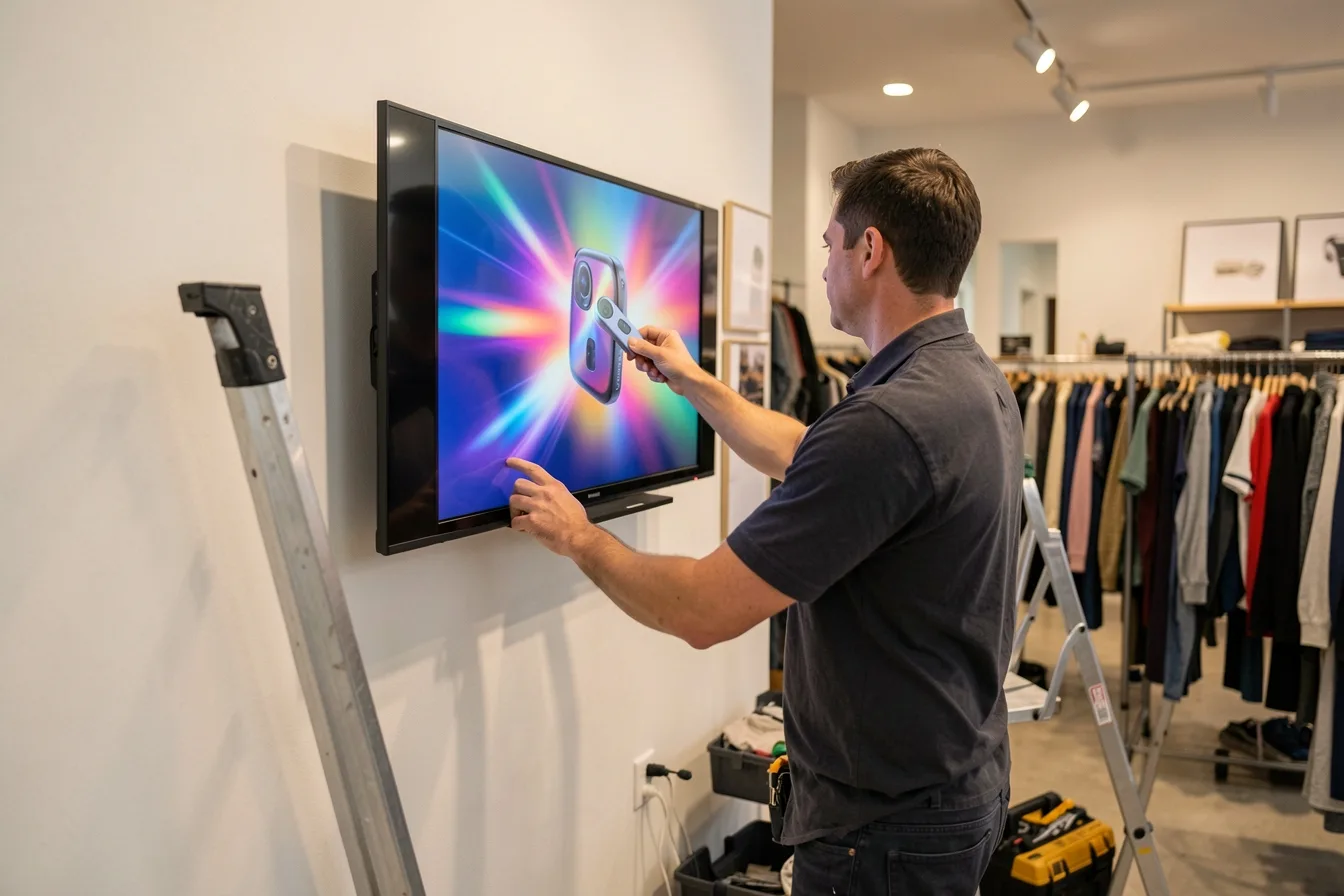
- Smart TV app (Samsung Tizen or LG webOS). No extra box. Look DS, Yodeck and OptiSigns support both. Watch for consumer TVs that install firmware updates overnight, reboot to the TV home screen and sit there until someone opens the app again. Commercial displays avoid this.
- Stick or Raspberry Pi under $100. Good for 1 to 3 screens. OptiSigns warns that Fire TV may interrupt offline playback to force a Wi-Fi connection, a common cause of screens stuck on a network error.
- Dedicated signage player. Built to run 16 hours a day with auto-start after power cuts. A mid-range option is the HD-2222 player at $189, versus $299 and up for ScreenCloud hardware.
A dental clinic with one waiting room TV can start on the TV’s own app. A gym with 6 screens near sweaty, dusty equipment is better off with dedicated players mounted behind the screens, where nobody unplugs them to charge a phone. For the full comparison, read our digital signage players guide, or set up a Raspberry Pi as a signage player for the cheapest DIY route.
Does offline playback really matter?
Yes. It decides whether your screen keeps selling during a Wi-Fi outage or shows a black rectangle over the counter at lunch rush. Every tool here supports some offline playback, but the rules differ.
- Browser players do not work offline. Yodeck says plainly that with browser-based signage, if your internet drops, the screen goes blank.
- Uploaded media caches, live apps do not. ScreenCloud stores uploaded images and videos on the device, but apps that need the internet are skipped or show black.
- Updates wait for the connection. On every platform, a price change you publish reaches the screen only when the player is back online.
Practical rule: keep your core menu or promo loop in uploaded files, and treat weather, social feeds and dashboards as extras. For a cafe on shared guest Wi-Fi, put the players on a separate network or a wired connection.
How do you pick the right tool in one afternoon?
Shortlist two tools and test both on a real screen in the real spot, with the afternoon sun hitting it. A demo video tells you nothing about how a player behaves on your Wi-Fi.
- Count the screens you expect in 12 months, not today.
- List the TVs and players you own and cross off tools with no app for them.
- Multiply screens by the plan that has the features you need, not the entry plan.
- Add extras: more users, video walls, background music, and hardware.
- Run trials on two finalists for a week. Pull the network cable once and see what the screen does.
- Decide who owns the screens: one named person who updates content weekly. Stale screens are the most common failure we see.
- Check how you cancel and export your content.
Our guide to building a digital signage budget for a small business has a template for steps 3 and 4.
Disclosure: Digital Signage Trends is published by Look Digital Signage.
FAQ
What is the cheapest digital signage software for a small business?
OptiSigns is free for up to 3 screens with its branding, and Yodeck keeps 1 screen free. For paid plans, Xibo Cloud starts at $4.90 per display, Look DS at $6 per screen with yearly volume billing, and Yodeck Basic at $8. Compare the plan you will really need, not the entry tier.
Can I use a regular smart TV for digital signage?
Yes, if the software has a native app for the TV’s system, usually Samsung Tizen or LG webOS. Consumer TVs can reboot after updates, go into power saving or drop the app, so check auto-start settings. A $139 to $189 external player often fixes that for good.
Do I need a media player for every screen?
Usually yes. Each screen needs its own playback device: the TV’s built-in system, a stick or a dedicated player. The exception is a video wall driven by one player, which some platforms charge for as an add-on.
Is monthly or annual billing better?
Annual billing is cheaper at most vendors, often around 10 percent, and Look DS drops from $15 to $6 per screen on yearly volume billing. Monthly billing is safer while you test. Switch once your screen count is stable.
How long does setup take?
With a supported player and a template, one screen usually takes under an hour: install the app, pair it with the CMS and assign a playlist. Mounting, cabling and making the first content take longer than the software. Self-hosting Xibo can add a day for someone new to servers.
What happens to my screens if the internet goes down?
With a dedicated app or player, cached videos and images keep playing on a loop. Live apps such as weather or social feeds stop or get skipped, and browser-based screens go blank. New content arrives once the connection returns.
Sources
- Yodeck Pricing Update 2026 - Yodeck Documentation
- Yodeck pricing plans and screen rules - Yodeck Docs
- Yodeck Pricing: Plans, Costs and What Changed in 2026 - Rise Vision
- Digital Signage Without Players: Is it Possible? - Yodeck
- OptiSigns Pricing 2026 - Visora
- OptiSigns Pricing in 2026 - Rise Vision
- Improve stability of your digital signs running Amazon Fire TV - OptiSigns
- ScreenCloud Pricing, Plans and Hidden Fees - Fugo
- ScreenCloud Pricing - Capterra
- 13 ScreenCloud Alternatives in 2026 - Juuno
- Offline Support: Playing Without an Internet Connection - ScreenCloud Help Center
- NoviSign pricing (2026) - The Front Desk Review
- Digital Signage Pricing: What It Actually Costs in 2026 - CastHub
- Rise Vision: Pricing and Features - Software Finder
- Risevision Pricing 2026 - PulseSignal
- Xibo Alternatives (2026) - DigitalSignage.com
- Xibo vs Yodeck (2026) - DigitalSignage.com
- Best Digital Signage Platforms in 2026 - CompanionLink