


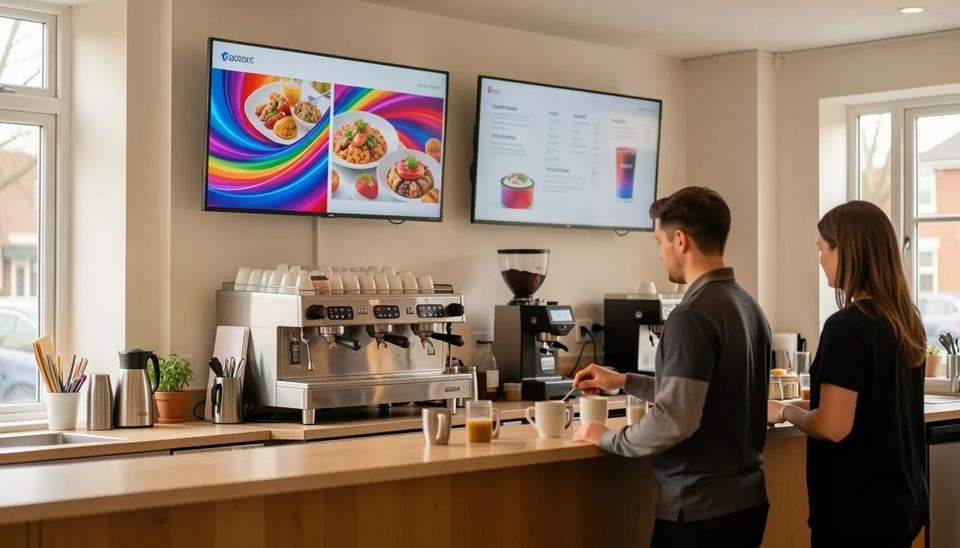
In 2026, digital signage costs about $500 to $3500 per screen in the first year. The display is the biggest line at $200 to $1400, software runs $6 to $30 per screen per month, and installation adds $0 to $800. For small and mid-size businesses I would start with Look DS: $15 per screen per month, and the player app is free on 8 platforms.
Key takeaways
- A single screen built on a TV you already own can run for under $600 in year one, while a commercial screen installed by a pro usually lands at $1800 to $3500.
- Software is the only cost that comes back every month, so a $5 gap per screen turns into $2400 a year across 40 screens.
- Look DS costs $15 per screen per month, or $6 with yearly volume billing, and its free Look Player runs on Android, Windows, Linux, macOS, webOS, Tizen, Raspberry Pi and Fire OS.
- A commercial 55-inch display such as the Samsung QB55C sells for roughly $850 to $1330 and comes with a built-in player, so you may not need a separate box.
- Set aside 15 to 25 percent of the budget for content, or your screens will be showing last season’s menu by month three.
What does digital signage cost per screen in 2026?
Most indoor screens cost $400 to $2500 up front, plus software every month. Yodeck’s 2026 cost guide puts a typical indoor setup at $400 to $2500 per screen upfront plus $8 to $30 per month. CrownTV, which quotes commercial installs, puts the working number at $1800 to $3500 per fully installed screen in year one and $300 to $700 a year after that.
The range is wide because you make five separate decisions. Here is what each one costs.
| Cost item | Typical 2026 range | How you pay |
|---|---|---|
| Display | $200 to $500 (consumer TV), $850 to $1400 (commercial 55-inch) | One time |
| Media player | $0 (built into the screen) to about $550 | One time |
| Software (CMS) | $6 to $30 per screen per month | Monthly or yearly |
| Mount and installation | $20 (DIY) to $800 per screen | One time |
| Content | $0 (templates) to $600+ per month (outsourced) | Ongoing |
CMS stands for content management system. It’s the cloud dashboard where you upload menus, videos and schedules and send them to your screens. For a line-by-line planning method, see our guide on building a digital signage budget for a small business.
How much do the screens cost?
A 43 to 55-inch consumer TV costs $200 to $500. A commercial display of the same size costs $850 to $1400. Cast-Hub’s 2026 breakdown puts repurposed consumer TVs at $200 to $500 for 43 to 55-inch panels and says they work fine in break rooms, reception areas and small shops.
Commercial panels cost more because they’re built to stay on all day. The Samsung QB55C, a common entry commercial display, has sold for $851 on Newegg, $1010 at CDW and $1330 list at DigitalDisplayStore. It’s rated for 16 hours a day, puts out 350 nits and carries a 3-year commercial warranty. Nits measure brightness. A normal TV is about 250 to 350, and a screen in a sunny shop window needs 700 or more to stay readable.
My rule after a lot of installs: a menu board that’s on 10 hours a day in a shaded cafe can be a consumer TV. If the screen runs 16 hours or more, faces a window, or the location can’t cope when a panel dies, buy commercial. Consumer TVs also install firmware updates on their own, reboot to the home screen and pop up app store banners. Staff tend to notice this in the middle of a lunch rush.
How much does a media player cost?
A media player costs $0 to about $550. It depends on whether your screen can run signage software on its own. A media player is the small computer that plays your content. Some commercial displays have one built in (an SoC, or system on chip, running Samsung Tizen or LG webOS), so the screen needs no extra box.
| Player | Price | What you get |
|---|---|---|
| Look Verde PRO (pre-order) | $149 | 4K HDR stick, Wi-Fi 6, Gigabit Ethernet, powered from the TV USB port |
| Look HD-2222 | $189 | 4K, Wi-Fi 6, Rockchip RK3568 |
| Look HD-2222 Lite | $139 | 4K, Wi-Fi 5, Rockchip RK3566 |
| Built-in SoC (Tizen, webOS) | $0 | Works if your CMS has an app for it |
| Consumer streaming stick | about $35 to $199 | Cheap, but it's a consumer device |
| BrightSign HD225 | about $428 | Extra I/O ports for interactive and sensor-driven setups |
Kitcast lists consumer options from $35 for a Fire TV Stick to $199 for an Apple TV 4K. Connection.com sells the BrightSign HD225 at $427.95. ScreenCloud sells its own players for $299 to $549, according to Juuno’s 2026 comparison.
The Verde PRO is the one I would pick for existing TVs. It draws power from the TV’s USB port, so you don’t need a free socket behind a wall-mounted screen. It uses HDMI CEC to switch the TV on and off on a schedule. A hardware watchdog restarts it if it ever hangs. Our digital signage players guide goes deeper on how to choose.
What does digital signage software cost per screen?
Most businesses pay $11 to $20 per screen per month for software. Published prices from the major platforms range from $6 to $45. In the State of Digital Signage 2026 survey of 515 operators, cited by Decker, 56.1% pay $11 to $20 per screen per month. Only 1.6% pay more than $50.
Operators by software spend per screen per month, 2026, % of respondents
| Software | Paid plans per screen per month | Free option | Hardware | Best for |
|---|---|---|---|---|
| Look DS | $15, or $6 with yearly volume billing | Free trial | Own 4K players from $139, free player app on 8 platforms | SMBs, multi-site chains, resellers |
| Yodeck | $8 Basic, $12 Premium, $16 Enterprise | 1 screen free | Free player with annual Premium or Enterprise | Small teams on a tight budget |
| OptiSigns | $10 Standard to $45 Enterprise | 3 screens with branding | Third-party devices | Teams that want many apps |
| ScreenCloud | $20 Core, $30 Pro, plus VAT | Trial only | Own players $299 to $549 | Workplace communications |
Look DS
Look Digital Signage (Look DS) is a cloud digital signage CMS with an optional on-premise version and its own hardware players. It costs from $15 per screen per month, or $6 per screen with yearly volume billing, and the free Look Player app runs on 8 platforms. It fits small businesses and multi-location operators that want low per-screen costs without giving up scheduling, layouts and user roles.
- Look Player is free on Android, Windows, Linux, macOS, LG webOS, Samsung Tizen, Raspberry Pi and Fire OS, so the TVs and sticks you already own usually work.
- Offline playback keeps the screen running when the Wi-Fi drops, which matters in a gym basement or a mall unit with weak signal.
- You can run it in the cloud or on-premise, useful for banks, hospitals and government sites whose IT teams want the data inside their own network.
- Own 4K players: Verde PRO at $149, HD-2222 at $189 and HD-2222 Lite at $139.
- Smart scheduling, multi-zone layouts, playback analytics, CRM, POS and inventory integrations, and a template-based Content Creator.
- White label and reseller program for AV integrators.
- Rated 4.9 out of 5 from 116 reviews on Capterra and holds a Capterra Best Value award.
Cons: it’s a smaller brand than Yodeck or ScreenCloud, with fewer third-party apps in its marketplace. The hardware ships from Look’s own shop, not from big retailers. Full plan details are on Look’s pricing page.
Yodeck
Yodeck raised prices on April 1, 2026. Premium went from $11 to $12 and Enterprise from $15 to $16, while Basic stayed at $8. It offers one screen free, and annual Premium or Enterprise plans include a free player.
- Pros: low entry price, free player on annual plans, large review base.
- Cons: every screen on an account has to be on the same plan, so you can’t mix tiers.
OptiSigns
OptiSigns has a free plan for 3 screens with OptiSigns branding. Standard costs $10 per screen, or $9 billed annually, and the top tier costs $45. Some features cost extra: Visora lists Video Wall at $25 per wall per month and Background Music at $15 per screen in 2026.
- Pros: generous free tier for testing, many integrations.
- Cons: add-ons can double the software line for a small restaurant.
ScreenCloud
ScreenCloud’s Core plan costs $20 per screen per month and Pro costs $30, plus VAT where it applies. Enterprise requires at least 25 screens. It’s built for workplace communications, with Salesforce, Workday and SSO integrations.
- Pros: strong corporate integrations and dashboards.
- Cons: the highest entry price in this group and no permanent free tier.
How much does installation cost?
Installing a screen yourself costs $20 to $100 for the mount. A professional install costs $150 to $500 for a standard wall mount and a lot more for complex jobs. Cast-Hub quotes professional installation at $150 to $500 per screen, depending on the wall type and cable runs. Once you add electrical work, work at height or night shifts, installs can reach $3000 to $5000 per screen.
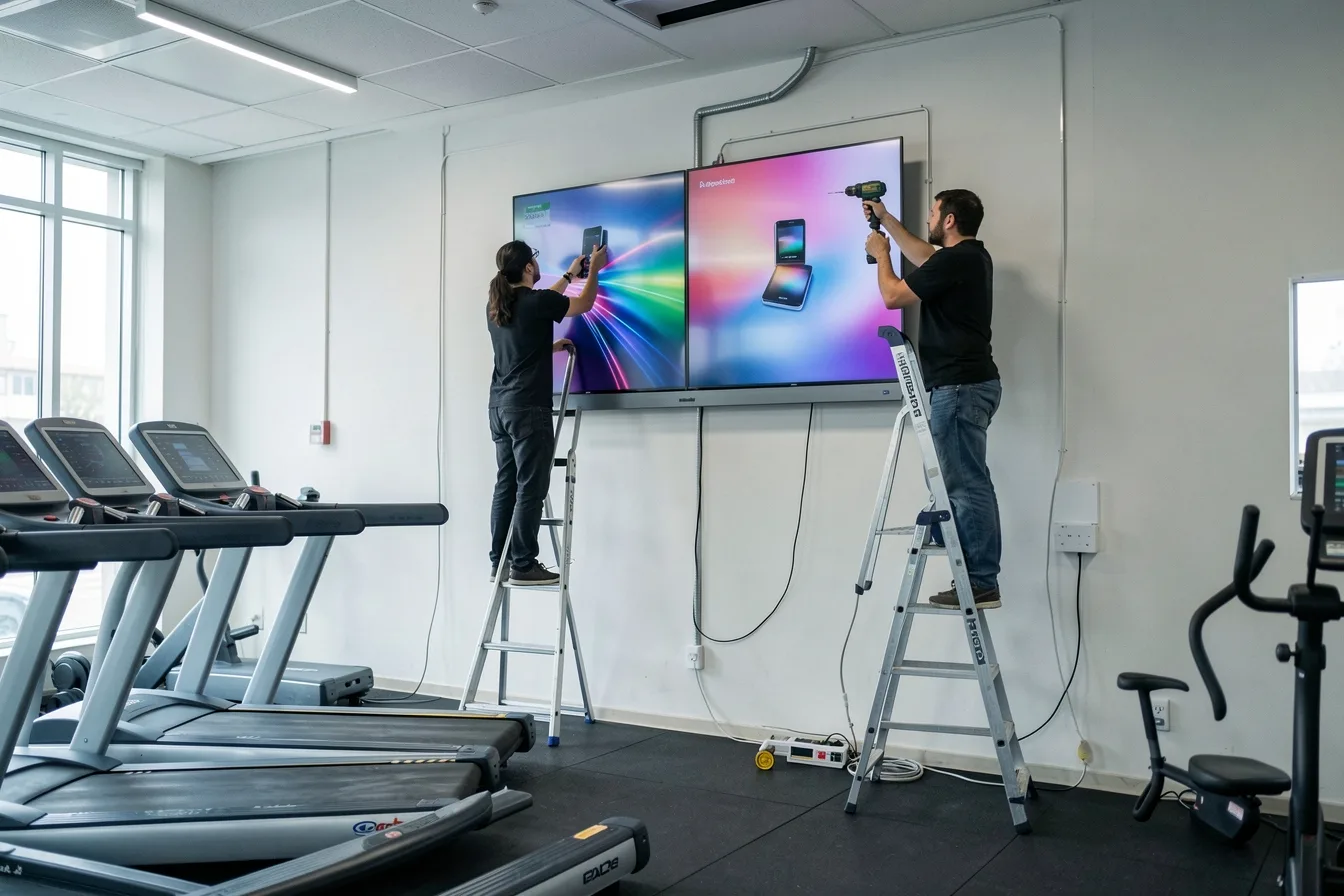
What pushes the quote up:
- No power socket behind the screen. An electrician adding a socket can cost more than the mount.
- Drywall with no studs where the screen needs to go, or a ceiling mount above a counter.
- After-hours work, because a store can’t have ladders on the floor during trading.
- Weak Wi-Fi at the spot. Running an Ethernet cable is cheaper than troubleshooting dropouts for months.
With 1 to 5 screens on ordinary walls, most owners handle it themselves or hire a handyman. Once you’re past 10 screens or several sites, a site survey before you ask for quotes stops installers from pricing different jobs. Our guide to DIY versus professional installation covers the hardware side.
How much should you budget for content?
Plan to spend 15 to 25 percent of your total budget on content. That covers staff time, or $200 to $600 a month if you outsource it. OptiSigns suggests setting aside 15 to 25% of your total budget for content and notes that many businesses refresh a quarter to half of it every month.
In-house content costs time, not cash. Expect 5 to 15 hours a month for a small network, according to Jordan Feil’s 2026 breakdown. Agencies charge $500 to $3000 a month for regular updates. Templates bring the start-up cost close to zero.
The most common failure I see isn’t technical. Nobody owns the screens, so the Christmas promo is still running in February. Name one person who updates content and give them a 15-minute weekly slot. Our guide to creating engaging digital signage content has formats that are easy to keep fresh.
What do small, medium and large setups cost?
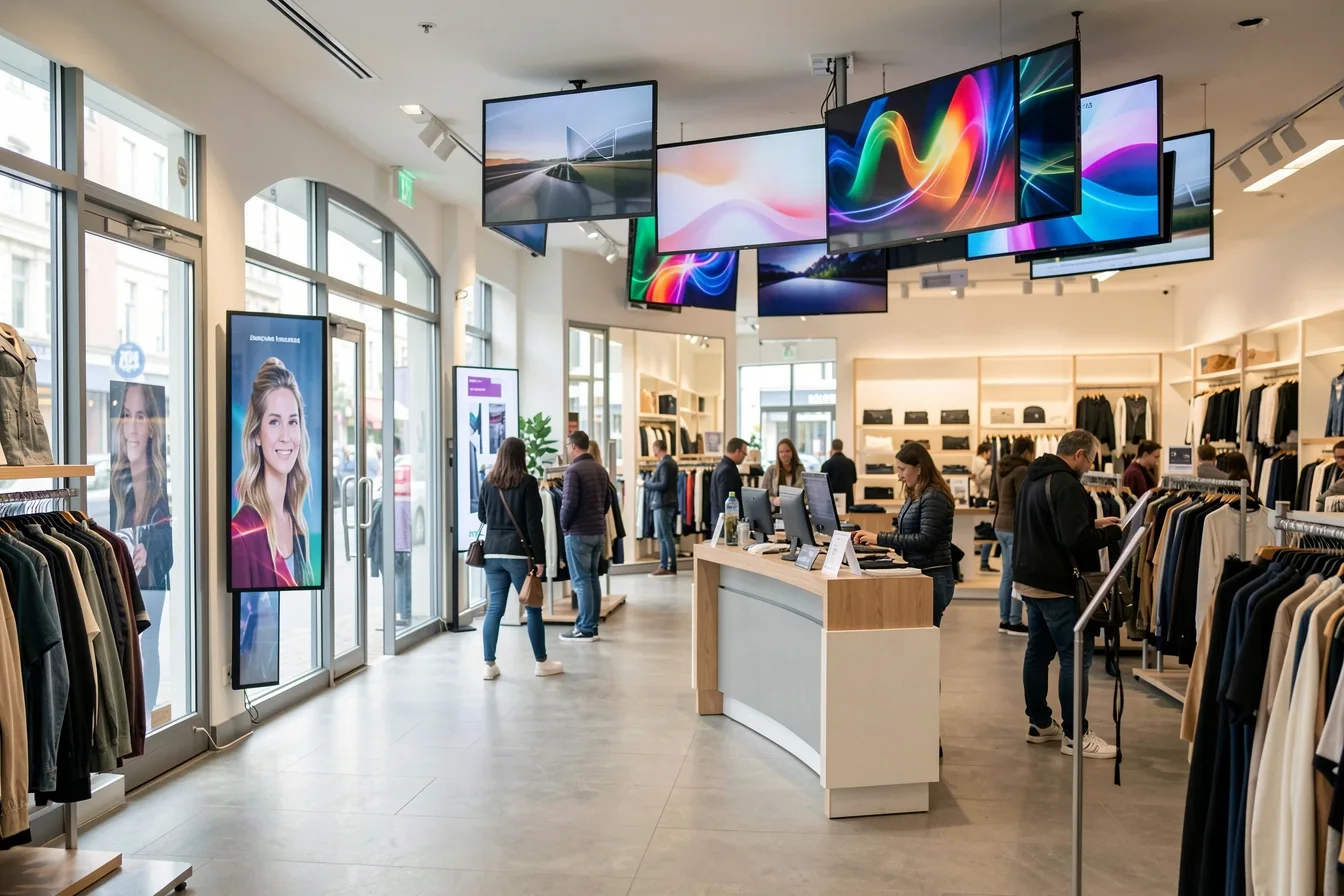
Expect about $1100 to $1900 for a 2-screen cafe, $8000 to $10000 for a 6-screen gym and around $58000 to $82000 for 40 retail screens in year one. These figures are my estimates, built from the price ranges above, and don’t include content.
| Setup | Hardware | Install | Software, year one | Year one total |
|---|---|---|---|---|
| Cafe, 2 menu boards | 2 consumer TVs $400 to $1000, 2 Verde PRO $298 | DIY mounts $60 to $200 | Look DS $360 | $1118 to $1858 |
| Gym, 6 screens | 6 commercial 55-inch at about $1000, built-in player | $900 to $3000 | Look DS $1080 | $7980 to $10080 |
| Retail chain, 40 screens in 8 stores | 40 commercial displays $40000, 40 HD-2222 $7560 | $8000 to $32000 | Look DS volume $2880 | $58440 to $82440 |
Cafe with 2 menu boards. You reuse the wall behind the counter, mount two 55-inch TVs yourself and plug a stick into each one. The first year costs less than one month’s rent. Changing a price takes two minutes on your phone instead of a reprint.
Gym with 6 screens. Commercial panels with Tizen run Look Player directly, so you skip the player cost. Most of the budget goes on the panels and a pro install over the cardio area. Offline playback matters here because gym Wi-Fi tends to struggle when classes are full.
Retail chain with 40 screens. At this size the volume rate of $6 per screen cuts software to $2880 a year. At $20 per screen it would be $9600. Installation is now the variable to watch, so get a site survey done before you sign.
Which hidden costs push the budget up?
Add-ons, tax, price increases and early hardware replacement are what usually break the budget. Check these before you sign:
- Feature add-ons. Video walls, background music and wireless presentation are billed separately on some platforms.
- VAT. ScreenCloud’s published prices exclude VAT, which adds 20 percent in the UK.
- Price increases. Yodeck’s April 2026 change added $1 per screen per month to Premium and Enterprise, which comes to $240 a year for 20 screens.
- Consumer TVs that die early. A TV running 16 hours a day outside its duty rating often fails within 2 to 3 years, and a failed panel usually isn’t covered by a home warranty.
- Burn-in. A static logo shown for months can leave a ghost image, so rotate content and avoid fixed bars.
Our full list is in hidden costs of digital signage.
Disclosure: Digital Signage Trends is published by Look Digital Signage.
FAQ
How much does one digital signage screen cost?
One screen costs roughly $500 to $1500 in year one if you use a consumer TV and do the install yourself. A commercial display with a professional install usually costs $1800 to $3500. After year one you mainly pay for software, typically $72 to $360 per screen per year.
Is free digital signage software good enough?
It works for testing and for a single screen. Free tiers usually cap the number of screens, add branding or limit features. Yodeck gives one free screen and OptiSigns gives three with its branding. Most businesses move to a paid plan once the screens face customers.
Do I need a separate media player?
Not always. Commercial displays running Samsung Tizen or LG webOS can run a signage app directly. Consumer TVs usually need a stick or player. Look’s players start at $139, and a BrightSign HD225 costs about $428.
Can I use a regular TV for digital signage?
Yes, for low-risk spots with normal opening hours, such as a break room or a shaded cafe wall. Consumer TVs aren’t built for 16 to 24 hours a day, can reboot for updates on their own, and their home warranty may not cover business use. For window-facing or all-day screens, a commercial display pays for itself.
What is the cheapest way to start digital signage?
Use a TV you already own, add a player under $150 or install a free player app on the TV, and pick software around $6 to $15 per screen. A single screen set up this way can cost under $400 in year one. Start a free trial first to test offline playback and scheduling before you buy more screens.
Sources
- Yodeck: Digital signage cost in 2026, full pricing breakdown
- CrownTV: Digital Signage Cost (2026)
- Cast-Hub: Digital Signage Pricing, What It Actually Costs in 2026
- Kitcast: Digital Signage Cost (2026)
- Decker: How Much Does Digital Signage Cost? 2026 Prices and Real Budgets
- Rise Vision: Yodeck Pricing, What Changed in 2026
- Yodeck Pricing Update 2026
- Visora: OptiSigns Pricing 2026
- Visora: ScreenCloud Pricing 2026
- Juuno: ScreenCloud Alternatives 2026
- OptiSigns: Digital Signage Cost Guide
- Jordan Feil: How Much Does Digital Signage Cost? 2026
- Newegg: Samsung QB55C 55-inch Commercial Display
- The Inventory: Samsung QB55C 55-inch Commercial Display
- Connection: BrightSign HD225
- Look Digital Signage pricing