

Three Fire TV Sticks now run Vega OS: the 4K Select (2025), the Fire TV Stick HD (2026) and the new Fire TV Stick 4K launched on 30 September 2026. None of them can install a signage APK or keep a static slide on screen. Fire OS sticks like the 4K Max still work. For new screens, my first pick is Look DS on the $149 Verde PRO.
Key takeaways
- Vega OS models are the Fire TV Stick 4K Select (2025), the Fire TV Stick HD (2026) and the Fire TV Stick 4K (2026), and Amazon says every future Fire TV Stick will run Vega.
- On Vega you cannot sideload apps, you cannot lock the stick into kiosk mode, and the screensaver kicks in after about 5 minutes on any app that is not playing video.
- Look Player runs on Fire OS sticks and does not run on Vega OS, so a Vega stick cannot be a Look screen.
- The cleanest replacement for a Fire TV Stick is Look DS on the $149 Verde PRO: an Android-based 4K HDMI stick powered from the TV USB port, with HDMI CEC and a hardware watchdog.
- Fire OS sticks you already own keep working, so check the OS in Settings and replace only the Vega units.
Which Fire TV Sticks run Vega OS and which run Fire OS?
Any Fire TV Stick released from late 2025 onward runs Vega OS, while older models stay on Android-based Fire OS. Amazon’s developer page states that “all future Fire TV Sticks will run on Vega”, and the redesigned Fire TV Stick 4K of 30 September 2026 is the third Vega stick.
| Model | OS | Sideloading | Auto-start for signage | Sleep on static content | Signage app support |
|---|---|---|---|---|---|
| Fire TV Stick 4K Max (2nd Gen) | Fire OS | Yes | Works with an ADB workaround | Screensaver can be switched off | Most signage apps, Look Player included |
| Fire TV Stick 4K Plus | Fire OS | Yes | Works with an ADB workaround | Screensaver can be switched off | Most signage apps, Look Player included |
| Fire TV Stick 4K (2023) | Fire OS | Yes | Works with an ADB workaround | Screensaver can be switched off | Most signage apps, Look Player included |
| Fire TV Stick HD (2024), Lite, 3rd Gen | Fire OS | Yes | Works with an ADB workaround | Screensaver can be switched off | Most signage apps, Look Player included |
| Fire TV Cube (3rd Gen) | Fire OS | Yes | Works with an ADB workaround | Screensaver can be switched off | Most signage apps, Look Player included |
| Fire TV Stick 4K Select (2025) | Vega OS | No | No kiosk lock | Screensaver after about 5 min | Appstore Vega apps only, no Look Player |
| Fire TV Stick HD (2026) | Vega OS | No | No kiosk lock | Screensaver after about 5 min | Appstore Vega apps only, no Look Player |
| Fire TV Stick 4K (2026) | Vega OS | No | No kiosk lock | Screensaver after about 5 min | Appstore Vega apps only, no Look Player |
The trap is the name. There are two sticks called Fire TV Stick HD. According to AFTVnews, the Vega one has Wi-Fi 6, rounded corners and “Fire TV” printed on the stick, while the Fire OS one has Wi-Fi 5 and square corners. The same goes for 4K: a 2023 Fire TV Stick 4K runs Fire OS, the 2026 one does not.
What does Vega OS break for digital signage?
Vega breaks the three things a signage player needs: installing your player app, booting straight into it, and staying on screen all day. It is a Linux-based system that does not run Android apps, so every app has to be rebuilt for it.
No APK installs
On Vega there is no “install unknown apps” switch. The only route is a developer mode tied to an Amazon developer account, and even then sideloaded apps get disabled unless actively used. For a screen nobody touches for weeks, that is a dead end.
No kiosk lock
Fire OS sticks were never true kiosks, but you could sideload a launcher or kiosk browser and fix auto-start with ADB commands. Vega has no developer options menu for normal users, so none of those workarounds exist. After a power cut, the stick boots to the Fire TV home screen and stays there until someone walks over with the remote.
The screen falls asleep on static images
This one hurts menu boards and waiting-room slides most. Amazon’s own developer forum confirms that the Vega screensaver is held off only during media playback: by default it starts after 5 minutes, low power mode after 15, and apps cannot override either setting. A developer testing a WebView signage player on the 4K Select reported that no device setting lets you set sleep to “Never”.
Worse, with ambient mode off the display sleep is treated like an HDMI disconnect: the app gets killed and the stick wakes up on the launcher. A price slide that should run from 7 am to 10 pm ends up as a screensaver photo of a mountain lake by 7:05.
A thin app catalog
In April 2026 one count put Vega at roughly 3000 apps against about 40000 on Android-based Fire TV. Most signage CMS vendors ship an Android player, so check your vendor before you assume anything is coming.
Does Look Player work on Fire TV Vega OS?
No. Look Player runs on Fire OS sticks and does not run on Vega OS. If your Fire TV Stick is a 4K Select, a 2026 HD or a 2026 4K, it cannot be paired with Look, and no setting will change that.
On Fire OS sticks, Look Player installs from the Amazon Appstore and pairs with a 6-digit code. Look’s Fire TV Stick setup video walks through it, and our Firestick setup guide covers the device side.
What should you buy instead of a Fire TV Stick in 2026?
For new screens, buy a player built for signage rather than the next consumer stick. With 1 to 10 screens and TVs you already own, I would put Look DS on the Verde PRO first. If your CMS is already on Amazon’s partner list, the Signage Stick is a sensible second choice.
| Option | Hardware price | Platform | Auto-start and kiosk | Wired network | Best for |
|---|---|---|---|---|---|
| Look Verde PRO with Look DS | $149 | Android based, Look firmware | Yes, boots into Look, watchdog restart | Gigabit Ethernet | Replacing Fire TV sticks on new or existing screens |
| Amazon Signage Stick | $99.99 | Android (AOSP build) | Yes, CMS launches in kiosk mode | 10/100 Ethernet | Fleets on an Amazon partner CMS |
| Fire TV Stick 4K Max (Fire OS) | $59.99 list | Fire OS | ADB workaround | Adapter needed | Stopgap while stock lasts |
| Look HD-2222 / HD-2222 Lite | $189 / $139 | Rockchip RK3568 / RK3566 | Yes | Check spec sheet | Heavier layouts on Look |
Look DS with the Verde PRO
Look DS is a cloud digital signage CMS that costs from $15 per screen per month, or $6 per screen per month with yearly volume billing, with a free trial. Its free Look Player runs on Android, Windows, Linux, macOS, LG webOS, Samsung Tizen, Raspberry Pi and Fire OS, and Look also sells its own 4K players. It suits small and mid-size businesses moving off Fire TV sticks that want one vendor for software and hardware.
The Look Verde PRO is the direct Fire TV Stick replacement. It is an HDMI stick of the same shape, 109 x 45 x 20 mm and 60 g, so it hides behind the TV the same way. What changes is behavior:
- It runs off the TV USB port, so you need no power brick and no free socket behind a wall-mounted screen.
- HDMI CEC turns the TV on and off and switches the input on schedule, so a closed shop does not burn power all night.
- A hardware watchdog restarts the player if it hangs, which is what you want on a screen 40 minutes from your office.
- A quad core Cortex-A55 at 2.5 GHz on a 4 nm chip, 4 GB DDR4 and 32 GB storage, compared with 1 GB of memory on the 2026 Fire TV Stick HD.
- Wi-Fi 6 plus Gigabit Ethernet, true 4K with HDR, passive cooling and no fan noise.
- Look firmware comes pre-installed with auto-start and background updates, and it supports every Look feature.
On the software side you get offline playback when the Wi-Fi drops, cloud or on-premise deployment, scheduling, multi-zone layouts, user roles and playback analytics. Integrators can use the white-label and reseller program. Look DS holds 4.9 out of 5 on Capterra from 116 reviews.
Cons: Look is a smaller brand than Yodeck or ScreenCloud, with fewer third-party apps in its marketplace. The Verde PRO is on pre-order (ships within 3 weeks) and sells from Look’s own shop, not from big retailers, so you cannot grab one at a store the morning a screen dies. Compare all of Look’s hardware on the Look players page.
Amazon Signage Stick
The Signage Stick is Amazon’s business version of the 4K Max. AFTVnews describes it as a 4K Max running a customized Android Open Source Project build instead of Fire OS. It boots straight into a partner CMS in kiosk mode and lists at $99.99, and the listing requires a separate CMS subscription.
- Pros: kiosk boot out of the box, Amazon fleet setup app, easy to buy.
- Cons: works only with CMS vendors on Amazon’s partner list, and it still needs its own power adapter.
Fire TV Stick 4K Max while stock lasts
The 4K Max is still Fire OS, still sideloads and still runs Look Player. Buy it only as a stopgap for 1 to 3 screens. You will need the ADB auto-start fix, and Amazon updates have a history of resetting default-app settings and breaking kiosk setups without warning.
For the wider player market, see our 2026 player comparison and the guide to player types and prices.
What should you do with the Fire TV sticks you already own?
Keep every Fire OS stick running and replace only the Vega units. Most fleets I see are a mix, because someone reordered “the same stick” on Amazon in 2026 and got a different OS.
- On each stick, open Settings, My Fire TV, About. Fire OS 7 or Fire OS 8 means you are fine. Vega OS, or no Fire OS version at all, means replace it.
- If a Vega stick is still inside its return window, send it back.
- On Fire OS sticks, turn off the screensaver and redo the auto-start fix after every major update. Put a monthly check on the calendar.
- Plug Fire OS sticks into a wall adapter, not the TV USB port, so a TV standby does not cut power mid-download.
- Stop buying consumer sticks for signage. Set a standard player for every new screen so staff stop improvising.
Budget the swap like any other line item. Our article on hidden costs of digital signage covers the truck rolls and staff time that make a $35 stick expensive.
How the Vega switch plays out in real businesses
The impact depends on what your screens show. Video loops survive longer on Vega than static menus, but neither can run your CMS player.
A cafe with 2 menu boards on Fire TV Stick 4K Max units bought in 2024 changes nothing today. Both run Fire OS. The owner should buy replacement players now, so the day a stick dies is a 10 minute swap and not a weekend of searching.
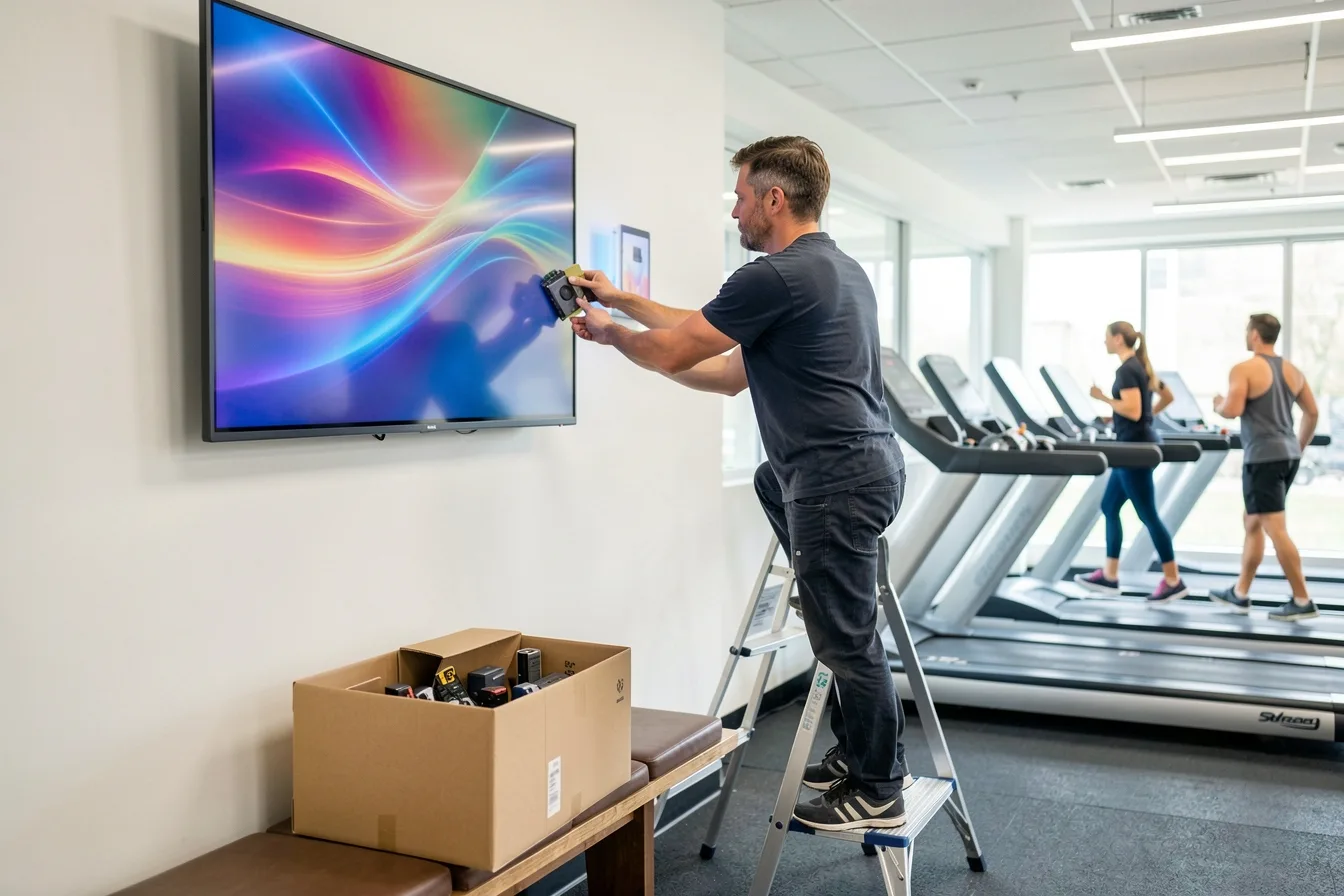
A gym that added 6 screens in October 2026 and ordered six new Fire TV Stick 4K units has a real problem. Those sticks run Vega and cannot install the gym’s signage app at all. Returning them and moving to dedicated players costs more upfront, but it removes the Monday morning walk around to wake six screens.
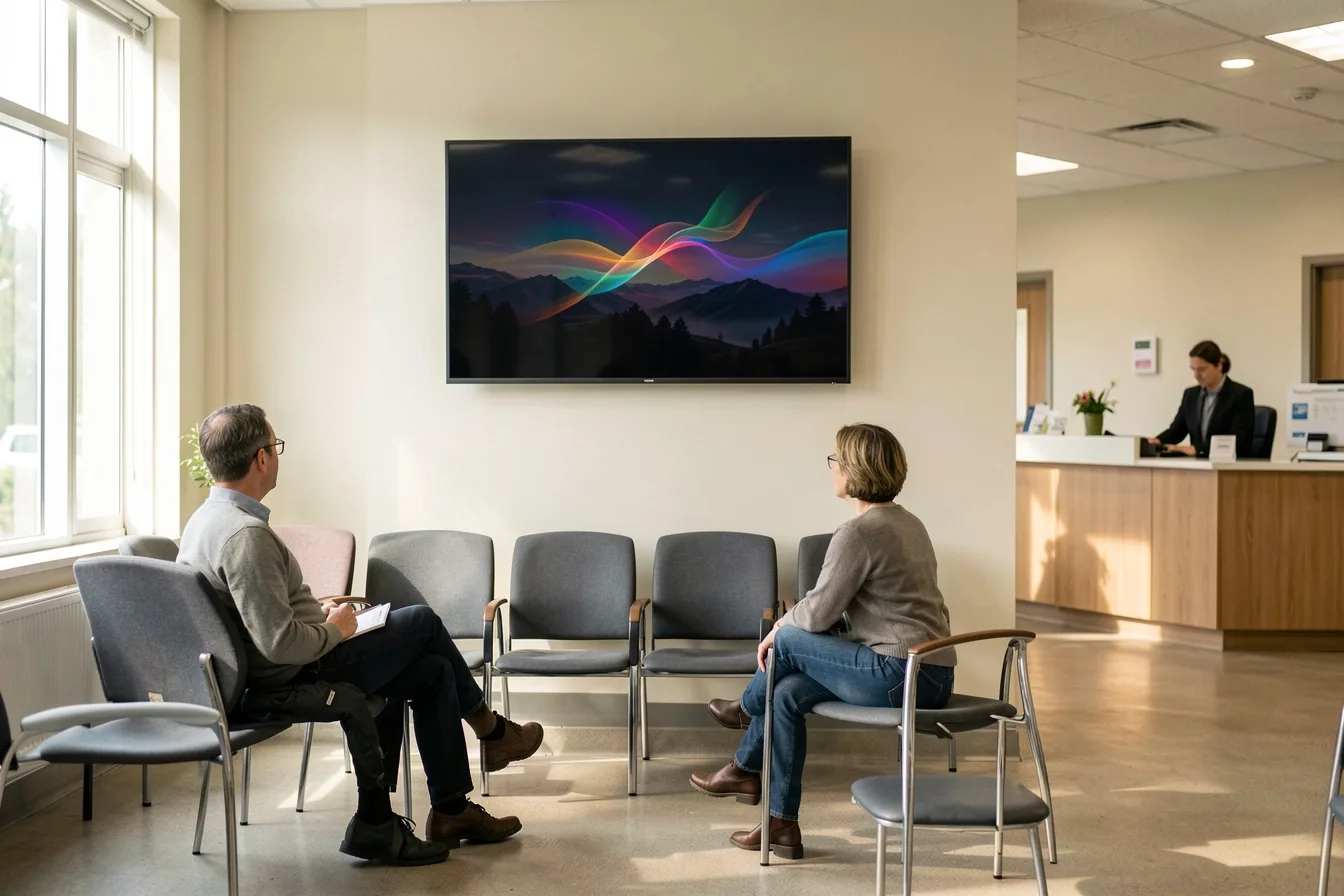
A clinic waiting room showing a static slide with opening hours and a QR code is the worst case for Vega. Even if a compatible app existed, the screensaver would replace the slide within minutes. A player with CEC scheduling and no consumer screensaver fixes this. If screens keep going dark for other reasons, our troubleshooting guide lists the usual suspects.
Disclosure: Digital Signage Trends is published by Look Digital Signage.
FAQ
Can I sideload a signage app on the Fire TV Stick 4K Select?
No. The 4K Select runs Vega OS, which has no unknown sources option for regular users. The developer-mode route needs an Amazon developer account, and reports show sideloaded apps get disabled when not in active use. Treat it as unusable for signage.
Is the new Fire TV Stick 4K (2026) Fire OS or Vega OS?
It runs Vega OS. Amazon launched it on 30 September 2026 as the third Vega stick, after the 4K Select and the 2026 Fire TV Stick HD. The older 2023 Fire TV Stick 4K and the 4K Max stay on Fire OS.
Will my Fire OS Fire TV Stick stop working for signage?
Not because of Vega. Amazon has not converted existing Fire OS sticks, and they keep running Appstore and sideloaded apps. The risks are the usual ones: updates that reset auto-start settings, Wi-Fi drops and consumer hardware wearing out under 24/7 use.
Does Look Digital Signage work on Fire TV?
Yes on Fire OS devices, no on Vega OS. Look Player installs from the Amazon Appstore on Fire OS sticks such as the 4K Max and pairs with your Look account by code. For new screens, Look recommends its own Verde PRO player at $149.
Is the Amazon Signage Stick affected by Vega OS?
No. The Signage Stick is a separate product based on the 4K Max hardware with an Android build that boots into a partner CMS in kiosk mode. It costs $99.99 and needs a CMS subscription from a supported vendor.
How do I keep a Vega Fire TV Stick screen from going to sleep?
You cannot reliably. Vega only holds off the screensaver during media playback, the default timeout is 5 minutes, and apps cannot override it. Swap the stick for a dedicated signage player if the screen shows static content.
Sources
- AFTVnews: Fire TVs that don’t support sideloading due to Vega OS
- Plume: Fire TV Stick for live TV in 2026, Fire OS vs Vega OS
- androidtvbox.eu: Fire TV Stick HD 2026 runs Vega OS
- gHacks: Vega OS for TV does not support sideloading
- Amazon Developer Community: How to delay/disable screensaver
- Amazon Developer Community: No API to keep display awake for signage apps on Vega OS
- How-To Geek: I’ll never buy a Fire TV again
- FTVDB: Amazon’s 2026 Fire TV list spans Vega OS, Fire OS 14 and Fire OS 8
- AFTVnews: Amazon Fire TV Signage Stick on sale
- TV Pilot: Fire TV Stick kiosk mode for digital signage
- Basic Tutorials: Amazon Fire TV Stick 4K (2026) with Vega OS
- Look DS: Amazon Fire TV Stick for Digital Signage, setup video