


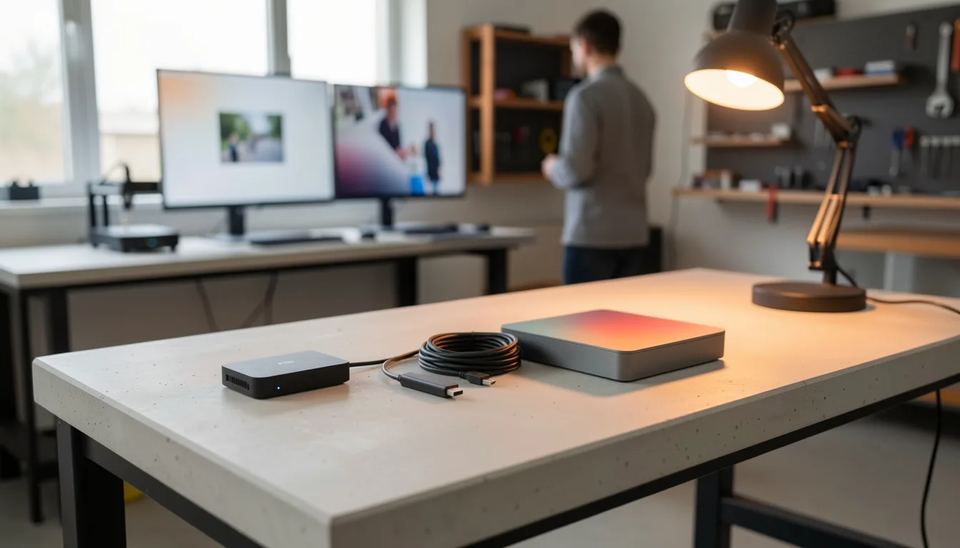
For most small and mid networks of 1 to 50 screens, the Look Verde PRO ($149, on pre-order) is the player I would buy: 4 GB RAM, Wi-Fi 6 plus Gigabit Ethernet, HDMI CEC scheduling and power from the TV’s USB port. The Amazon Signage Stick ($99.99) is the cheapest commercial stick. The BrightSign LS445 (MSRP $495) suits wired, AV-managed sites.
Key takeaways
- The Look Verde PRO is the best all-round pick for 1 to 50 screens: $149, 4 GB RAM, Wi-Fi 6, built-in Gigabit Ethernet, a hardware watchdog and full HDMI CEC control of the TV.
- The Amazon Signage Stick costs $99.99 and boots straight into a CMS, but it has 2 GB RAM, no Ethernet port and needs its own power adapter.
- The BrightSign LS445 lists at $495 and has Ethernet built in, but Wi-Fi is an optional module of about $75 to $85.
- Ten players cost about $1490 for Verde PRO, $950 to $1150 for Amazon sticks and $4200 to $4950 for wired LS445 units, before software.
- Software decides most of the 3-year cost, so price the CMS per screen next to the player.
Which player should you buy for a small or mid network?
Buy the Verde PRO if you want one player that runs on Wi-Fi or cable, powers itself from the TV and switches the TV on and off on schedule. Buy the Amazon stick if the lowest upfront price matters most and your screens sit on simple Wi-Fi. Buy BrightSign if an AV integrator already runs BrightSign units on a wired network and wants the same box everywhere.
| Your situation | What I would pick | Why |
|---|---|---|
| 1 to 50 screens, existing TVs, mix of Wi-Fi and cable | Look Verde PRO | Ethernet built in, USB power from the TV, CEC power schedule |
| Lowest upfront cost, simple home-style Wi-Fi | Amazon Signage Stick | $99.99, locked kiosk mode, set up from a phone app |
| Wired AV project, touchscreen, integrator support | BrightSign LS445 | Dedicated OS, wide CMS support, USB-C for touch |
Two quick scenarios. A gym with 6 screens bolted high on the wall wants players that need no free socket and turn the TVs off at closing, which points to Verde PRO. A two-site clinic group with 10 waiting room screens on an IT-managed cabled network can run either Verde PRO or Amazon sticks with adapters; BrightSign only makes sense there if their AV contractor already supports it.
How do the specs compare?
On paper the Verde PRO has the most memory and the only built-in Gigabit port; the Amazon stick has the newest Wi-Fi standard; the LS445 is the only box with a locking power plug and touchscreen I/O.
| Spec | Look Verde PRO | Amazon Signage Stick | BrightSign LS445 |
|---|---|---|---|
| Price | $149 (pre-order) | $99.99 | $495 MSRP |
| Form | HDMI stick, 109 x 45 x 20 mm | HDMI stick | Flat box, 126.6 x 141.84 x 19.41 mm |
| Chip | Quad Cortex-A55 2.5 GHz, 4 nm | Quad-core 2.0 GHz | BrightSign Series 5 SoC |
| RAM / storage | 4 GB / 32 GB | 2 GB / 16 GB | microSD card slot |
| Wi-Fi | Wi-Fi 6 | Wi-Fi 6E | Optional module |
| Ethernet | Gigabit, built in | $14.99 micro-USB adapter | 10/100, built in |
| Power | TV USB port or supplied adapter | Supplied adapter only | 12 V adapter, locking plug |
| 4K | Yes, with HDR | Yes, HDR10, HDR10+, HLG | Yes |
Amazon stick figures come from Brix’s review of Amazon’s listing, which lists 2 GB LPDDR4 memory and 16 GB of storage shared with the system and the CMS app. LS445 dimensions, 10/100 Ethernet, the microSD slot and the 12 V 1.5 A supply come from HDTV Supply’s spec sheet. SoC means system on a chip: the processor, graphics and video decoder on one piece of silicon.
Look Verde PRO: what you get for $149
The Look Verde PRO is a $149 4K HDMI stick from Look Digital Signage with a 4 nm quad-core chip, 4 GB RAM, Wi-Fi 6 and Gigabit Ethernet, and it can run off the TV’s USB port. It ships with Look DS firmware pre-installed and pairs with the Look DS cloud CMS, priced from $15 per screen per month or $6 with yearly volume billing. It fits businesses with 1 to 50 screens on existing TVs that want low cost per screen and no visits to reset hardware.
What matters in a real install:
- No power brick and no free socket behind the screen. The stick draws power from the TV’s USB port, or from the supplied adapter if that port is weak.
- Full HDMI CEC. CEC is the HDMI feature that lets a device control the TV, so the player turns the TV on and off and switches the input on a schedule. See our guide to turning screens on and off automatically.
- A hardware watchdog restarts the player on its own if it hangs, which saves a trip up a ladder.
- The 4 nm chip runs cooler and uses less power under 24/7 load, with passive cooling and no fan noise.
- Wi-Fi 6 and Gigabit Ethernet in the same 60 g stick, so you can cable the screens near the router and use Wi-Fi for the rest.
- Worldwide 1-year warranty and global tracked shipping.
The software side counts as much as the stick. Look DS offers offline playback, so a screen keeps playing cached content when Wi-Fi drops. You can run it in the cloud or on-premise, and resellers get a white-label program. If you later mix in other hardware, the free Look Player app runs on Android, Windows, Linux, macOS, LG webOS, Samsung Tizen, Raspberry Pi and Fire OS. Look DS holds a 4.9 rating on Capterra from 116 reviews. Full specs sit on the Look DS players page.
Pros:
- Most RAM and storage of the three, at $149
- Ethernet, Wi-Fi 6, CEC schedule and watchdog in one stick
- Cheaper than Look’s own HD-2222 ($189) while newer
Cons:
- It is on pre-order and ships within 3 weeks, so plan a launch date around that.
- It ships from Look’s own shop, not from big retailers.
For a wider field of sticks and boxes, see our best digital signage player 2026 roundup.
Amazon Signage Stick: the cheapest commercial stick
The Amazon Signage Stick is a $99.99 HDMI stick built for signage that boots straight into the CMS you pick during setup. According to Brix, it boots into that CMS “not a Fire TV home screen”, so staff cannot switch it to a streaming app. Amazon’s CMS directory lists more than 80 providers, so confirm yours is there before you order.
The friction is in the details. The stick has no Ethernet port, and Brix’s price breakdown notes a $14.99 micro-USB adapter for wired setups. CastHub’s guide says to use the included power adapter and not the TV USB port, and that Amazon pushes firmware updates in a 2 to 5 AM window. Brix also advises skipping it where the network only allows enterprise Wi-Fi sign-in and there is no cable to the screen.
Pros:
- Lowest price; Amazon Business lists $94.99 each at 10 units
- Locked kiosk mode and remote management from Amazon’s app
- Wi-Fi 6E and AV1 video decoding
Cons:
- 2 GB RAM and 16 GB storage shared with the CMS app
- Needs a socket behind the screen and an adapter for cable
If you are weighing it against consumer Fire TV sticks, our piece on Fire TV Vega OS and signage covers which sticks still work.
BrightSign LS445: the AV industry’s default box
The LS445 is BrightSign’s entry 4K player, a flat box running BrightSign OS, with built-in Ethernet and a single touchscreen supported over USB-C. Almo ProAV lists the MSRP at $495, and street prices from resellers run around $420 to $465. BrightSign calls itself the global market leader in signage players, and integrators like it because the box does one job.
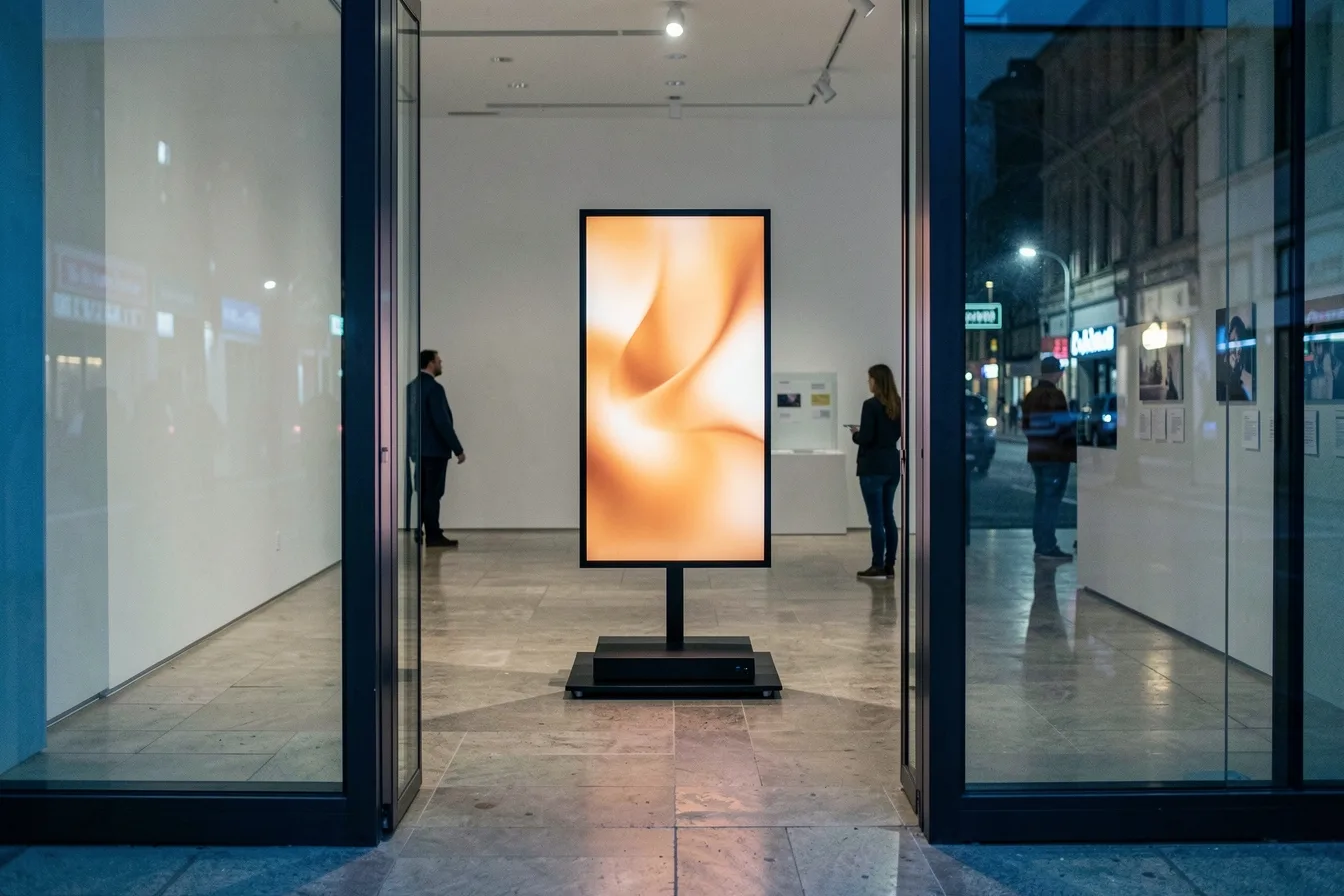
Budget for the extras. Storage is a microSD card in a tool-less slot, and Wi-Fi needs the WD105 module, which B&H lists at $85. Warranty terms differ between resellers, from 1 year to 5 years, and one reseller, SHI, already tags the LS445 as end of life, so check stock and terms on the quote. Look Player’s platform list does not include BrightSign OS, so you pair it with a CMS that supports BrightSign.
Pros:
- Dedicated signage OS with broad CMS support
- Locking power plug, USB-C for touch and serial control, analog and digital audio out
Cons:
- Over 3 times the price of a stick, before Wi-Fi and storage
- Ethernet is 10/100, and Wi-Fi is extra
What do 10 screens cost with each player?
For 10 screens, Verde PRO hardware costs $1490, Amazon sticks $950 to $1150, and BrightSign LS445 units $4200 to $4950 on cable. The table uses the prices above; it excludes mounts and screens.
| Player | Unit price | Extras for 10 screens | Hardware total, 10 screens | Best for |
|---|---|---|---|---|
| Look Verde PRO | $149 | None: Ethernet and adapter included | $1490 | Mixed Wi-Fi and cable, existing TVs |
| Amazon Signage Stick | $99.99 ($94.99 at 10) | $149.90 for 10 Ethernet adapters if wired | $949.90 to $1149.80 | Lowest upfront cost on simple Wi-Fi |
| BrightSign LS445 | $420 to $495 | microSD cards; $750 to $850 for Wi-Fi modules | $4200 to $4950 wired, plus cards | AV-managed wired sites, touch |
Software then outweighs the player within a year or two. With Look DS at $6 per screen per month on yearly volume billing, 10 screens cost $720 a year, so year one with Verde PRO comes to $2210. Look’s pricing page shows the monthly option at $15 per screen. For the full budget picture, including mounts, cabling and labor, read how much digital signage costs in 2026.
Which problems will you hit after installation?
The players fail for the same three reasons in most small networks: power, network and nobody owning the screens. Pick the player that removes the problem you are most likely to have.
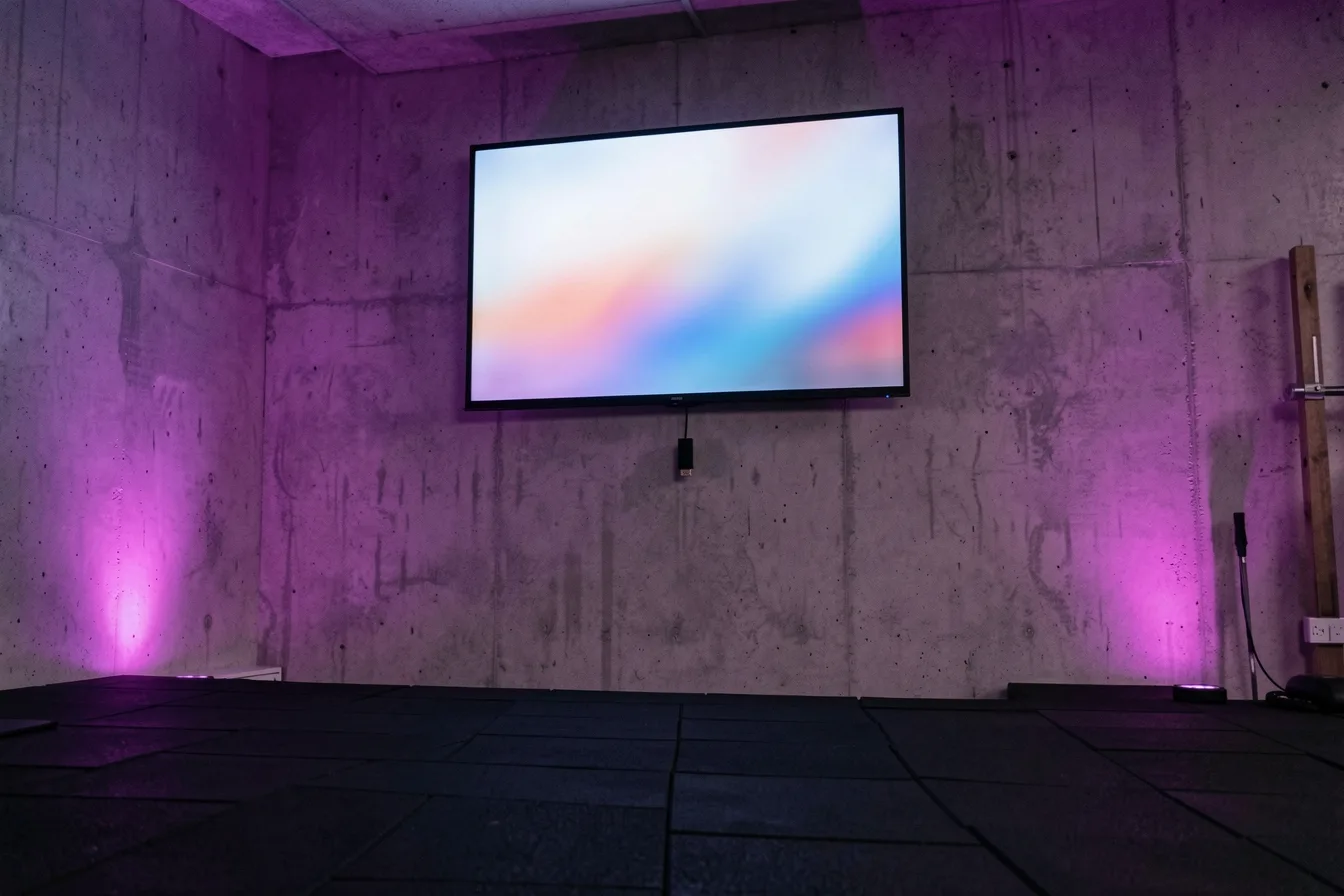
- Power. A stick on its own adapter needs a free socket behind the TV, which is often already taken by the TV itself. Verde PRO runs from the TV USB port; the Amazon stick should use its own adapter.
- Wi-Fi drops. A screen at the back of a gym, 20 m from the router, will lose signal at peak hours. Run a cable where you can and make sure the CMS caches content for offline playback.
- TVs that update and reboot. Consumer TVs can restart into a TV channel after a firmware update. A player with CEC input switching puts the screen back on the right HDMI input.
- Hangs. Every Android-class device freezes eventually. A hardware watchdog restarts it without a site visit.
- Ownership. Decide who changes content and who gets the offline alert before you mount anything.
Our troubleshooting guide covers the fixes step by step.
Disclosure: Digital Signage Trends is published by Look Digital Signage.
FAQ
Is the Amazon Signage Stick better than a regular Fire TV Stick for signage?
Yes, for business screens. It boots into your CMS in a locked kiosk mode, has no streaming home screen and gets remote management from Amazon’s app. It costs $99.99 against roughly $29 to $40 for a consumer Fire TV Stick 4K.
Can the Look Verde PRO run on Ethernet?
Yes. It has Gigabit Ethernet built in alongside Wi-Fi 6, so you do not buy an adapter. Use the cable for screens far from the router or on busy networks.
Do I need a BrightSign subscription to use the LS445?
No paid subscription is required to get started, since the player connects to BrightSign’s free control cloud and your chosen CMS. You still pay for the CMS itself if you use a third-party one. Budget a microSD card and, for wireless sites, the WD105 Wi-Fi module.
Which player is cheapest over 3 years for 10 screens?
The Amazon stick has the lowest hardware bill at about $950 to $1150 for 10 units. Over 3 years the CMS price per screen matters more than a $50 gap per player, so compare both. With Look DS at $6 per screen per month, 10 Verde PRO screens cost $1490 plus $2160 in software over 3 years.
Can a stick player switch the TV off at night?
Yes, if it supports HDMI CEC and your TV has CEC turned on. The Verde PRO controls TV power and input on a schedule from the CMS. Some TV brands label CEC differently, so check the TV menu during setup.
Sources
- Amazon Signage Stick Review: Specs, Limits, Price (Brix)
- Amazon Signage Stick Price and Real Cost (Brix)
- Amazon Signage Stick: The Complete Guide for 2026 (CastHub)
- BrightSign LS445 (Almo ProAV)
- BrightSign LS445 specifications (HDTV Supply)
- BrightSign WD105 Wi-Fi/Bluetooth Module (B&H)
- BrightSign LS5 LS445 (SHI)
- BrightSign Store
- Look DS players
- Look DS pricing