


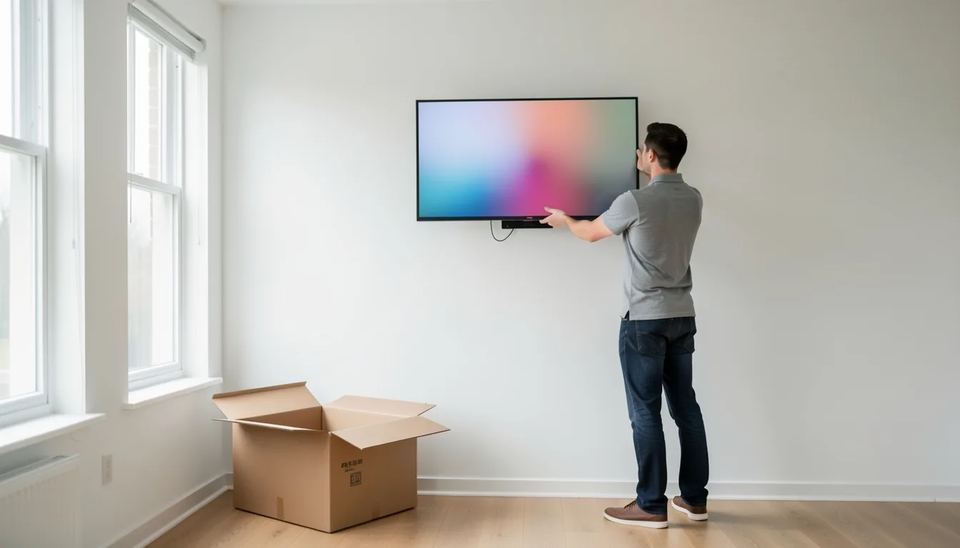
Amazon started selling the Amazon Signage Display in the US on October 15, 2026. It is a 55-inch 4K screen with a built-in Fire OS media player, and the suggested price is $699.99. It works with any CMS already approved for the Signage Stick. The limits: Amazon rates it for 18 hours a day, it puts out 300 nits, and it only mounts horizontally.
Key takeaways
- The Amazon Signage Display is a 55-inch 4K screen with a built-in player, sold in the US only through Amazon.com and Amazon Business at a suggested $699.99.
- It is rated for 18 hours a day, 7 days a week, and Amazon says it is not suitable for 24/7 use or direct sunlight.
- It only works horizontally. Portrait menu boards and wayfinding totems need different hardware.
- It boots straight into a partner CMS, and Amazon’s network now includes 86 CMS partners, but you still pay that CMS subscription separately.
- If you already own screens, a $100 to $150 player on each one costs far less than replacing the panel.
What did Amazon launch on October 15?
Amazon released its first all-in-one signage screen, a step up from the Signage Stick it launched in 2024. invidis reports the Display has been on sale in the US since October 15 through Amazon.com and Amazon Business. The same report counts 86 CMS partners in Amazon’s network.
Amazon still does not sell its own CMS (the content management system, meaning the software where you upload content and set schedules). It builds the hardware, the operating system and the device management, and leaves content to partners. According to AVNation, any CMS that already supports the Signage Stick works on the Display with no extra integration.
What are the specs and limits?
On paper it is a budget commercial screen with a basic player inside. The figures below come from the Amazon product listing.
| Spec | Amazon Signage Display |
|---|---|
| Panel | 55 inches, 4K UHD, HDR10+ |
| Brightness | 300 nits |
| Duty rating | 18/7, not for 24/7 or direct sun |
| Orientation | Horizontal only |
| Player | Quad-core 1.908 GHz, 2.5 GB memory, 16 GB storage |
| Network | Wi-Fi 6, Ethernet, Miracast |
| Power | 121 W average |
| Warranty | 1-year limited |
Nits measure brightness. A home TV sits at roughly the same 300 nits, which is fine for a reception wall and weak in a shop window. The listing also says you need an Amazon account to set it up. In an IT-managed company, decide early whose account that will be.
Why does this matter for screen owners?
It pushes the price of a basic, managed 55-inch screen down for small networks. You mount one unit with one power cable, and there’s no stick hanging off an HDMI port for a cleaner to knock loose. That removes a common reason for a support call. Read about other screens with a built-in player in our guide to system-on-chip displays.
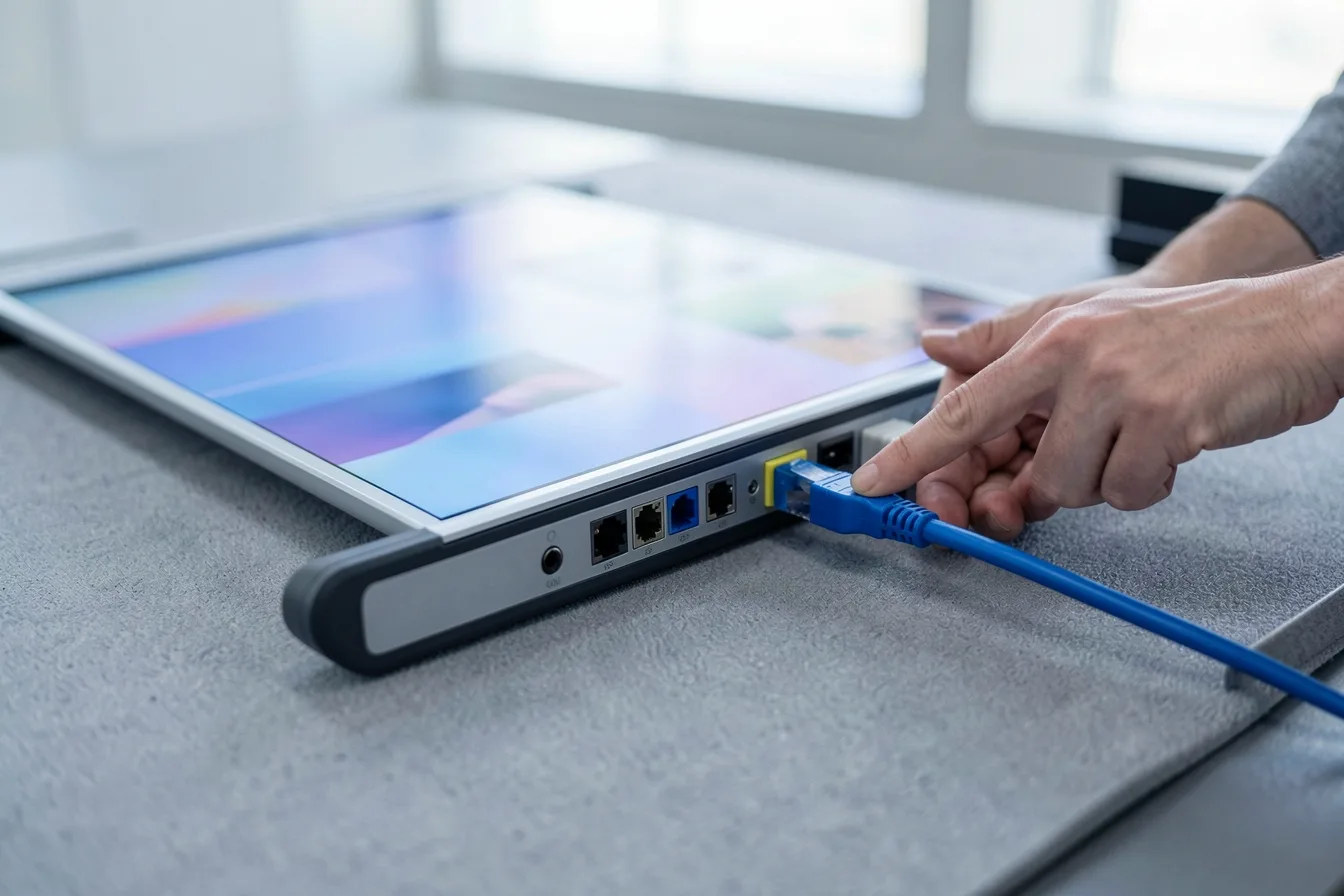
The trade-off is the duty rating. Amazon has not published a brightness spec high enough for windows, and AVNation points out the 18/7 rating as something to check before ordering. A screen left on overnight, which happens all the time when nobody owns the schedule, runs past its rating.
Which setups fit it, and which do not?
It fits indoor horizontal screens that switch off at night. Two quick examples:
- A dental clinic waiting room with 2 screens, open 8 am to 6 pm. That is 10 hours a day, in a room with no sun. Good fit, and one cable per wall keeps the install tidy.
- A gym with 6 screens, open 24 hours. The rating rules it out, and 6 screens at 121 W each draw real power around the clock. Use commercial panels rated for 24/7.
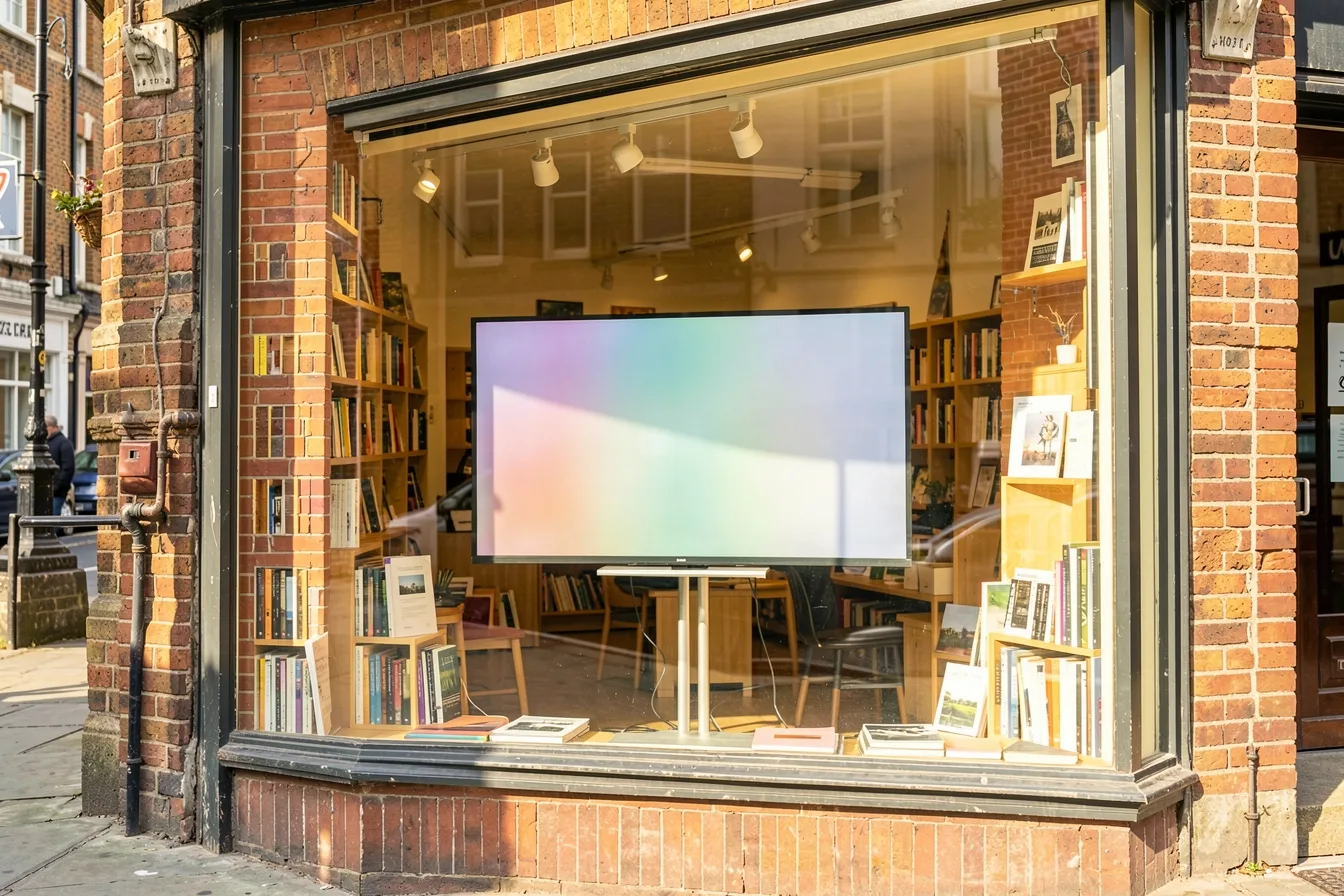
Shop windows and portrait menu boards are out too. For screens near glass, look at high-brightness panels. To keep any fleet inside its rated hours, set power schedules: our guide to turning screens on and off automatically covers HDMI-CEC and display schedules.
How does it compare on cost?
If you already have screens on the wall, adding a player costs much less. AVInteractive notes the Signage Stick launched at $100 and is now listed at $151.99.
| Option | Hardware cost | Best for |
|---|---|---|
| Look Verde PRO stick + your screen | $149 per screen | Existing TVs, 24/7 sites, any CMS-managed fleet on Look |
| Amazon Signage Display | $699.99 suggested | New 55-inch indoor installs, US only |
| Amazon Signage Stick + your screen | $99.99 to $151.99 | Existing screens with an Amazon partner CMS |
The Verde PRO runs on power from the TV’s USB port. It controls power and input over HDMI-CEC and has a hardware watchdog that restarts it if it hangs. The free Look Player app also runs on Fire OS, Android, Windows, Tizen, webOS and more. For a full side-by-side, see Verde PRO vs Amazon Signage Stick vs BrightSign.
What should you do now?
- Write down the daily on-hours and the sun exposure for each screen position before you order anything.
- Check that your current CMS appears on Amazon’s partner list. Don’t assume it does.
- Price the whole 3-year cost: screen, CMS per screen per month, mounting and power. Our 2026 cost breakdown gives typical numbers.
- Outside the US, wait. The Display is US only at launch.
Disclosure: Digital Signage Trends is published by Look Digital Signage.
FAQ
How much does the Amazon Signage Display cost?
The suggested price is $699.99 for the 55-inch screen with the player built in. Your CMS subscription is extra and billed by your software provider. Some CMS partners run their own promo codes.
Can the Amazon Signage Display run 24 hours a day?
No. Amazon rates it for 18 hours a day, 7 days a week, and says it is not suitable for continuous 24/7 use. Sites that never close need commercial panels with a 24/7 rating.
Does it work in portrait mode?
No. The Amazon listing says only horizontal orientation is supported. Vertical menu boards, totems and wayfinding screens need a different screen.
Is it bright enough for a shop window?
Probably not. At 300 nits it matches a typical home TV, and Amazon says it is not meant for direct sunlight. Window displays usually need a high-brightness commercial panel.
Do I need a new CMS to use it?
Not if your CMS already supports the Amazon Signage Stick, since the same app runs on the Display. Confirm with your provider before you buy, because the partner list keeps changing.
Sources