


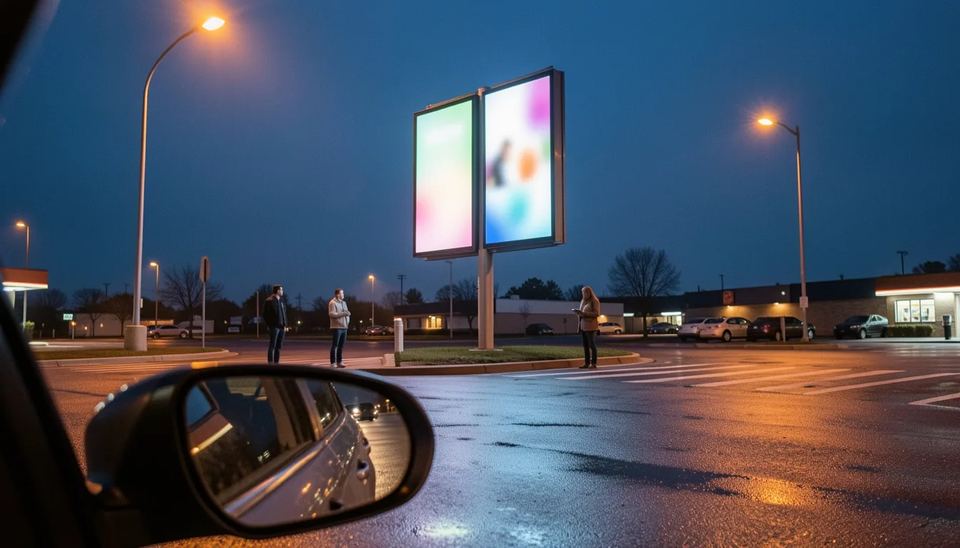
A restaurant digital menu board needs three things: a commercial screen (about $700 to $1450 for a 55-inch indoor panel), a media player or a screen with a built-in player, and cloud software at roughly $6 to $15 per screen per month. For most independents and small chains, Look DS on a commercial display is the simplest reliable start. Well-run boards typically lift sales 2 to 5%.
Key takeaways
- For 1 to 10 locations, Look DS is the practical first pick: from $15 per screen per month, a free player app on 8 platforms and offline playback if the Wi-Fi drops.
- Indoor menu boards need a 24/7-rated commercial display of about 500 nits, while window and drive-thru boards need high-brightness panels that cost roughly twice as much.
- Chains with 20 or more US locations must show calories on every menu board, so price and calorie changes should flow from one source to every screen.
- Dayparting, meaning automatic breakfast, lunch and dinner menus by time of day, is where most of the sales lift comes from, not animation.
- Budget about $1000 to $2000 per indoor screen in year one, including hardware, mount and software.
What hardware does a digital menu board need?
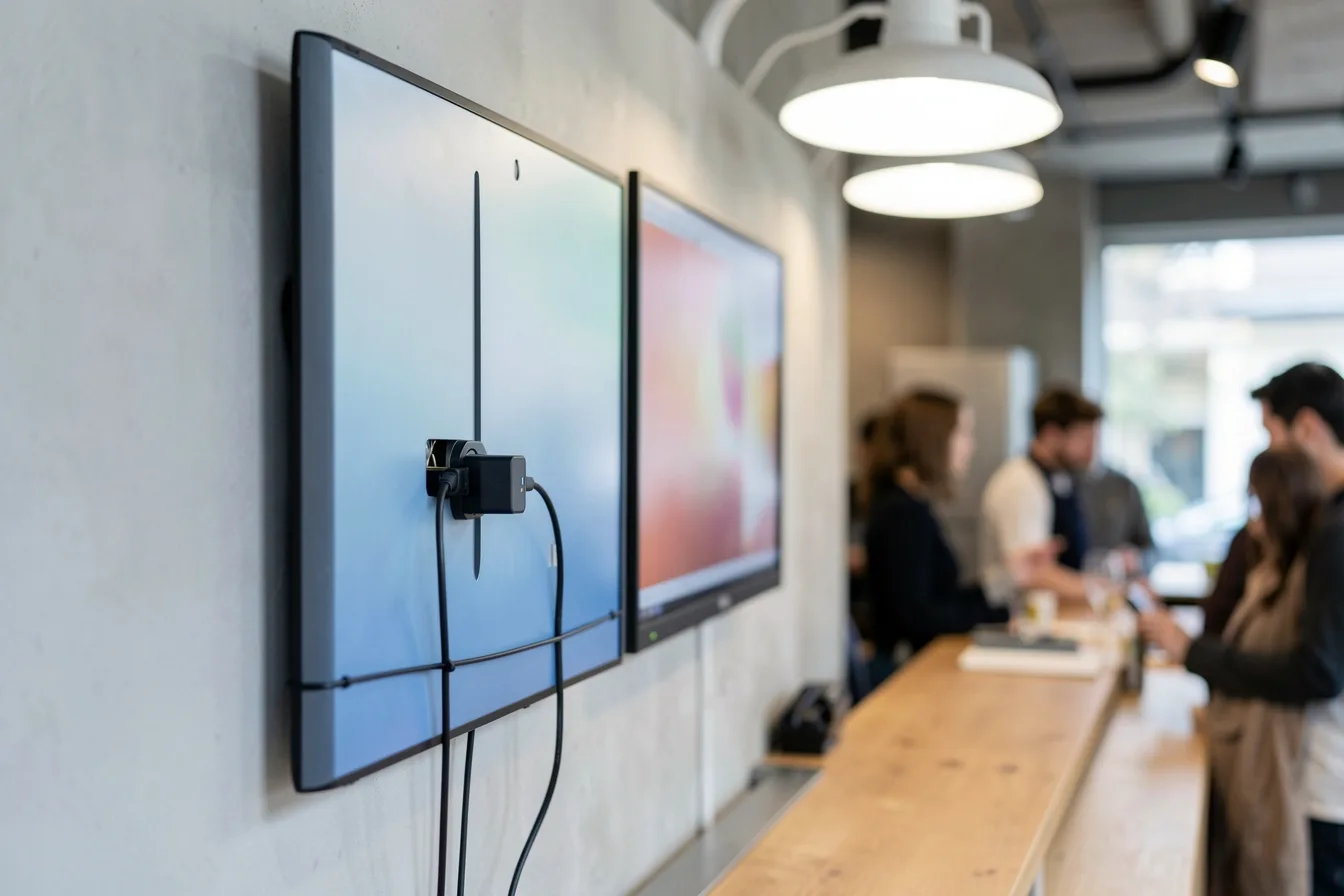
You need a commercial display rated for long hours, a player that runs your software, and a solid mount with power and network behind the screen. Consumer TVs work for a test, but they update themselves, show pop-ups after reboots and often drop into eco standby in the middle of service.
Brightness is measured in nits (how much light the screen puts out). Behind a counter, 350 to 500 nits is enough. In a window facing the afternoon sun or at a drive-thru, a 500-nit screen looks grey and washed out.
| Screen type | Brightness | Duty rating | 55-inch price | Best spot |
|---|---|---|---|---|
| Budget commercial (Samsung QBR class) | 350 nits | 16/7 | about $700 | Back wall, short hours |
| Standard commercial (Samsung QMC class) | 500 nits | 24/7 | $1199 to $1450 | Indoor counter boards |
| High-brightness (Samsung OM55B class) | High brightness | 24/7 | about $2750 | Windows facing the street |
| Drive-thru menu board unit | Outdoor rated | 24/7 | about $2800 average | Drive-thru lanes |
Prices come from CrownTV’s 2026 Samsung series comparison, DisplayDetails and QY Research, which puts the average drive-thru menu board at about $2800 per unit in 2025. The QM55C also has a 25% haze coating, which cuts reflections from ceiling spotlights.
Built-in player or external player
Many commercial screens have an SoC (system on chip, a small computer inside the display) that can run signage apps directly. That saves a box, but you are tied to the screen’s operating system for the next 5 to 7 years.
An external player is easier to swap. The Look Verde PRO ($149) is an HDMI stick that powers from the TV’s USB port, so you need no extra socket behind the screen. It turns the screen on and off on schedule through HDMI CEC and restarts itself through a hardware watchdog if it hangs. Our guide to digital signage players compares the other options.
Which menu board software should you use?
Pick a cloud CMS (content management system, the web dashboard where you edit menus and schedule them) that plays offline, handles dayparting and lets you change one price across every screen. Ease of daily editing matters more than feature lists, because a shift manager will be the one fixing a sold-out item at 12:15.
Look DS
Look DS is a cloud digital signage CMS with an optional on-premise deployment, priced from $15 per screen per month or $6 with yearly volume billing. The free Look Player runs on Android, Windows, Linux, macOS, LG webOS, Samsung Tizen, Raspberry Pi and Fire OS. It suits independent restaurants, multi-site groups and resellers who want menu boards on screens they already own or on Look’s own 4K players.
What you get for a restaurant:
- Smart Scheduling and playlist automation for dayparts, plus multi-zone layouts (menu on the left, promo video on the right)
- Ready-made menu templates and a Content Creator, with new AI tools rolling out since late September 2026 for background removal and image edits inside the editor
- CRM, POS and inventory integrations, user roles for managers and playback analytics
- Offline playback, so a router reboot does not black out the board
- Own hardware: Verde PRO at $149, HD-2222 at $189 and HD-2222 Lite at $139
- White-label and reseller program for agencies and integrators
- Capterra rating of 4.9 from 116 reviews
Minor cons: Look is a smaller brand than Yodeck or ScreenCloud, with fewer third-party apps in its marketplace. Its players ship from Look’s own shop, not from big retailers. Full plan details are on Look’s pricing page, and the team has a step-by-step menu board setup video.
Other routes
| Option | Price | Platforms | Offline playback | Best for |
|---|---|---|---|---|
| Look DS | From $15/screen/month, $6 yearly volume | 8 player platforms | Yes | Independents and small chains |
| Built-in display software (MagicINFO on Samsung QMC) | Comes with the screen | Samsung Tizen only | Depends on setup | All-Samsung fleets |
| USB stick slideshow | Free | Most commercial screens | Yes | One static board, no changes |
Samsung’s QMC line ships with Tizen and the MagicINFO S10 player built in, which works if every screen you own is Samsung. The USB stick route is free until the first price change, when someone has to walk to every screen with a new file.
How does POS sync keep prices right?
POS sync means your menu board reads item names, prices and availability from your point-of-sale or a shared data source, so you change a price once and the board follows. Without it, the board and the receipt drift apart, and the customer who sees $8.49 on the wall and pays $8.99 at the counter complains to staff, not to head office.
There are three ways to connect, from most to least automated:
- Direct integration with the POS or inventory system, which also lets the board hide sold-out items.
- A data feed such as a shared spreadsheet that both the menu team and the board read.
- Manual edits in the CMS, fine for one location with a stable menu.
For chains, this is also a compliance issue. Under the FDA menu labeling rule, chains with 20 or more locations must show calories for standard items on menus and menu boards. The calorie count must sit next to the item at least as prominently as the name or price, along with the 2000-calorie daily statement. When a recipe changes, every board must change with it. Our guide to signage APIs covers the integration side.
Decide who owns the screens before launch. In most failed rollouts I have seen, marketing thought operations owned them and operations thought IT did.
How should you set up dayparting?
Dayparting is scheduling different menus for different times of day, so breakfast disappears at 10:30 and the lunch combos appear on their own. It is the single feature that pays for the system, because you sell the right items at the right hour without anyone touching a screen.
- List your real service windows from POS data, not from the opening hours on the door.
- Build one layout per daypart: breakfast, lunch, afternoon snack, dinner, late night.
- Schedule the switch 10 to 15 minutes before demand changes, since people read the board while queuing.
- Add weekday and weekend variations, for example brunch on Saturday and Sunday only.
- Schedule the screens to power off after close and back on before opening. This guide to automatic on and off schedules shows how.
A bakery that switches to coffee-and-pastry bundles at 2 pm turns a dead hour into a promo slot. A taco bar can push late-night specials after 10 pm only on Friday and Saturday.
What content rules make a menu board sell?
Good menu board content is readable from the queue in under 5 seconds, shows real photos of your best-margin items and moves only where you want attention. Most boards fail because they cram the paper menu onto a screen.
- Keep 6 to 10 items per screen, grouped by category with prices aligned in one column.
- Use high-contrast text and letters big enough for the back of the queue. My rule of thumb is 1 inch of letter height for every 10 feet of viewing distance.
- Put motion in one zone only, such as a promo tile, and keep prices static.
- Use photos of your own dishes, not stock images.
- Rotate promos every 2 to 4 weeks. A limited-time offer still showing a month after it ended costs you trust.
- Avoid fully static content on OLED screens, which can burn in. Standard LCD commercial panels are safer for 14-hour menus.
Highlight the items you want to sell more of, usually combos, add-ons and drinks. More design rules are in how to design signage content that converts.
How much do digital menu boards cost in 2026?
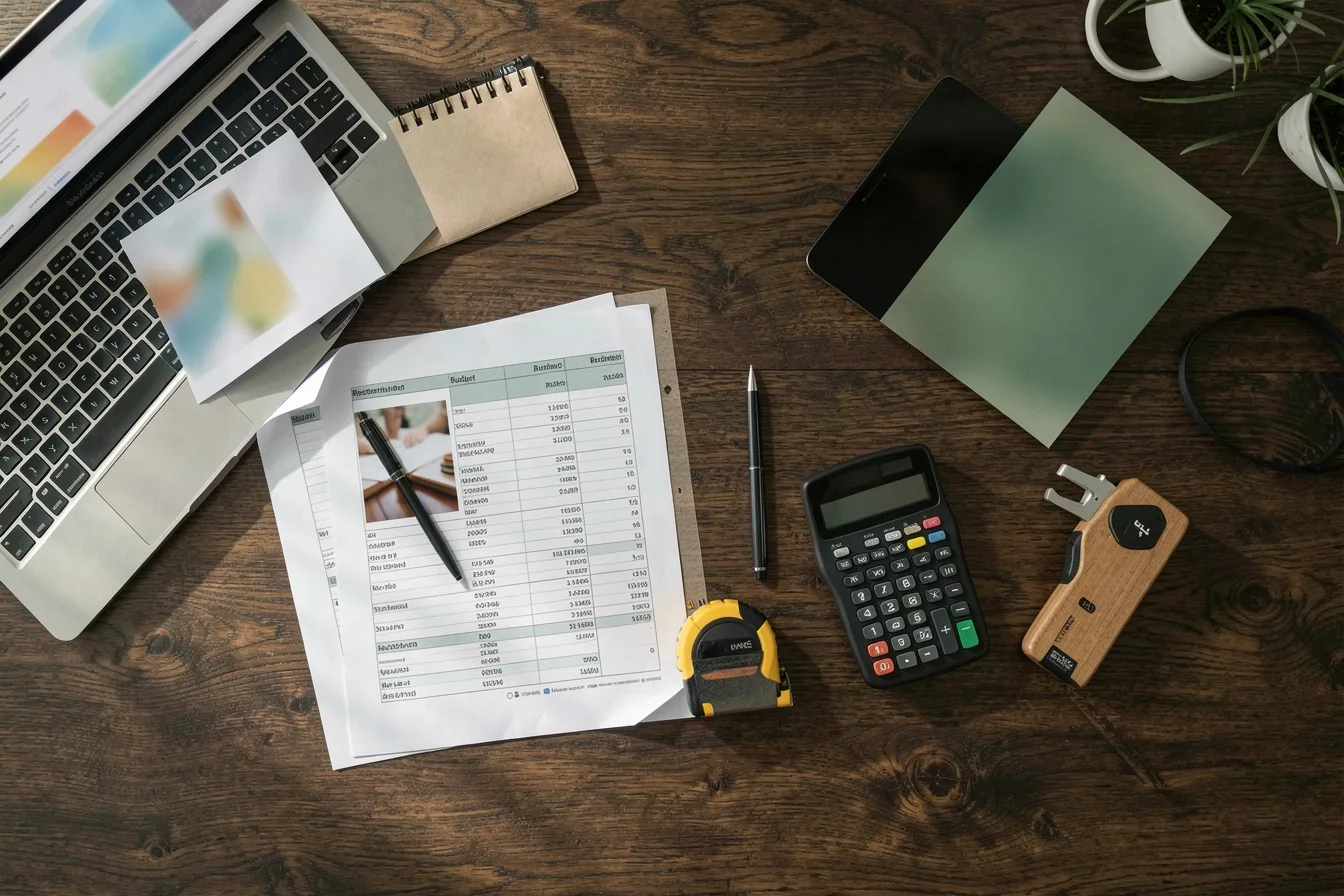
An indoor menu board costs about $1000 to $2000 per screen in year one, and high-brightness or drive-thru screens cost 2 to 3 times more. Software is the smallest line, while installation and content time are the ones people forget.
Samsung QMC commercial display street price by size, USD (2026)
Source: DisplayDetails: Samsung QMC Series 4K UHD Commercial Displays
For context, the Howard Company reports an average 2 to 5% store sales increase after switching, which on $1 million in annual revenue means $20000 at the low end. WAND measured a 2% lift for an average single-store rollout.
| Cost line (per screen) | Typical range |
|---|---|
| 43 to 55-inch commercial display | $780 to $1450 |
| Media player | $0 (built-in) to $189 |
| Wall or ceiling mount | Varies by size and wall |
| Software | $72 to $180 per year |
| Install and cabling | Varies, more for drive-thru |
Example: a cafe with 3 boards on 43-inch QMC screens pays $2340 for screens, $447 for three Verde PRO players and $540 for a year of software at $15 per month. That is $3327 before mounts and install. The full 2026 cost breakdown covers hidden costs.
What setup fits your type of restaurant?
The right setup depends on how customers order: from a queue, from a car, at a table or at a bar. Match screen count and brightness to that moment.
| Restaurant type | Typical screens | What matters most |
|---|---|---|
| QSR with drive-thru | 3 to 5 indoor, 1 to 2 outdoor | Brightness, POS sync, calorie compliance |
| Cafe or bakery | 2 to 3 | Dayparting, easy daily edits |
| Pizzeria or takeaway | 1 to 2 | Combo promos, readable prices |
| Sports bar | 1 menu board plus TVs | Happy hour schedules |
| Food hall stall | 1 to 2 portrait screens | Photos that stop people walking past |
A burger QSR with a drive-thru. Run 4 indoor boards on 500-nit screens and outdoor-rated units in the lane, all fed from one price source. A recipe change updates calories on every screen at once, and dayparting swaps breakfast at 10:30 without a manager on a ladder.
A cafe with 2 menu boards. Two 43-inch screens and two HDMI stick players cost under $2000. The owner edits the specials board from a phone before opening, and the screens switch off automatically at close.
A pizzeria in a strip mall. One 55-inch board for the menu plus one window screen facing the parking lot. The window screen needs high brightness, or it will be unreadable at 5 pm in summer.
Look’s restaurant menu board page shows templates by format.
Disclosure: Digital Signage Trends is published by Look Digital Signage.
FAQ
Can I use a regular TV as a digital menu board?
Yes, for a trial or a single board with short hours. Consumer TVs are not rated for 14 to 18 hours a day, they install firmware updates and reboot on their own, and the warranty often excludes commercial use. For permanent boards, a commercial display costs a few hundred dollars more and saves you replacements.
How much brightness does a drive-thru menu board need?
A drive-thru or sun-facing window needs a high-brightness, outdoor-rated display, well above the 500 nits of a standard indoor panel. Indoor screens look washed out in daylight. Purpose-built drive-thru units averaged about $2800 per unit in 2025, according to QY Research.
Do small restaurants have to show calories on digital menu boards?
Federal FDA rules apply to chains with 20 or more locations operating under the same name with substantially the same menu. Single sites and small groups are usually outside the federal rule. Some states and cities have their own rules, so check local law.
What happens if the internet goes down during service?
With software that supports offline playback, the screen keeps showing the last synced content until the connection returns. Without it, you may get a blank or error screen at peak hour. Wire the player with Ethernet where you can, and test by unplugging the router before launch.
How long does it take to launch digital menu boards?
A single cafe with two screens can go live in a day once screens are mounted and templates are ready. A multi-location chain with POS sync and drive-thru hardware usually needs several weeks for integration, installation and content approval. Content takes longer than hardware in most projects.
Sources
- CrownTV: Samsung QMC vs QBR vs QMR Compared (2026)
- CrownTV: Samsung QMC Series Prices & Specs (2026)
- DisplayDetails: Samsung QMC Series 4K UHD Commercial Displays
- B&H: Samsung QM55C 55-inch UHD 4K Commercial Monitor
- QY Research: Global Digital Drive-Thru Menu Board Market Report 2026
- FDA: Menu Labeling Requirements
- The Howard Company: 5 Reasons Upgrading to Digital Menu Boards Is a Strategic Investment
- WAND: The ROI of Digital Menus for Restaurants
- Look DS: Digital menu boards for restaurants, step-by-step setup guide (YouTube)