


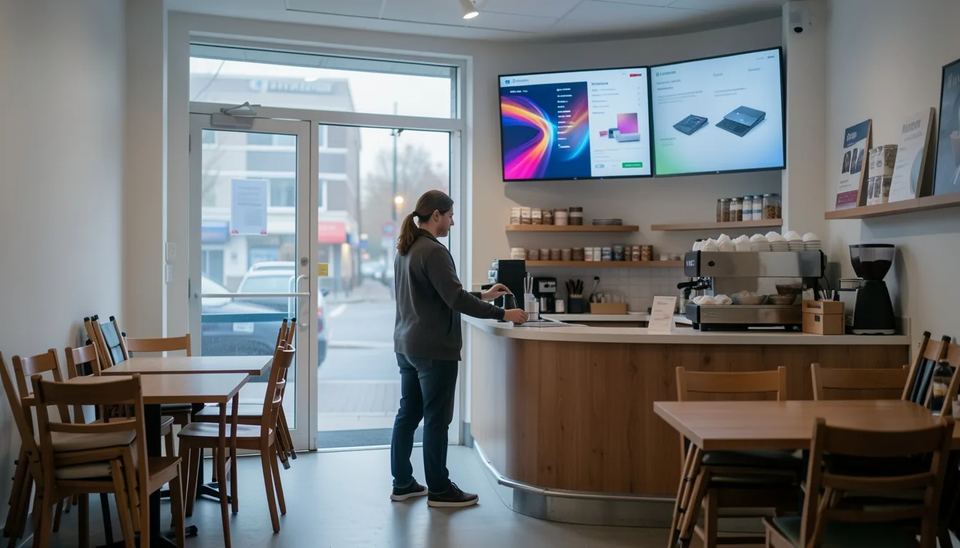
To turn digital signage screens on and off automatically, schedule HDMI-CEC commands from your media player (no extra hardware on most TVs) or use RS-232 or LAN control on commercial panels. Built-in TV timers suit one or two screens. Smart plugs usually fail because TVs wake into standby. Switching a 55-inch screen off overnight cuts its power use by half or more.
Key takeaways
- HDMI-CEC from the media player is the simplest method for most networks: one schedule in the CMS turns the TV on, switches it to the right input and puts it to sleep at closing time.
- CEC behaves differently by brand (Anynet+ on Samsung, SimpLink on LG, BRAVIA Sync on Sony), so test power off, power on and input switching on every TV model before you roll out.
- RS-232 or LAN control on commercial displays is the most dependable option for video walls and 24/7 sites, but it needs the right port settings and cabling.
- Smart plugs cut mains power, and most TVs then come back in standby, so they are a poor fit for screens that must switch on unattended.
- Running screens only during opening hours roughly halves electricity use and keeps consumer TVs closer to the 6 to 8 hours a day they are built for.
What are the ways to turn signage screens on and off automatically?
There are four practical methods, and they differ mostly in what can break them. The player-driven ones (CEC and RS-232) are managed from your CMS, the content management system you use to run your screens. The other two are set per screen.
| Method | Which screens support it | Reliability | Cost | What breaks it |
|---|---|---|---|---|
| HDMI-CEC from the player | Most consumer TVs and many commercial panels (Anynet+, SimpLink, BRAVIA Sync, EasyLink) | Good once tested per model | Free with a CEC-capable player | CEC toggle off or reset by a firmware update, HDMI splitters and extenders, TV waking on the wrong input |
| Display's built-in timer | Most commercial displays, some consumer TVs | Medium | Free | Clock lost after a power cut, every screen set by hand, holiday hours |
| RS-232 or LAN control | Commercial displays with a serial or network control port | Highest | Serial cable plus a controller or a player that sends the codes | Wrong display ID, control port not enabled, network standby off |
| Smart plug | Only displays with an "auto power on" setting after power returns | Low | Around $12 per plug | TV returns to standby, Wi-Fi drops, hard power cuts every night |
My default for a small business: HDMI-CEC driven by the player, with the TV’s own timer set as a backup off time. For a video wall or a lobby that runs 18 hours a day, go RS-232.
How does HDMI-CEC power control work and what breaks it?
CEC (Consumer Electronics Control) is a control channel inside the HDMI cable that lets one device tell another to power on, go to standby or switch inputs. Your signage player sends “standby” at closing time and “power on, I am the active source” in the morning. The TV obeys like it would obey its own remote.
Every brand renames it, which is why staff often cannot find the setting:
- Samsung: Anynet+
- LG: SimpLink
- Sony: BRAVIA Sync
- Philips: EasyLink
- Panasonic: VIERA Link
- Sharp: Aquos Link
What breaks CEC in real installs
- The toggle is off. Many TVs ship with CEC disabled, and a factory reset or some firmware updates flip it back. A TV that updated itself overnight is the classic Monday morning ticket.
- Brand quirks. Google warns that some LG and Sharp models have issues with CEC power-off commands and that each manufacturer implements CEC differently.
- Something in the HDMI chain. Cheap splitters, switches and HDMI-over-Cat6 extenders often drop the CEC line. Plug the player straight into the TV when you test.
- Wrong input on wake. Some TVs power on to the tuner, the home screen or the last-used HDMI port. Others, once the player goes quiet, hunt for a signal on another input. You need a player that also sends the input switch command.
- The player loses power. If the player runs off the TV’s USB port and the TV cuts USB power in standby, the player cannot send the wake command. Use the mains adapter on those TVs.
For a deeper checklist on blank screens and players that stop responding, see our guide to troubleshooting common digital signage problems.
How do you set up CEC power scheduling with Look DS?
The quickest setup I know is a Look Verde PRO player plus a power schedule in Look DS. The Verde PRO is a $149 4K HDMI stick with full HDMI-CEC control, so it turns the TV on and off and switches the input on schedule, and a hardware watchdog restarts it automatically if it ever hangs. It is on pre-order and ships within 3 weeks.
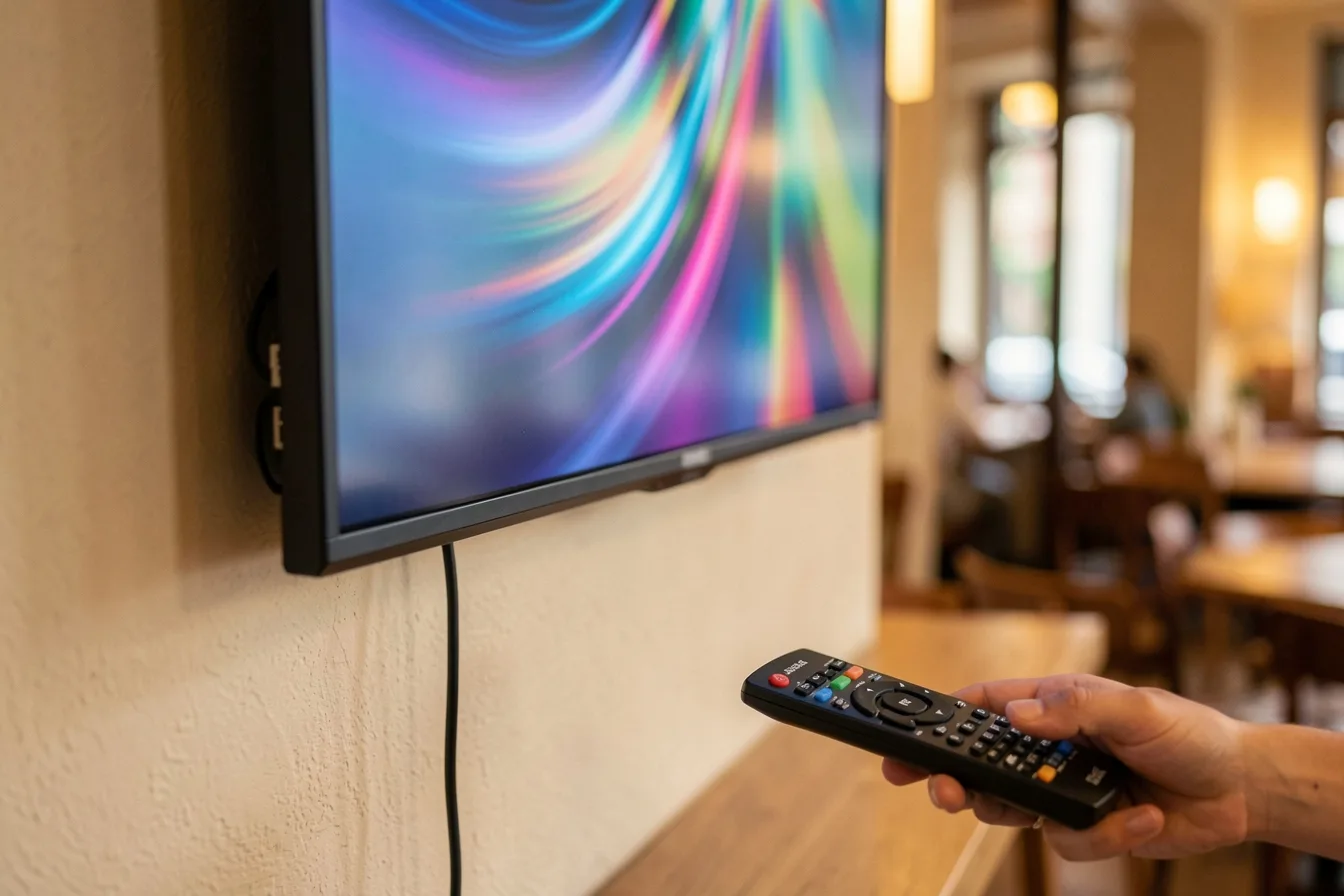
A typical install on a wall-mounted TV takes under 20 minutes:
- Enable CEC on the TV under its brand name (Anynet+, SimpLink and so on), and switch off any “eco” option that disables HDMI control in standby.
- Plug the Verde PRO into an HDMI port and power it from the TV’s USB port, or from the supplied adapter if that TV cuts USB power when it sleeps.
- The Look DS firmware is pre-installed and starts automatically. Pair the player with your account.
- Set opening and closing times per day of the week, including the input the TV should switch to on wake.
- Test the full cycle: send an off command, wait 10 minutes, send an on command and check the TV lands on the right input.
- Add holiday closures before you forget.
The same CMS runs Look Smart Scheduling for content, so your breakfast menu, lunch menu and the screen’s power hours sit in one place. Offline playback keeps the playlist running if the Wi-Fi drops, and the stick’s passive cooling means no fan to clog with kitchen grease.
If you already own players, the Look Player app is free and runs on Android, Windows, Linux, macOS, LG webOS, Samsung Tizen, Raspberry Pi and Fire OS. Pricing starts at $15 per screen per month, or $6 with yearly volume billing, and there is a free trial on Look’s pricing page. Look DS holds a 4.9 rating on Capterra from 116 reviews.
Two minor limits: Look is a smaller brand than Yodeck or ScreenCloud, and its players ship from Look’s own shop rather than big retailers. For how Verde PRO stacks up against streaming sticks, read our best digital signage player 2026 comparison.
Other platforms offer similar controls with conditions. OptiSigns requires its Pro+ plan or above for HDMI-CEC and RS-232 power schedules, and ScreenCloud’s Screen Power Schedule works only on ScreenCloud OS devices.
When is the display’s built-in timer good enough?
Use the TV’s own on/off timer when you have 1 to 3 screens and opening hours that rarely change. Commercial displays usually offer weekly timers with several on/off slots. Consumer TVs often have only a sleep timer or a single on-timer.
The catch is maintenance. Every screen is programmed by hand with a remote, often from a ladder. After a power cut, a TV without network time can lose its clock and switch off at noon. And when the shop moves to winter hours, someone has to remember to visit every screen.
I set the built-in timer as a safety net even when CEC runs the show: if the player fails, the screen still goes dark at night instead of burning a static image for 12 hours.
Is RS-232 or LAN control worth it on commercial panels?
Yes, if you run video walls, 24/7 sites or more than 10 commercial displays. RS-232 is a wired serial control port. Unlike CEC, the display answers back, so your system knows whether the screen actually turned on.
Samsung’s MDC protocol is a common example: codes are sent in hex over RS-232 or the network, and panels with RS232C In and Out ports can be daisy-chained so one command reaches a whole wall. Two settings trip up most installers:
- Port selection. On Samsung commercial displays you must set PC Connection Cable to RS232C cable, or serial control simply does not respond.
- Network standby. For LAN control, Samsung’s Network Standby setting defaults to Off, and with it off the display will not turn back on over Ethernet once powered down. Wake-on-LAN or RS-232 are the workarounds.
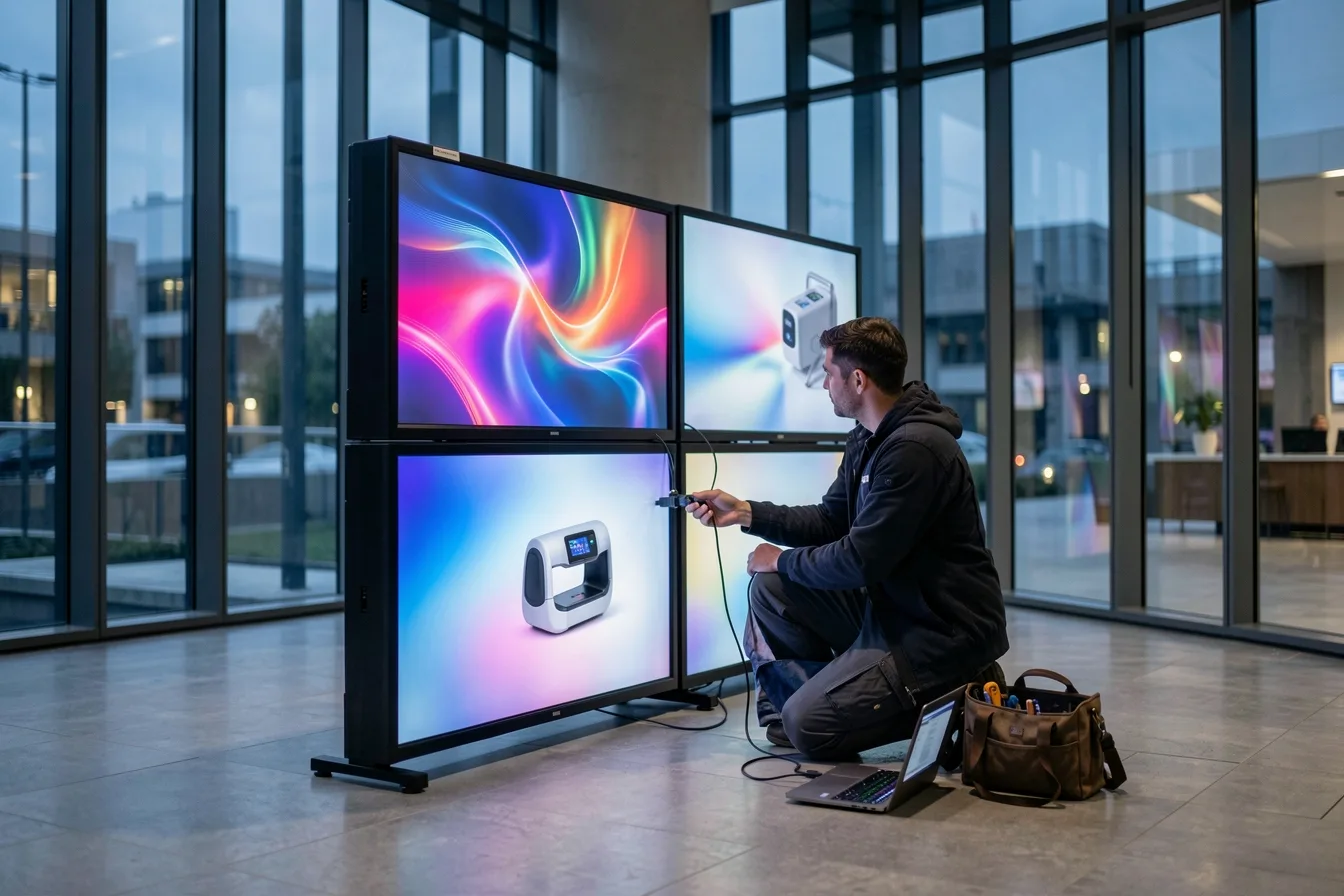
Budget extra time for cabling, display ID setup and testing. On a 2x2 lobby wall that is half a day well spent, because one dead tile ruins the whole picture.
Why are smart plugs a poor way to power screens?
Smart plugs only cut and restore mains power, and most TVs do not switch on when power returns. As How-To Geek explains, devices with electronic power buttons stay off until you press their switch again. The TV comes back in standby showing a red light.
Some commercial displays have an “auto power on” setting that makes a plug work. Even then I avoid it:
- The player loses power too, every night, with no clean shutdown.
- The plug depends on the same Wi-Fi that drops in a busy store.
- Some plugs default to off after a power outage, so the screen stays dark until someone notices.
A smart plug is fine as a remote reboot tool for a frozen player. It is a bad daily power schedule.
How much energy and screen life does a power schedule save?
A schedule is the cheapest energy saving in signage. According to digitalsignage.com, a 55-inch commercial display draws 100 to 180 W, about $62 to $112 a year at 12 hours a day, and turning screens off overnight instead of running 24/7 cuts consumption by half or more. Modern commercial panels draw under 0.5 W in standby.
Average power draw of commercial displays by screen size, watts (2026)
Source: Crown TV: Digital Signage Power Usage and Energy Benchmarks 2026
Multiply that across a network and it shows up on the bill. A retail chain with 40 screens left running overnight pays for roughly twice the electricity it needs. For other line items that creep up after launch, see our breakdown of the hidden costs of digital signage.
Screen life matters even more if you use consumer TVs. Ford AV notes that consumer TVs are typically rated for 6 to 8 hours a day, and running them longer means faster backlight wear, more risk of image retention (burn-in) and earlier failure. A TV that sleeps 12 hours a night stays far closer to its design limits.
A black screen is not the same as off. An LCD showing black still lights its backlight, so use a real standby command, not an empty playlist.
Which method should you pick for your setup?
Match the method to screen count, screen type and opening hours.
| Setup | What I would pick | Why |
|---|---|---|
| Cafe with 2 menu boards on consumer TVs | CEC from the player, TV timer as backup | No extra hardware, one schedule for menus and power |
| Gym with 6 screens, open 5:00 to 23:00 | CEC, with 16/7 rated displays | 18 hours a day is past consumer TV ratings |
| Clinic waiting room, 1 commercial panel | Built-in weekly timer or CEC | Fixed hours, low change rate |
| Corporate lobby, 2x2 video wall | RS-232 daisy chain | Power status feedback, one command for all tiles |
| 24/7 transit or hospital display | No schedule, 24/7 rated panel | Screens never go off, so buy for the duty cycle |
For the cafe, the difference is practical: nobody climbs on a counter at 7:00 to find the remote, and the lunch menu appears on time. For the gym, CEC scheduling saves about 6 hours of runtime per screen per night versus leaving the TVs on. If you are still choosing hardware, our guide to digital signage players and prices covers which devices support CEC well.
Disclosure: Digital Signage Trends is published by Look Digital Signage.
FAQ
Can a digital signage player turn my TV on and off?
Yes, if both the player and the TV support HDMI-CEC and it is enabled on the TV. The player sends standby and power on commands on the schedule you set in the CMS. Test each TV model first, because brands implement CEC differently.
Why does my TV turn on but show the wrong input?
The TV is waking to its last source, its home screen or the tuner. Use a player that sends the input switch (active source) command with the power on command, and disable any auto input search in the TV menu. On commercial panels, RS-232 can set the input directly.
Is it bad to turn signage screens off every night?
No. Putting a screen into standby each night reduces backlight wear and burn-in risk, especially on consumer TVs rated for 6 to 8 hours a day. What you should avoid is cutting mains power every night with a smart plug, which also kills the player without a clean shutdown.
Does showing a black screen save as much as turning the TV off?
No. An LCD showing black still runs its backlight and draws a large share of its normal power. Real standby on a modern commercial panel draws under 0.5 W, so use CEC, RS-232 or the built-in timer.
Do I need a commercial display for RS-232 control?
In practice, yes. Serial and LAN control ports are standard on commercial displays and rare on consumer TVs. If you only have consumer TVs, HDMI-CEC from the player is your best automated option.
Sources
- Google Workspace: Manage power-saving settings (HDMI-CEC known issues)
- Just Add Power: Samsung RS232 Codes (RS232C)
- Aveo Systems: Samsung Commercial Displays control guide
- How-To Geek: Not All Appliances Work with Smart Outlets
- digitalsignage.com: Digital Signage Power Consumption and Running Cost
- Crown TV: Digital Signage Power Usage and Energy Benchmarks 2026
- Ford AV: Commercial vs Consumer Display
- OptiSigns: How To Create and Use Operational Schedules (HDMI-CEC, RS-232)
- ScreenCloud: HDMI CEC and ScreenCloud
- Tom’s Guide: Smart plugs are great, except for this one thing