


Microsoft’s 13 October 2026 Patch Tuesday fixed a record 1413 vulnerabilities, including one Windows Shell zero-day already used in attacks. The same day, extended support ended for Windows 10 IoT Enterprise LTSB 2016. If your screens run on Windows mini PCs or kiosks, patch this week and check which machines just lost support.
Key takeaways
- Microsoft’s October 2026 update is its largest ever, and Windows alone accounts for about 1102 of the fixes.
- The exploited flaw, CVE-2026-96951, lets a malicious file skip Windows download warnings, so any signage PC that also handles email or web browsing is the highest risk.
- Windows 10 IoT Enterprise LTSB 2016, common on older signage PCs and kiosks, received its last security update on 13 October 2026.
- Dedicated players that only run a signage app are less exposed, but they still need the cumulative update and a reboot window outside opening hours.
What did Microsoft release on 13 October 2026?
Microsoft shipped fixes for roughly 1400 flaws in one monthly update. The Cyber Express counts 1413 CVEs, a jump of about 45% on September’s record of 974, with 78 rated Critical and 65 of those allowing remote code execution. Tenable’s own count is 1407, so expect slightly different numbers in different reports.
October 2026 Patch Tuesday CVEs by Microsoft product family, count
Source: Threat Landscape: October 2026 Patch Tuesday, record 1413 CVEs
The one that matters first is CVE-2026-96951, scored 8.8. According to SOCRadar, it bypasses Mark of the Web, the tag Windows puts on downloaded files to trigger SmartScreen and Office Protected View. With it bypassed, a malicious download gets treated like a trusted local file. CISA added it to its exploited list with a 16 October deadline for federal agencies.
Which signage devices are affected?
Every Windows 10 and Windows 11 machine is in scope, plus Windows Server 2012 R2 through 2025, per Ivanti. For signage, here is how it maps to the hardware you actually own.
| Device | Exposure | Action |
|---|---|---|
| Dedicated Windows player, signage app only | Low for the zero-day, still has critical fixes | Install the October update, schedule the reboot |
| Reception or office PC that also drives a screen | High, people open email and files on it | Patch today |
| Touch kiosk with a browser | Medium to high | Patch, lock down browsing |
| Windows 10 IoT Enterprise LTSB 2016 | No more security fixes | Upgrade or replace |
| Android, Linux, Tizen, webOS players and SoC screens | Not affected by this release | No change |
Tenable confirms that extended support for Windows 10 Enterprise 2016 LTSB and Windows 10 IoT Enterprise LTSB 2016 ended on 13 October. Many fanless signage PCs sold around 2017 shipped with that build because it promised ten quiet years.
Why does this matter for people who run screens?
The risk sits in shared machines and old images, not in the screens themselves. Two real situations show the difference.
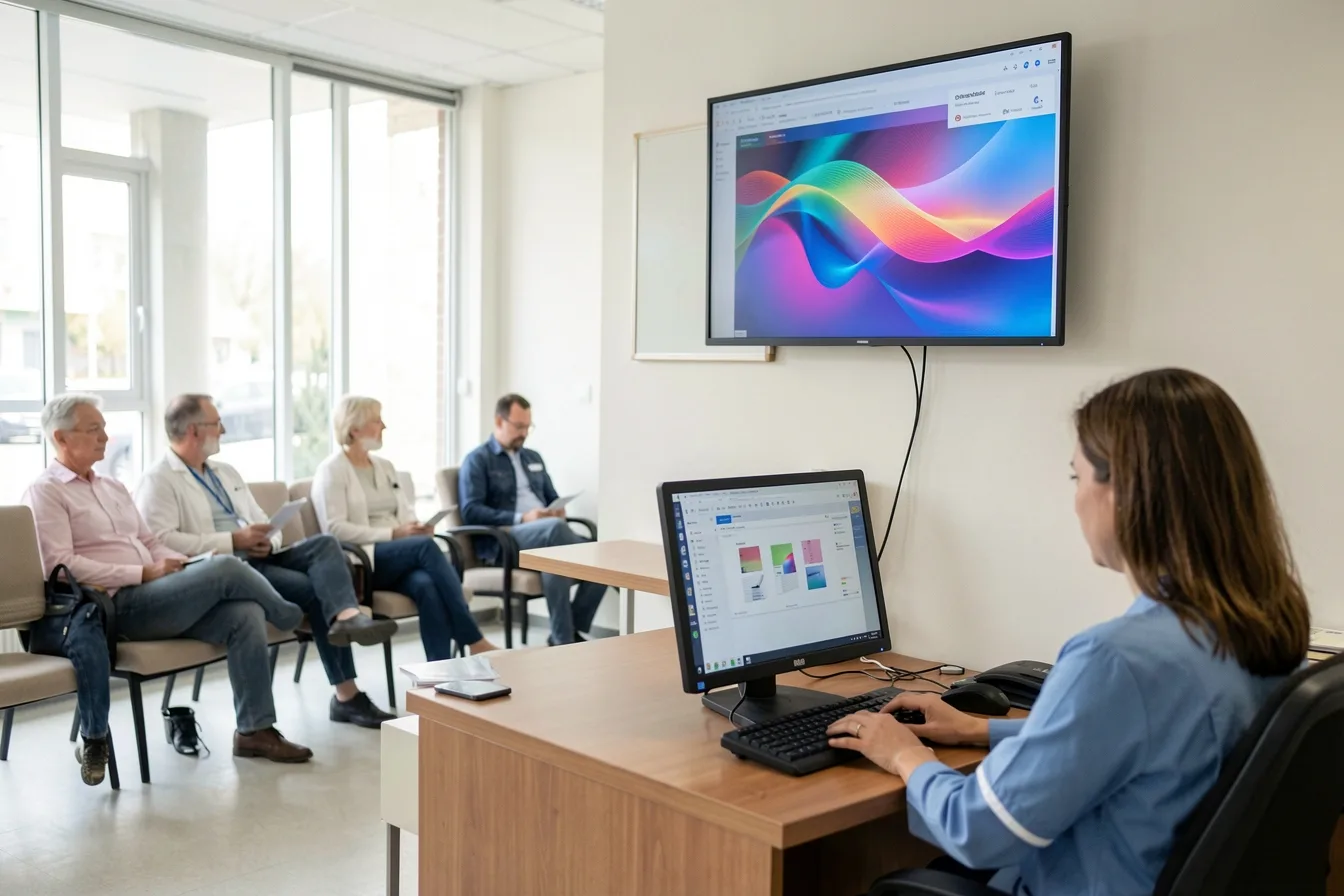
A clinic runs its waiting room screen from the reception PC under the desk. The receptionist opens patient emails and PDFs on that same PC all day. That is exactly the target of CVE-2026-96951, and a compromise there reaches patient data, not just the playlist.
A retail chain has 40 window screens driven by mini PCs on LTSB 2016, imaged once and never touched. Those machines will get no fix for this month’s flaws or any later one. If they sit on the same network as the tills, they become the weak point your payment auditor asks about.
The operational side hurts too. A large cumulative update means long installs and a restart. If nobody set active hours, a 55-inch menu board can show an update screen at noon. Our guide to troubleshooting common signage problems covers how to spot this from the CMS.
What should you do this week?
- List every Windows device that drives a screen, with its edition and build number.
- Patch shared PCs and kiosks first, then dedicated players.
- Set update and restart times outside opening hours on every player. Align them with your screen on and off schedule.
- Move LTSB 2016 machines to a supported build or replace them, and budget for it. Hidden costs like this are why player age belongs in your plan.
- Separate signage players from office and POS networks with a guest VLAN or a separate SSID.
- Stop using staff PCs as signage players.
Should you move signage off Windows?
For pure playback, yes, in most cases. A dedicated Android or Linux player, or a system-on-chip display, takes the monthly Windows patch cycle off your list. Keep Windows where you need Windows software, such as a kiosk running a booking app.
If you switch, you do not have to change your CMS. The free Look Player runs on Windows, Android, Linux, macOS, LG webOS, Samsung Tizen, Raspberry Pi and Fire OS. Look’s own players include the $149 Verde PRO stick with a hardware watchdog that restarts it if it hangs. Our player guide compares the other options.
Disclosure: Digital Signage Trends is published by Look Digital Signage.
FAQ
Is the Windows Shell zero-day dangerous for a signage player?
Only if someone opens a crafted file on it. Exploitation needs the target to open a malicious file from email, chat or a download. A locked-down player that only runs a signage app has low exposure. A PC people also use for work does not.
Do I need to reboot my signage PCs after the update?
Yes. Cumulative updates finish installing on restart. Set the restart for night hours so screens do not show an update screen during trading.
What if my players run Windows 10 IoT LTSB 2016?
They no longer get security fixes as of 13 October 2026. Upgrade them to a supported LTSC build if the hardware allows it, or replace them. Keep them off any network that carries payment or patient data until then.
Why do reports give different totals, 1407 or 1413?
Vendors count differently. Microsoft’s release notes cite 1413, Tenable counts 1407, and other outlets land in between. The count matters less than patching the exploited flaw first.
Are Samsung Tizen or LG webOS screens affected?
Not by this Microsoft release. They have their own firmware update cycles, so check them with the screen maker separately.
Sources