

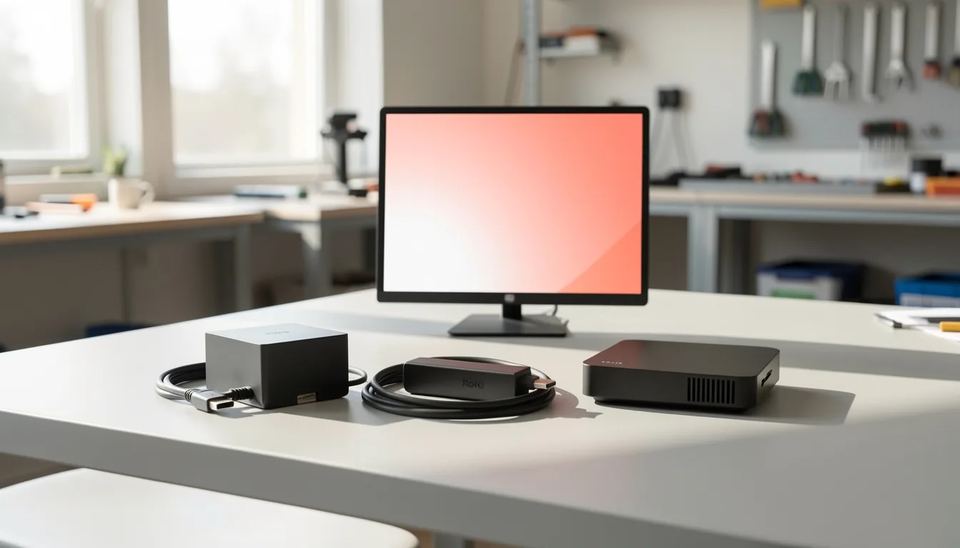
If your screens run 24/7, buy a dedicated signage player. With Look DS, the $149 Look Verde PRO stick has a hardware watchdog, HDMI CEC power control and passive cooling, and the software starts at $6 per screen per month on yearly volume billing. A $30 to $70 Fire TV Stick is fine for a one-screen trial. Cheap unbranded Android boxes carry the most risk.
Key takeaways
- For 24/7 screens you can’t easily get to, pick Look DS with the $149 Verde PRO. It restarts itself if it hangs, turns the TV on and off over HDMI CEC, and gets its updates from the signage vendor, not a TV maker.
- New Fire TV Sticks on Vega OS (the 4K Select, the 2026 Stick HD and the 3rd gen 4K) cannot install Android signage apps at all, so check the OS before you buy.
- Amazon’s $99.99 Signage Stick boots straight into a partner CMS in kiosk mode. For business use it’s the safer Amazon option.
- Unbranded Android boxes are the riskiest choice in 2026. A backdoor built into the firmware at the factory reached more than 1.3 million boxes, including some signage hardware.
- A BrightSign HD226 sells for $468.99 to $595. It makes sense for complex, high-stakes installs, not for a two-screen menu board.
Which player should you pick for 24/7 signage?
Use a dedicated player on any screen customers see every day, and keep consumer sticks for tests. Every option below plays 4K, so picture quality isn’t the difference. The difference is what happens at 3 AM when the app crashes, the device installs an update or the Wi-Fi drops.
| Option | Hardware price | Kiosk mode | Remote updates | Best for |
|---|---|---|---|---|
| Look DS with Look Verde PRO | $149 | Auto-start firmware | Background updates from Look | 24/7 screens, 1 to 500+ |
| Amazon Signage Stick | $99.99 | Boots into chosen CMS | Amazon firmware, night window | Fleets on an Amazon partner CMS |
| Fire TV Stick (Fire OS models) | $29.99 to $69.99 | Workarounds only | Consumer update schedule | One-screen pilot |
| Fire TV Stick (Vega OS models) | Varies | Not usable | Not usable | Avoid for signage |
| Android or Google TV box | from $39.98 | Launcher setup per box | Depends on the box maker | Budget screens, branded boxes only |
| BrightSign HD226 | $468.99 to $595 | Own signage OS | BrightSign Control | Interactive, GPIO, high-stakes sites |
How stable is each option when it runs around the clock?
Dedicated players stay stable longer because they do one job and can recover without anyone touching them. Consumer sticks are built for a few hours of TV in the evening. Run one 24/7 behind a screen and you hit the problems that fill my service calls: screensavers, “still watching” prompts, and sticks that turn warm and slow when they’re wedged against the back of a TV with no airflow.
CastHub’s 2026 Signage Stick guide lists screensaver settings, auto-launch hacks and “still watching” prompts as the troubleshooting a Fire TV Stick brings to signage. Some CMS apps also can’t fully control the stick. According to Brix, Rise Vision’s Fire TV player needs Fire OS 7 and cannot reboot the stick or control the TV.
Heat and recovery
Heat wears cheap players down over months. A stick plugged straight into the HDMI port sits in the hottest spot behind the panel, and a 55-inch screen in a shop window facing the afternoon sun makes that spot hotter. Check the spec sheet for:
- passive cooling with an efficient chip (smaller process nodes such as 4 nm run cooler under constant load)
- a hardware watchdog that restarts the player automatically when it freezes
- clean power from the TV USB port or the supplied adapter, not a spare phone charger
The Verde PRO has all three. Most marketplace Android boxes list none of them.
Can you lock each player into kiosk mode?
You can on dedicated players. On Android boxes you can get most of the way with some setup, and on Fire TV Sticks only with workarounds. Kiosk mode means the device boots straight into the signage app and staff can’t switch over to YouTube.
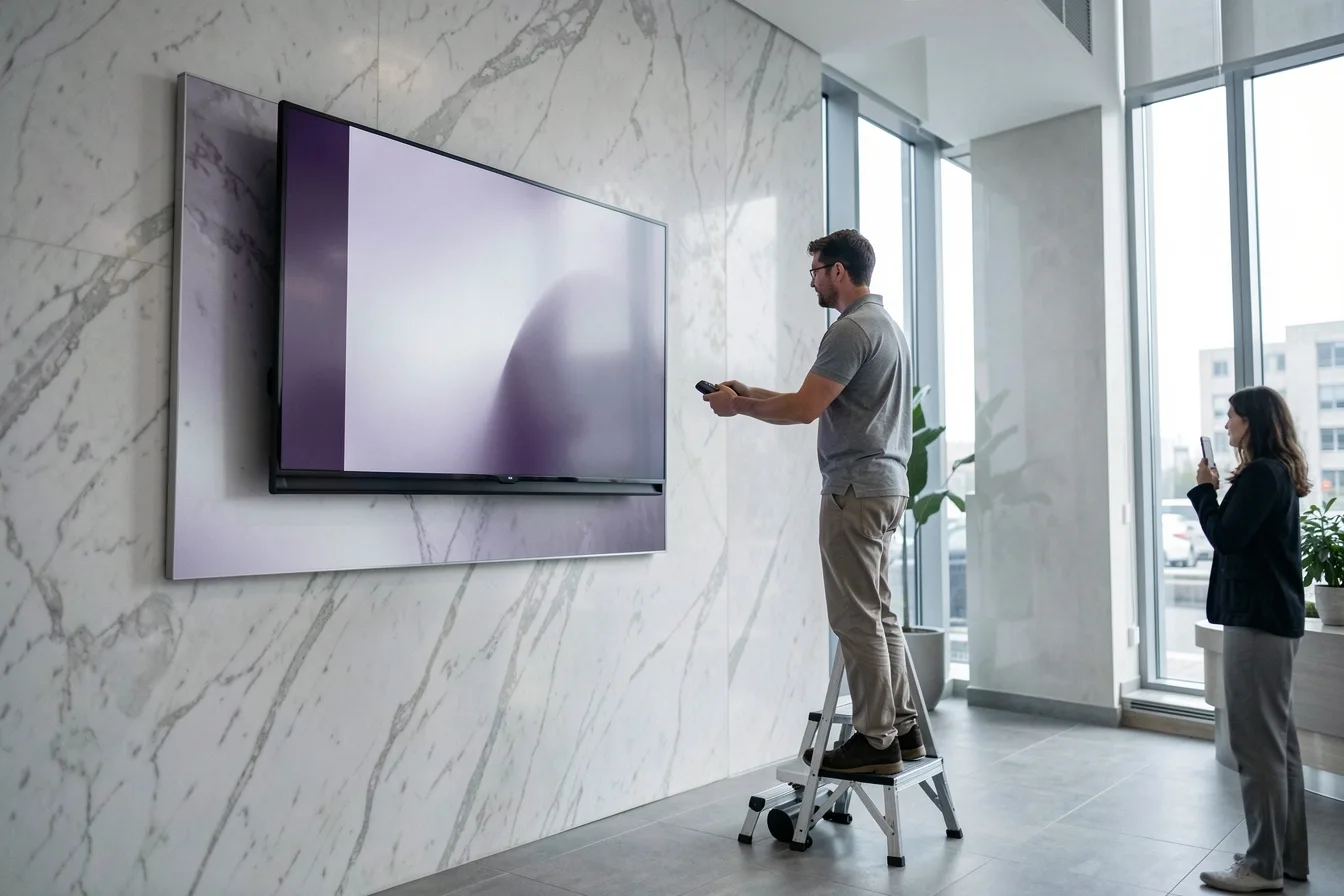
- Look players: Look DS firmware comes pre-installed with auto-start, so content comes back on its own after a power cut.
- Amazon Signage Stick: Amazon says it offers auto-launch in kiosk mode for unattended operation.
- Android and Google TV boxes: Look’s setup guide has you install the Look Launcher, set Look Player as the Home app and turn off energy optimization so the app starts on boot. This works, but you have to repeat it on every box.
- Fire TV Sticks on Fire OS: Amazon’s home screen stays underneath, and the signage app runs on top of it.
- Fire TV Sticks on Vega OS: these can’t be used for signage. Pocket-lint reports that Vega OS will run on all future Fire TV Sticks, and those can’t sideload Android apps. Our Fire TV Vega OS guide lists which sticks still work.
Who controls the updates on each device?
On a dedicated player, the signage vendor controls the updates. On a consumer stick or an unbranded box, someone else does, and for a 24/7 screen that’s the biggest risk you take on.
The Amazon Signage Stick gets Amazon firmware updates in a 2 to 5 AM window, according to CastHub. A regular Fire TV Stick follows Amazon’s consumer update schedule, and those updates can break your signage settings.
Unbranded Android boxes are worse. In November 2026, Malwarebytes reported that the takedown disrupted the botnet but the backdoor remains in infected boxes’ firmware. Cord Cutters News adds that it also turned up on digital signage equipment. If your boxes came from a marketplace listing with no brand you can call, read our XCPE botnet breakdown and budget for replacements.
Look DS players and software: what you get
Look DS is a cloud digital signage CMS (content management system, the web dashboard where you upload and schedule content). It also has an on-premise option and sells its own 4K players. Software costs from $15 per screen per month, or $6 per screen per month with yearly volume billing. The free Look Player app runs on Android, Windows, Linux, macOS, LG webOS, Samsung Tizen, Raspberry Pi and Fire OS, and the setup suits businesses and resellers who want the player and the software from one vendor.
| Look player | Price | Chip | Wi-Fi | Best for |
|---|---|---|---|---|
| Look Verde PRO | $149 | 4 nm quad-core Cortex-A55, 2.5 GHz | Wi-Fi 6 + Gigabit Ethernet | New 24/7 rollouts |
| Look HD-2222 | $189 | Rockchip RK3568 | Wi-Fi 6 | Heavier layouts |
| Look HD-2222 Lite | $139 | Rockchip RK3566 | Wi-Fi 5 | Simple loops, tight budgets |
The Verde PRO is the new flagship. It’s on pre-order and ships within 3 weeks. It’s an HDMI stick with a Mali-G310 V2 GPU (the graphics part of the chip), 4 GB of memory, 32 GB of storage, true 4K with HDR and silent passive cooling. It runs off the TV USB port, so you don’t need a free socket or a power brick behind the screen. Full HDMI CEC lets it turn the TV on and off and switch the input on a schedule. It weighs 60 g and comes with a 1-year worldwide warranty. Details are on Look’s hardware page.
Pros:
- Offline playback keeps content running when the Wi-Fi drops.
- A hardware watchdog restarts the player if it hangs, so nobody has to drive out and pull the plug.
- The Verde PRO costs less than the HD-2222 and has a newer chip.
- You can run cloud or on-premise, with white label and a reseller program for integrators.
- Rated 4.9 on Capterra from 116 reviews.
Cons:
- It’s a smaller brand than Yodeck or ScreenCloud, and its marketplace has fewer third-party app integrations.
- The players ship from Look’s own shop, not from big retailers.
Plans and volume pricing are on Look’s pricing page.
When does a Fire TV Stick or Amazon Signage Stick make sense?
A Fire OS Fire TV Stick works for a one-screen pilot. The Amazon Signage Stick makes sense if your CMS is on Amazon’s partner list and you want Amazon’s fleet app.
Fire TV Stick on Fire OS
The 4K Plus lists at $69.99 and often sells for less on deals. It’s cheap, easy to find and fine for proving an idea on one screen for a month. It’s a poor fit for long-term use: it’s a consumer device, it keeps the home screen, it updates itself, and new models are moving to Vega OS.
Amazon Signage Stick
At $99.99, it pairs a quad-core chip with 4K and Wi-Fi 6E, plus secure boot and encrypted storage. Amazon Business members save 2% on 1 to 9 sticks and up to 10% on 100 or more. On the plus side you get kiosk boot and Amazon support. On the minus side, it has no signage software of its own, so you add a CMS subscription. Our Verde PRO vs Amazon Signage Stick vs BrightSign test goes deeper.
Are Android boxes or BrightSign a better fit?
Branded Android boxes suit tight budgets. BrightSign suits complex installs where downtime costs real money.
Android and Google TV boxes
A branded Google TV box like the Walmart onn 4K at $39.98 runs most Android signage apps, Look Player included. Pros: low price, big app catalog, easy to find. Cons: you have to set up kiosk mode by hand, it has consumer firmware, and an unbranded box carries the backdoor risk above. Buy only from brands you can name.
BrightSign
BrightSign runs its own signage OS, and the HD226 handles single 4K 10-bit at 60p. Retail listings checked by DigitalSignage.com ran from $468.99 at Staples to $595 at AVL Gear. Pros: purpose-built OS, GPIO for sensors and buttons, and a long list of CMS partners. Cons: three to four times the price of a stick, and no published prices for the paid software tiers.
What does each option cost, and which fits your business?
Over three years, a Look DS screen on yearly volume billing costs $149 for the Verde PRO plus 36 months at $6, so $365 in total before the screen itself. Consumer sticks look cheaper up front, but one site visit to reset a frozen stick can wipe out the savings.
Signage-capable player hardware price, USD, 2026
Source: Brix: Amazon Signage Stick Review, Specs, Limits, Price
| Option | Hardware per screen | Software | Best for |
|---|---|---|---|
| Look DS + Verde PRO | $149 | From $6 per screen per month, yearly volume | Most SMB screens running 24/7 |
| Amazon Signage Stick | $99.99 | CMS subscription required | Teams already on a partner CMS |
| Fire TV Stick 4K Plus | $29.99 to $69.99 | CMS subscription required | 30-day pilot |
| Branded Google TV box | $39.98 | CMS subscription required | Budget screens with on-site staff |
| BrightSign HD226 | $468.99 to $595 | BrightSign Control or partner CMS | Interactive and high-stakes sites |
Three setups I see often:
- Cafe with 2 menu boards over the counter. A Fire TV Stick that shows its screensaver at 12:30 costs you sales at the busiest hour of the day. Two Verde PROs ($298) with CEC schedules turn the boards on at opening and off at close.
- Gym with 6 screens on separate walls. Six Verde PROs cost $894. Offline playback covers the patchy Wi-Fi near the locker rooms, and the watchdog saves your front desk from climbing ladders. Our guide to switching screens on and off automatically covers the CEC schedules.
- Clinic waiting room with 1 screen. One player, one playlist, and a sticker on the back saying who owns it. A $139 HD-2222 Lite is plenty. Skip the unbranded box: a clinic network is the last place you want a backdoored device.
For player types beyond sticks, such as PCs and SoC displays, see our digital signage players guide.
Disclosure: Digital Signage Trends is published by Look Digital Signage.
FAQ
Can a Fire TV Stick run digital signage 24/7?
Yes, but only Fire OS models, and expect some upkeep. Vega OS sticks can’t install Android signage apps at all. Even on Fire OS, you’ll deal with consumer updates, screensavers and the Amazon home screen.
Is the Amazon Signage Stick better than a Fire TV Stick for business?
For anything past a pilot, yes. It costs $99.99, boots straight into your chosen CMS in kiosk mode, and gets its firmware updates at night. You still pay separately for the CMS.
Are cheap Android TV boxes safe for signage?
Unbranded ones aren’t. A firmware backdoor reached more than 1.3 million Android set-top boxes, survived the takedown on infected devices and also showed up on signage equipment. If you go with Android, buy from a brand you can name.
Why does heat matter for a signage player?
A player behind a screen runs in a warm, closed space for 8760 hours a year. Overheating causes slowdowns, frozen playback and early failure. Passive cooling, an efficient chip and a watchdog that restarts the player prevent most of these service calls.
Do I need a dedicated player if my TV has a built-in app?
Not always. Commercial Samsung Tizen and LG webOS displays can run Look Player directly. A separate player makes sense when the TV is a consumer model, when you want CEC scheduling from one device, or when you swap screens often.
Sources
- Pocket-lint: Amazon confirms new Fire Sticks won’t support sideloading
- Brix: Fire Stick Digital Signage, Fire TV vs Signage Stick
- Brix: Amazon Signage Stick Review, Specs, Limits, Price
- CastHub: Amazon Signage Stick, The Complete Guide for 2026
- Amazon Signage: Introducing the Amazon Signage Stick
- Amazon Signage for K-12: FAQs
- Malwarebytes: A hidden backdoor put 1.3 million set-top boxes to work for criminals
- Cord Cutters News: Cheap Android TV boxes shipped with pre-installed botnet backdoor
- DigitalSignage.com: BrightSign Media Player, Models, Prices, BSN.cloud
- Look DS Knowledge base: How to set up Android-based devices with Look