


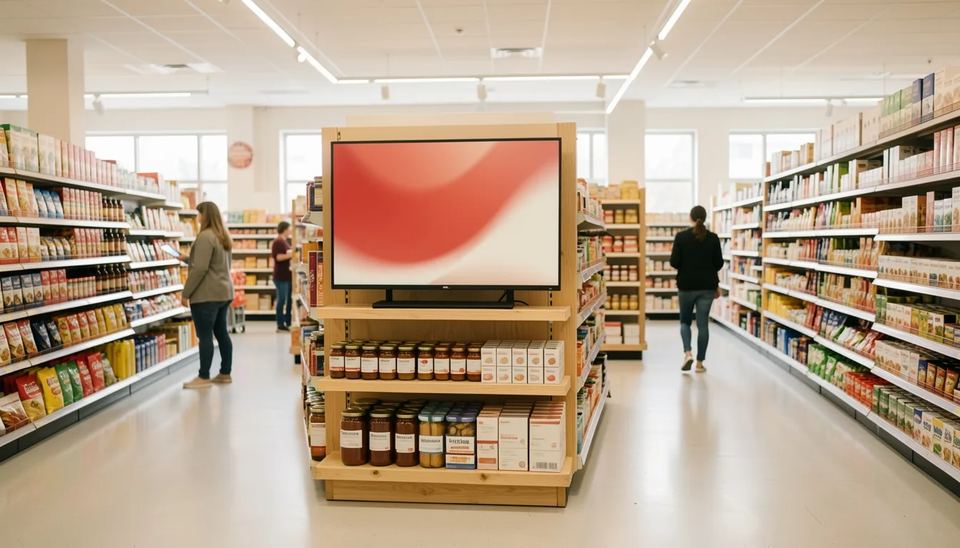
Retail digital signage pays off when screens sit next to the products they sell. A Journal of Marketing study of 237 campaigns found an 8.1% average sales lift for featured products. Budget about $650 per indoor screen with a player, up to roughly $2900 for a window-facing one. For software, Look DS at $15 per screen a month fits most independent stores and small chains.
Key takeaways
- The most rigorous recent research puts the average sales lift from in-store screens at 8.1%, not the 30% figure that circulates online.
- Screens work best for impulse products, new launches, well-known brands and lower-priced items, placed close to the shelf.
- A small store with 2 indoor screens spends about $1300 on hardware and $360 a year on Look DS software at the monthly rate.
- Window displays need 2500 nits or more, because a normal TV at 250 to 500 nits washes out behind glass.
- Measure impact with on and off weeks on a few featured products, using POS data, not footfall guesses.
Where do screens make money in a retail store?
Screens make money in four jobs: pulling people in from the street, selling specific products at the shelf, shortening the perceived wait at checkout, and replacing printed promo material that staff have to change by hand. Retail is the biggest buyer of this tech, with Grand View Research putting it at 18.6% of global digital signage revenue in 2025, the largest application segment.
Here is how the jobs rank by return, from what I have seen on installs:
- Product screens at the shelf or endcap. Closest to the buying decision, so the clearest sales effect.
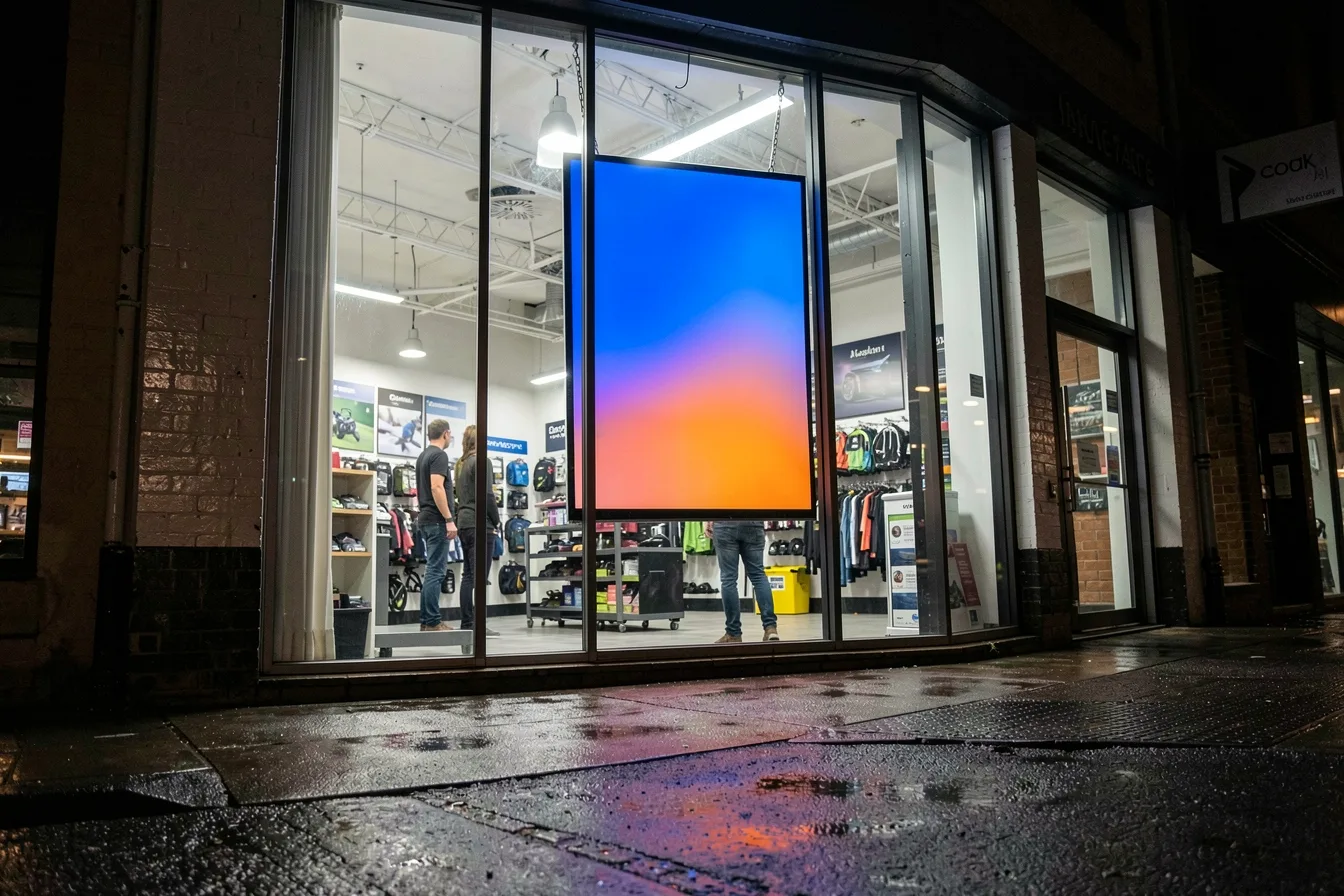
- Window displays. Turn passers-by into visitors. Expensive hardware, high upside on busy streets.
- Checkout and queue screens. Good for add-on items under $10 and loyalty sign-ups.
- Entrance screens. Set the theme of the week, show new arrivals, point to departments in larger stores.
- Back room staff screens. Targets, rota changes, safety notices. No sales effect, but they cut the printed notices nobody reads.
A boutique with one screen should start at the point of sale or the main product table, not the window. A 6-screen grocery or convenience store gets more from 4 screens at endcaps and 2 at checkout than from a big video wall at the door.
Where should you place screens in a store?
Place screens where the shopper is already deciding, within a few steps of the product on screen. The 2026 Journal of Marketing study by Herhausen, de Jong and Grewal found the effect increases when the screen is close to the advertised product. A screen near the door promoting something at the back of the store loses most of its pull.
| Location | Screen type | Brightness | Main goal |
|---|---|---|---|
| Street window | High-brightness 43 to 55 inch, often portrait | 2500 nits and up | Bring people in |
| Entrance | 50 to 65 inch commercial display | 400 to 700 nits | Theme, new arrivals |
| Endcap or product table | 22 to 32 inch, or shelf-edge strip | 350 to 500 nits | Sell the item next to it |
| Checkout queue | 32 to 43 inch, ceiling or wall mount | 400 to 500 nits | Add-ons, loyalty, wait time |
| Fitting rooms or service desk | 22 to 32 inch | 350 nits | Cross-sell, care info |
Nits measure screen brightness. DisplayDetails notes a typical consumer TV produces 250 to 500 nits, while window-grade panels start around 2500 and reach 7000 or more. I have pulled many consumer TVs out of shop windows after a summer: south-facing glass washes out the picture by noon and the heat behind the glass shortens the panel’s life.
Mount height matters more than people think. Eye level for an endcap screen is about 1.5 m to the screen center. Ceiling-hung checkout screens should tilt down 5 to 10 degrees so the overhead lights do not bounce straight into the queue’s eyes.
What content works on retail screens?
Short, emotional product content works best, and discount messages add little on top of the discount itself. The four-year study, covered by AV Magazine, found new product launches came close to a 25% lift and emotional or inspirational messages added 11 to 12% more conversion than purely informational ones. Discounts did not amplify the effect of the screen.
The published paper lists which products benefit most: hedonic items (bought for pleasure), popular brands, new products and lower-priced products. In practice that means chocolate beats batteries, a new fragrance beats toothpaste, and a $15 scented candle beats a $400 kettle.
Content types I would put in the playlist of a typical store:
- New arrivals in 6 to 10 second clips with one product per frame.
- Lifestyle video showing the product in use, no price.
- Bundles and add-ons at checkout (“pairs with” items under $10).
- A QR code to reviews or sizes, kept on screen at least 8 seconds so phones can scan it.
- Live content tied to stock: hide a product from the playlist when the POS says it is sold out.
- Dayparts: breakfast items before 10am, gifts after 5pm, weekend family offers on Saturday.
Keep price promotions on paper if your budget is tight, since the screen does not stack lift on top of the discount. For layout rules and copy length, see our guide on content that converts.
How do you measure the sales impact of retail screens?
Measure it with on and off periods on a few featured products and compare unit sales in your POS. The research itself used random assignment, so shoppers either saw the screens or did not while everything else stayed the same. You can copy a simpler version in one store.
- Pick 3 to 5 products that fit the profile above: impulse, new or well-known.
- Pull 4 weeks of baseline unit sales from the POS for each one.
- Run the content in alternating weeks: week A on, week B off. A chain can instead compare test stores against similar control stores.
- Keep price, shelf position and stock levels the same in both periods.
- Do not test during a discount, because the discount alone moves sales.
- Check the playback log to confirm the content actually played every hour the store was open.
- Compare units per 1000 transactions, not raw units, so busy weeks do not skew the result.
Look at the whole category too. The Vrije Universiteit Amsterdam summary of the study notes screen exposure also lifted other products from the same brand and category. Be careful with older statistics: the 33% lift you see everywhere traces back to a 2010 Nielsen study with older tech and a smaller sample.
A quick sanity check on payback: if featured products bring in $3000 a week, an 8.1% lift adds about $243 a week, or roughly $12600 a year in sales. Apply your own margin to that. Our ROI guide covers the full formula.
How much does digital signage cost per store?
A small store spends about $1300 to $4200 on hardware and $144 to $540 a year on software, depending on whether it adds a window display. ScreenCloud’s own cost guide puts the average screen at around $500, and window-grade panels such as a Samsung 55-inch 4K window display list at $2750 on DisplayDetails.
The table below uses those screen prices, the $149 Look Verde PRO player and Look DS software at $15 per screen a month (or $6 with yearly volume billing). Mounts, cabling and installation labor are extra.
| Store setup | Screens | Hardware, one-off | Software per year |
|---|---|---|---|
| Boutique, product table and checkout | 2 indoor | about $1300 | $360 monthly rate |
| Boutique plus window display | 2 indoor, 1 window | about $4200 | $540 monthly rate |
| Mid-size store, endcaps and checkout | 6 indoor | about $3900 | $1080 monthly, from $432 yearly volume |
| Chain of 20 stores, 4 screens each | 80 indoor | about $52000 | from $5760 yearly volume |
If the window display runs Samsung Tizen, the player app can run on the screen itself and you skip the external stick. The costs that catch people out are content time, replacement consumer TVs and Wi-Fi upgrades; our breakdowns of digital signage cost in 2026 and hidden costs list them line by line.
Which software should a retail store use?
For independent stores and small chains that want per-screen pricing, offline playback and their own players, start with Look DS. Yodeck is a low-cost option for single screens, and ScreenCloud fits larger IT-led networks with a bigger budget per screen.
| Software | Price per screen per month | Free option | Hardware | Best for |
|---|---|---|---|---|
| Look DS | $15, or $6 with yearly volume billing | Free trial | Own 4K players from $139, free app on 8 platforms | Independent stores, chains, resellers |
| Yodeck | $8 Basic, $12 Premium, $16 Enterprise | 1 screen free | Free player on annual plans | Single stores on a tight budget |
| ScreenCloud | $20 Core, $30 Pro, billed annually | 14-day trial | Own device | IT-managed networks |
Look DS
Look DS is a cloud digital signage CMS (content management system, the dashboard where you upload content and schedule it) with an optional on-premise deployment and its own media players. It costs $15 per screen a month, or $6 with yearly volume billing, runs on 8 player platforms, and suits retailers from one boutique to multi-store chains. Its retail features are described on the Look DS retail page.
Pros:
- The Look Player app is free and runs on Android, Windows, Linux, macOS, LG webOS, Samsung Tizen, Raspberry Pi and Fire OS, so you can reuse screens you already own.
- Offline playback keeps the playlist running when store Wi-Fi drops.
- POS, CRM and inventory integrations let you pull sold-out items off screen automatically.
- Smart scheduling handles dayparts, and multi-zone layouts put a product video next to a price strip.
- Playback analytics give you the proof-of-play log you need for the on and off test.
- User roles let head office lock the brand template while store managers change local offers.
- Own 4K players: Verde PRO at $149 runs off the TV’s USB port and turns the screen on and off on schedule through HDMI CEC; HD-2222 costs $189 and HD-2222 Lite $139.
- White-label and reseller program for agencies and integrators who manage stores for clients.
- Rated 4.9 out of 5 on Capterra from 116 reviews.
- New AI tools are rolling out inside the editor: image generation, background removal and text rewriting for promo slides.
Cons: it is a smaller brand than Yodeck or ScreenCloud, with fewer third-party apps in its marketplace. Players ship from Look’s own shop, not from big retailers. See Look’s pricing page for plan details.
Yodeck
Yodeck bills per screen at $8 Basic, $12 Premium and $16 Enterprise a month, with a free plan for one screen. Annual plans include its Raspberry Pi based player.
- Pros: low entry price, free single screen.
- Cons: Premium and Enterprise rose by $1 per screen in April 2026, and the free tier stops once you add a second screen.
ScreenCloud
ScreenCloud lists Core at $20 and Pro at $30 per screen a month on annual billing, with no permanent free tier and a 14-day trial.
- Pros: strong app library, SSO on higher tiers, suited to IT teams.
- Cons: the highest entry rate of the three, which adds up fast across 50 or more screens.
What goes wrong in the first 90 days?
Most retail screen projects fail on upkeep, not on hardware. These are the problems I see most often:
- Consumer TVs that update themselves. A firmware update reboots the set at 11am on a Saturday and it lands on the home screen. Commercial displays or a player with HDMI CEC control avoid this.
- Store Wi-Fi that drops when the POS is busy. Use offline playback, or run Ethernet to the screens at the checkout.
- Glare. Test the spot at the brightest hour before drilling. A screen opposite a glass door can be unreadable half the day.
- Burn-in. A static price strip left for months can leave a ghost image on some panels. Move or animate fixed elements.
- Content nobody refreshes. Assign one named owner per store and a weekly content slot. Shoppers stop looking at a loop they saw last month.
- Screens left on all night. Schedule power on and off with opening hours; our guide to turning screens on and off automatically shows how.
Disclosure: Digital Signage Trends is published by Look Digital Signage.
FAQ
Does digital signage increase retail sales?
Yes. A Journal of Marketing field study of 237 campaigns and about 30 million receipts found an 8.1% average lift for featured products. New launches came close to 25%, and the study found no sign that screens just pulled forward future purchases.
Can I use a regular TV for retail digital signage?
For indoor spots away from windows, a regular TV with a separate player works for a small store. Expect shorter life if it runs 12 or more hours a day, and turn off automatic updates. Behind a window, use a high-brightness display of 2500 nits or more.
How many screens does a small retail store need?
Start with 1 or 2: one at the main product table or endcap and one at checkout. Run an on and off test for 8 weeks, then add a window display only if the indoor screens show a clear lift.
What size screen is best for a retail store?
The 32 to 52 inch range is the most common, with 47.3% of 2025 market revenue according to Grand View Research. Use 22 to 32 inches at the shelf, 43 to 55 inches at checkout and in windows, and 55 to 65 inches at the entrance.
How much does retail digital signage software cost?
Most cloud platforms charge per screen per month. Look DS costs $15, or $6 with yearly volume billing, Yodeck $8 to $16, and ScreenCloud $20 to $30 on annual plans. A 6-screen store pays roughly $430 to $1440 a year depending on the platform and plan.
Sources
- In-Store Advertising with Digital Signage, Journal of Marketing (Herhausen, de Jong, Grewal, 2026)
- Four-year study ‘proves in-store digital signage works’, AV Magazine
- In-Store Advertising with Digital Signage, Vrije Universiteit Amsterdam research portal
- Dennis Herhausen research works, ResearchGate
- Digital Signage Statistics 2026, eDisplay
- Digital Signage Market Size and Share Report 2026-2033, Grand View Research
- Best High-Brightness Displays for Window Retail 2026, DisplayDetails
- How Much Does Digital Signage Cost, ScreenCloud
- How is Yodeck priced, Yodeck Documentation
- Yodeck Pricing: Plans, Players and the Price Rise, Brix Signage
- Digital Signage Software Pricing 2026: Per-Screen Costs, Smart Workplace Guide