

Corporate digital signage puts HR news, safety alerts and live KPI dashboards on screens in break rooms, lobbies and production floors, where staff without corporate email (83% of non-desk employees) actually look. For most offices and plants, start with Look DS at $6 to $15 per screen per month, with free player apps and offline playback.
Key takeaways
- For most offices and factories, Look DS is the practical first pick: $6 to $15 per screen per month, a free player app on 8 platforms, offline playback and an on-premise option for locked-down plant networks.
- Screens close a real gap: Gallup’s 2026 data puts engagement for on-site staff who cannot work remotely at 17%, the lowest of any work setup.
- Never use Power BI “Publish to web” for real numbers, because it creates a public link with no login. Use an authenticated connector or a service principal instead.
- Feed Teams or Slack to screens from a dedicated, moderated channel, never from a busy team channel.
- Give every screen zone a named owner and every item an expiry date, or the screens go stale within a month.
What should office and factory screens show?
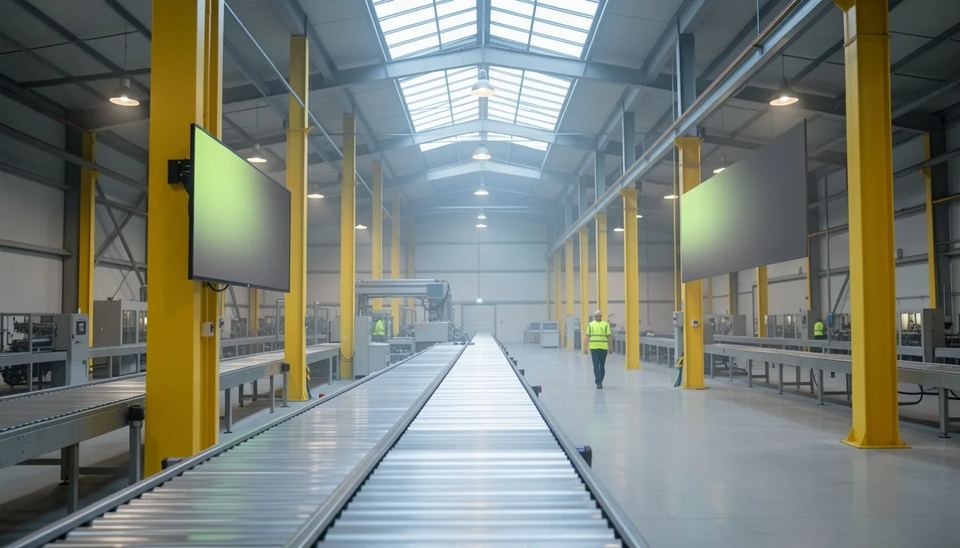
Show what people need in the next hour, where they stand: live numbers on the floor, people news in break areas, visitor content in the lobby. The mistake I see most often is one playlist pushed to every screen, so the line worker gets the marketing video and the visitor gets the scrap rate.
| Location | What to show | Refresh rate | Owner |
|---|---|---|---|
| Lobby | Welcome messages, company news, awards | Weekly | Comms or marketing |
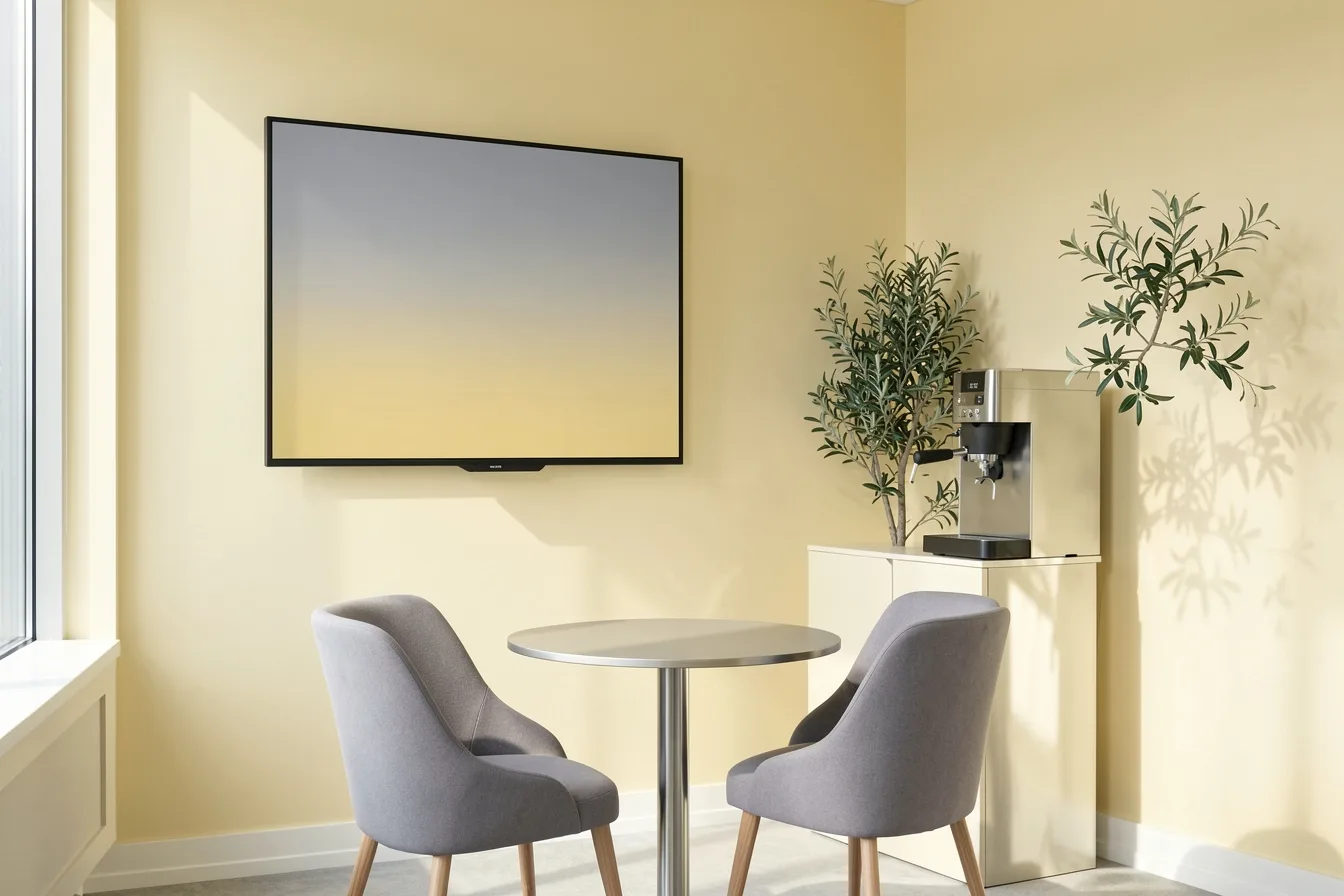
| Break room, canteen | HR news, benefit deadlines, birthdays, canteen menu | Daily | HR |
| Production line | Output vs target, downtime, quality rate | Every 1 to 5 minutes | Plant manager |
| Plant gate, locker room | PPE rules, shift notices, safety alerts | Per shift | EHS lead |
| Sales floor, call center | Queue length, daily targets | Live | Team leads |
| Meeting rooms | Room schedule, content between meetings | Live | IT or facilities |
Two setups show how the mix changes. A 150-person head office with 4 screens (lobby, kitchen, two corridors) needs mostly scheduled HR and company content, refreshed by one person in 30 minutes a week. A plant with 2 shifts and 10 screens needs live data on 6 line-side screens, shift-based safety content at the gate, and a canteen screen that carries the same HR news the office gets, so night shift stops hearing about the benefits deadline after it closes.
Split each screen into zones with a multi-zone layout: a KPI tile on the left, rotating news on the right, a ticker for alerts at the bottom. People glance at a screen for 3 to 5 seconds, so keep 5 or 6 numbers per dashboard, not 20.
Why do screens reach staff that email misses?
Because most frontline staff never open the channels head office relies on. HubEngage reports that 83% of non-desk employees lack a corporate email address and 45% have no intranet access.
Employee engagement by work location, 2025, % engaged
Source: Gallup, State of the Global Workplace 2026: Global Data
The engagement numbers follow the same line. Gallup’s State of the Global Workplace 2026 found only 20% of employees worldwide engaged in 2025, and the figure drops to 17% for on-site workers whose jobs cannot be done remotely. That is your warehouse, your production line, your cleaning crew.
A screen in the canteen is seen 2 or 3 times per shift by everyone, with no login, no app install and no phone policy to fight. It will not replace a manager’s conversation, but it removes the “nobody told us” excuse for the basics: shift changes, holiday schedules, safety notices.
How do you show Power BI dashboards on a screen safely?
Use an authenticated connection, not the public link. Power BI’s “Publish to web” creates a public URL with no authentication, which means anyone who gets the link sees your production or sales numbers.
| Method | Security | Freshness | Use it for |
|---|---|---|---|
| Publish to web URL | Public, no login | Cached, roughly hourly | Truly public data only |
| Browser kiosk logged into Power BI | User login on the player | Live until the session expires | Small pilots |
| Service principal via Power BI Embedded or a CMS connector | Per screen permissions, no human session | Live | Any real business data |
The Korbyt IT guide calls a service principal through Power BI Embedded the standard secure pattern, because it signs in without a human session that can expire. That matters: the classic failure is a Microsoft login page on the factory wall at 6 am because someone’s password changed over the weekend.
Three practical points from installs:
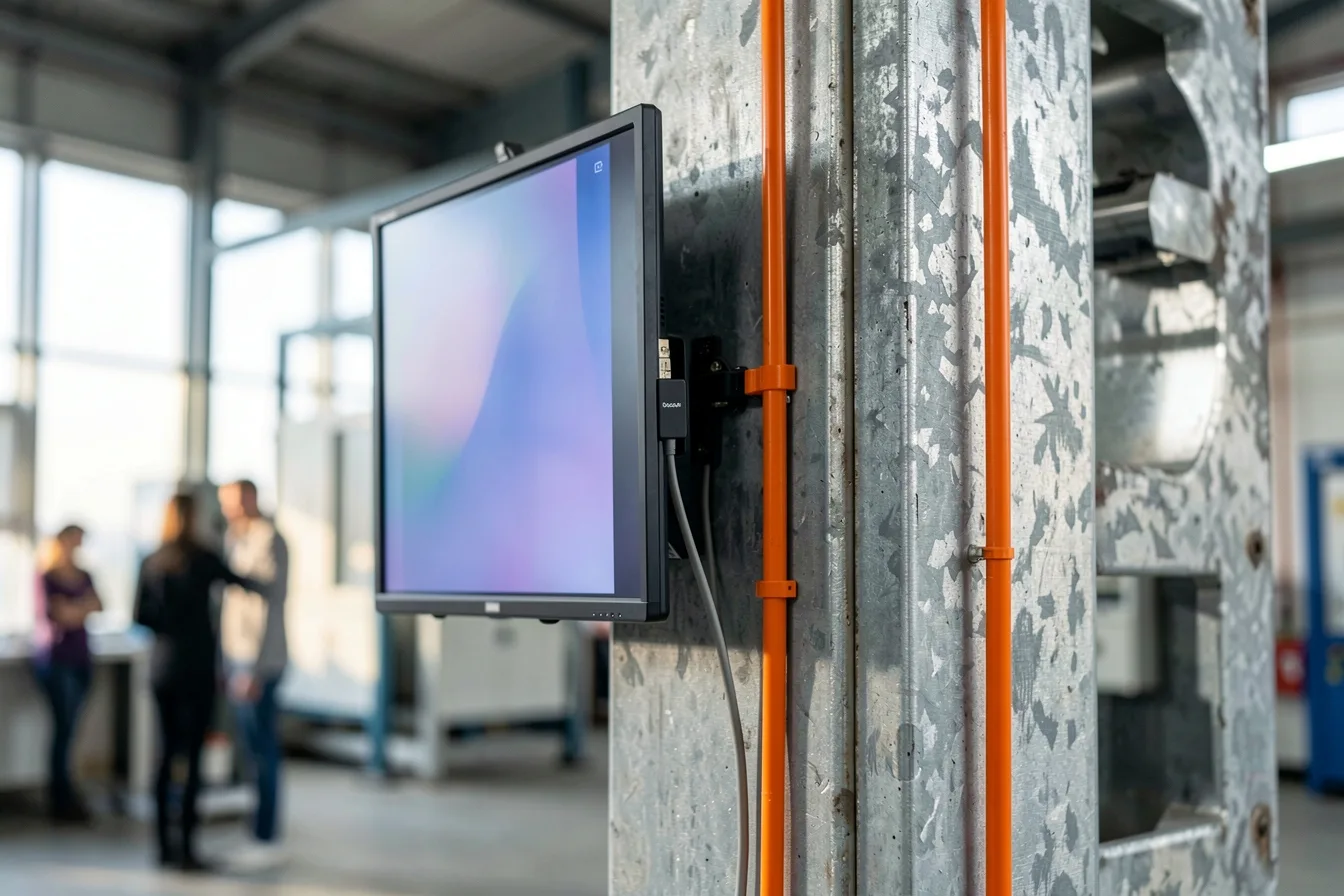
- Build a separate report page at 1920 x 1080 for the screen, with big tiles and dark text on a light background. Desktop reports shrink to unreadable on a 55-inch TV at 4 meters.
- Add a “last updated” time to every dashboard, so staff know when the data froze.
- Ask IT to open outbound access from the player network to Power BI and Microsoft Entra endpoints before install day, not after.
If you plan to pull data from other systems too, our guide to connecting signage to business systems through APIs covers the setup.
How do Teams and Slack messages get onto screens?
Through a connector that watches one channel and publishes its posts to a screen group. Most cloud signage vendors now offer one, and they differ in speed and formatting.
- ScreenCloud’s Microsoft Teams app publishes Teams messages to screens and it also has a Slack app and a Teams Rooms integration.
- OptiSigns lets staff type @optisigns in Slack or Teams to put a message on the office TV.
- Yodeck’s Teams Channels app shows posts and announcements, but it does not carry Teams bullet points or formatting, and Yodeck recommends a dedicated signage channel.
- embed signage’s Teams channel app refreshes new posts every 15 minutes, so it suits news, not urgent alerts.
My rule for every client: create one channel per screen group, such as “screens-hq-kitchen” or “screens-plant-canteen”, add 2 or 3 people who may post, and keep it out of everyday chat. The first time a joke, a salary question or a customer name lands on the lobby screen, the project loses its sponsor.
What should factory safety screens show?
Short, visual, shift-relevant safety content plus a way to override every screen at once in an emergency. According to the BLS 2024 data, manufacturing had 2.7 recordable injury and illness cases per 100 full-time workers, above the private industry rate of 2.3.
Total recordable injury and illness cases per 100 full-time workers, US, 2024
Source: BLS, Incidence rates of nonfatal occupational injuries and illnesses by industry, 2024
A working safety rotation on a plant screen looks like this:
- Days since the last lost-time incident, updated by the EHS lead each morning
- The PPE rule for that zone, as a photo, not a paragraph
- One near-miss of the week with the fix, in 2 lines
- Shift handover notes: which machine is down, which aisle is closed
- Emergency override: a pre-built alert playlist you can push to every screen in one action
Plants are hard on screens. Skylights cause glare by mid-morning, forklifts bump low mounts, and Wi-Fi drops between metal racks. Mount screens at least 2.2 meters high, angle them away from windows, and run Ethernet to every line-side player, because a dashboard that freezes for 20 minutes teaches people to ignore it.
Which software fits corporate internal communications?
Pick on three things: cost per screen at your scale, how the tool handles data and channels, and whether IT accepts a cloud-only service. Look DS leads for most offices and plants because of price and its on-premise option.
| Tool | Entry price per screen | Internal comms strength | Hosting | Best for |
|---|---|---|---|---|
| Look DS | $15 per month, or $6 with yearly volume billing | Layouts, roles, scheduling, offline playback, CRM and POS integrations | Cloud or on-premise | Offices and plants that want control at a low per-screen cost |
| ScreenCloud | $20 Core, billed annually | Teams, Slack and Teams Rooms apps | Cloud | Large comms teams with budget |
| OptiSigns | $9 annually, $10 monthly | Slack and Teams messages, Power BI | Cloud | Teams wanting many ready app connectors |
| Yodeck | $8 Basic, $12 Premium | Teams Channels app, data apps on Premium | Cloud | Small offices with simple playlists |
Prices for ScreenCloud, OptiSigns and Yodeck come from Visora’s October 2026 pricing review and Fingoweb’s Yodeck plan breakdown.
Look DS
Look DS is a cloud digital signage CMS (content management system, the dashboard where you upload content and schedule it to screens) that costs from $15 per screen per month, or $6 with yearly volume billing. The free Look Player app runs on Android, Windows, Linux, macOS, LG webOS, Samsung Tizen, Raspberry Pi and Fire OS. It suits offices and factories that want one system for HR content, dashboards and safety screens, with the option to host it on their own servers.
What matters for internal comms:
- Offline playback, so a canteen screen keeps playing when the plant Wi-Fi drops
- Cloud or on-premise deployment, which helps when plant IT does not allow cloud services on the production network
- User roles and permissions, so HR edits the break room playlist and cannot touch line dashboards
- Smart scheduling, multi-zone layouts and playback analytics
- Own 4K players, white label and a reseller program for integrators
- Capterra rating of 4.9 from 116 reviews
New AI tools are rolling out in its content editors, such as image generation and text rewriting, which helps an HR team without a designer. See how it is set up for offices on the Look DS corporate page.
Cons: it is a smaller brand than Yodeck or ScreenCloud, with fewer third-party apps in its marketplace, so confirm your Teams, Slack or Power BI route during the free trial. Its hardware players ship from Look’s own shop, not from big retailers.
ScreenCloud
ScreenCloud is built around workplace communication, with apps for Teams, Slack and Teams Rooms. It costs more than the others here, from $20 per screen on Core billed annually.
- Pros: ready connectors for Microsoft and Slack, content between meetings on Teams Rooms screens
- Cons: highest entry price in this table, no permanent free tier
OptiSigns
OptiSigns has a large app catalog that includes Power BI, Google Workspace, Microsoft 365, Slack and Teams. Roles, approvals and SSO sit on Pro Plus at $13.50 billed annually, according to Brix Signage.
- Pros: free plan for up to 3 screens, many connectors
- Cons: governance features need a higher tier
Yodeck
Yodeck is cheap to start, with one free screen and paid plans from $8. Its Teams Channels app covers basic announcements, while the API and data apps start on Premium at $12.
- Pros: low entry price, bundled player on annual plans
- Cons: Teams posts lose their formatting, SSO and custom roles only on Enterprise at $16
For a closer look at three of these, read our ScreenCloud vs OptiSigns vs Look DS comparison.
What hardware and budget do you need?
Most offices and plants need a commercial or decent consumer TV, a small media player per screen and a wired network drop. Consumer TVs work, but they install firmware updates and reboot on their own schedule, so a dedicated player that controls the TV is the safer choice.
The Look Verde PRO is a $149 HDMI stick with 4K HDR, Wi-Fi 6 and Gigabit Ethernet. It runs off the TV’s USB port, so you need no free power socket behind the screen, and it uses HDMI CEC (the control signal over the HDMI cable) to switch the TV on, off and to the right input on schedule. A hardware watchdog restarts it if it hangs, which saves a walk to the line at 3 am.
Budget for 10 screens on Look DS:
| Item | Cost |
|---|---|
| Software, 10 screens for a year | $720 at $6, or $1800 at $15 |
| 10 Verde PRO players | $1490 |
| TVs, mounts, cabling | Depends on size and site |
Check which screen counts qualify for yearly volume billing on Look’s pricing page. For other player options, see our best digital signage player 2026 roundup, and set up automatic on and off schedules so office screens do not burn power and panel hours over weekends.
Who should own the screens once they are live?
One named person per screen zone, with a deadline on every item. Screens that belong to “everyone” show last month’s birthday list by week three.
- Assign owners per zone: HR for break rooms, EHS for gates, the plant manager for line dashboards, IT for hardware.
- Set user roles so each owner edits only their own playlists.
- Put an expiry date on every post when you schedule it.
- Keep a fallback playlist with evergreen safety and company content for when a data feed fails.
- Book a 15-minute weekly review: walk past every screen, check that the dashboards show today’s time.
- Change default passwords on players and keep them updated. Our report on the XCPE botnet hitting Android signage players shows what happens when nobody does.
Disclosure: Digital Signage Trends is published by Look Digital Signage.
FAQ
What is corporate digital signage?
Corporate digital signage is a network of screens in offices, plants and warehouses managed from one CMS. Companies use it for internal news, HR updates, safety messages, visitor welcome screens and live KPI dashboards. It reaches staff who have no corporate email or desk.
Can I show Power BI on a TV without a license for every screen?
“Publish to web” works without viewer licenses, but it makes the report public, so use it only for data you would post on your website. For real business data, use Power BI Embedded with a service principal or a signage connector that signs in with Microsoft credentials. Check licensing with your Microsoft partner before rollout.
How fast do Teams messages appear on signage screens?
It depends on the connector. Some publish within seconds, while embed signage’s Teams channel app refreshes every 15 minutes. For emergency alerts, use a direct override from the signage CMS instead of a chat channel.
Do factory screens need commercial displays?
Not always. A good consumer TV with a dedicated player works in a clean canteen or office. On dusty, hot or bright production floors, pick commercial panels rated for 24/7 use with higher brightness, measured in nits, and protect them from forklifts with high mounts.
How many people does it take to run 10 screens?
With zone owners and scheduled content, about 1 to 2 hours a week in total across HR, EHS and IT. Live dashboards and Teams feeds update themselves. The time goes into new HR posts, safety content and the weekly screen walk.
Sources
- Gallup, State of the Global Workplace 2026: Global Data
- HubEngage, Frontline Worker Communication: Challenges and Strategies
- Mvix, Real-Time Power BI Dashboards on Digital Signage
- Korbyt, Power BI Dashboards on Digital Signage: IT Guide
- ScreenCloud, Apps and Integrations
- OptiSigns, Workplace App Integration
- Yodeck, Microsoft Teams Channels documentation
- embed signage, Microsoft Teams Channel Posts to Screens
- BLS, Incidence rates of nonfatal occupational injuries and illnesses by industry, 2024
- Visora, Digital Signage Software Pricing 2026
- Fingoweb, Yodeck alternative in 2026
- Brix Signage, Yodeck vs OptiSigns