

The best digital signage software in 2026 runs on screens you already own, keeps playing when the Wi-Fi drops, lets one person update every location from a browser and costs about $8 to $20 per screen per month. For most small and multi-site networks, start with Look DS: from $15 per screen, a free player on 8 platforms and offline playback built in.
Key takeaways
- For small and mid-size networks, Look DS is the first pick: from $15 per screen per month ($6 with yearly volume billing), a free player app on 8 operating systems, offline playback and a choice of cloud or on-premise.
- Every serious platform needs eight things: cloud management, offline playback, scheduling, multi-zone layouts, screen on/off control, monitoring alerts, proof of play and integrations.
- In September 2026 the median list price across 8 hosted platforms that publish a per-screen rate was $9 per screen per month.
- Check which plan tier a feature sits on. Proof of play, SSO and phone support often start one or two tiers above the entry price.
- Test reliability during the free trial by pulling the network cable and cutting power, not by watching a demo.
What digital signage software actually does
Digital signage software has two parts. The CMS (content management system) is the web dashboard where you upload, schedule and publish. The player app runs on each screen or media player and downloads what the CMS sends.
Global digital signage software market, USD billion
Source: The Business Research Company: Digital Signage Software Market Report 2026
The CMS decides your labor cost, because that is where staff spend their time. The player decides whether the screen is still up at 7 a.m. on a Monday when nobody is in the building. Judge both, and judge the player harder: in my experience most service calls start there.
Demand keeps growing. The Business Research Company puts the software segment at $14.32 billion in 2026, up from $12.76 billion in 2025, with a forecast of $22.76 billion by 2030. More vendors means more choice, and also more products that look alike in a demo and behave very differently on a wall.
Which features the best software needs in 2026
You need eight capabilities, and you can test every one of them in a 14-day trial. Anything beyond this list, such as fancy transitions or a library of 900 templates, is a bonus.
| Feature | Why it matters | How to test it in a trial |
|---|---|---|
| Cloud CMS with user roles | Head office controls the brand, store managers edit only their local slot | Invite a second user with limited rights |
| Offline playback | The screen keeps playing when Wi-Fi drops | Pull the network cable for 1 hour |
| Scheduling by day and hour | Breakfast menu switches to lunch at 11:00 with no staff action | Schedule two playlists 5 minutes apart |
| Multi-zone layouts | Video, a news ticker and the time on one screen | Build a 3-zone layout |
| Screen on/off control | Saves power and cuts burn-in on screens left on overnight | Set an off time and watch the TV power down |
| Monitoring and alerts | You hear about a dead screen before a customer does | Unplug the player and time the alert |
| Proof of play | Shows brands and advertisers what ran, where and when | Export a report after 24 hours |
| Integrations and API | Prices from the POS, KPIs from a dashboard | Connect one live data source |
Why cloud control and offline playback both matter
Cloud control saves you site visits. Changing a price at 40 stores from a laptop takes a minute; sending someone with a USB stick to each store takes days and costs fuel and wages.
Offline playback covers the other half. A shop on a shared router loses Wi-Fi at lunch peak, the busiest hour for the screen. Good players cache the playlist locally, keep looping it and sync again when the connection returns, so customers never see a spinning wheel.
Some buyers cannot use a public cloud at all. Hospitals, banks and government sites often run closed networks, so ask early whether the vendor offers an on-premise server you host yourself.
Which screens and players it should run on
The more platforms the software supports, the less you spend on hardware. Before you buy anything, check that the player app runs on what you already have:
- Android TV boxes and HDMI sticks
- Windows and Linux PCs, plus macOS
- LG webOS and Samsung Tizen displays, which run the app on the screen’s own chip (an SoC, system on chip) with no external box
- Raspberry Pi
- Fire OS devices
Consumer TVs bring a specific headache: they install firmware updates on their own, reboot and come back on the TV home screen instead of your content. A player with HDMI-CEC (the control signal that lets a device switch the TV on, off or to the right input) fixes that on schedule. Our guide to signage player types and prices and the walkthrough on turning screens on and off automatically cover the setup.
How to test reliability before you sign
A demo shows you the best case. A trial on your own screen shows you the real one. Run this checklist during the free trial:
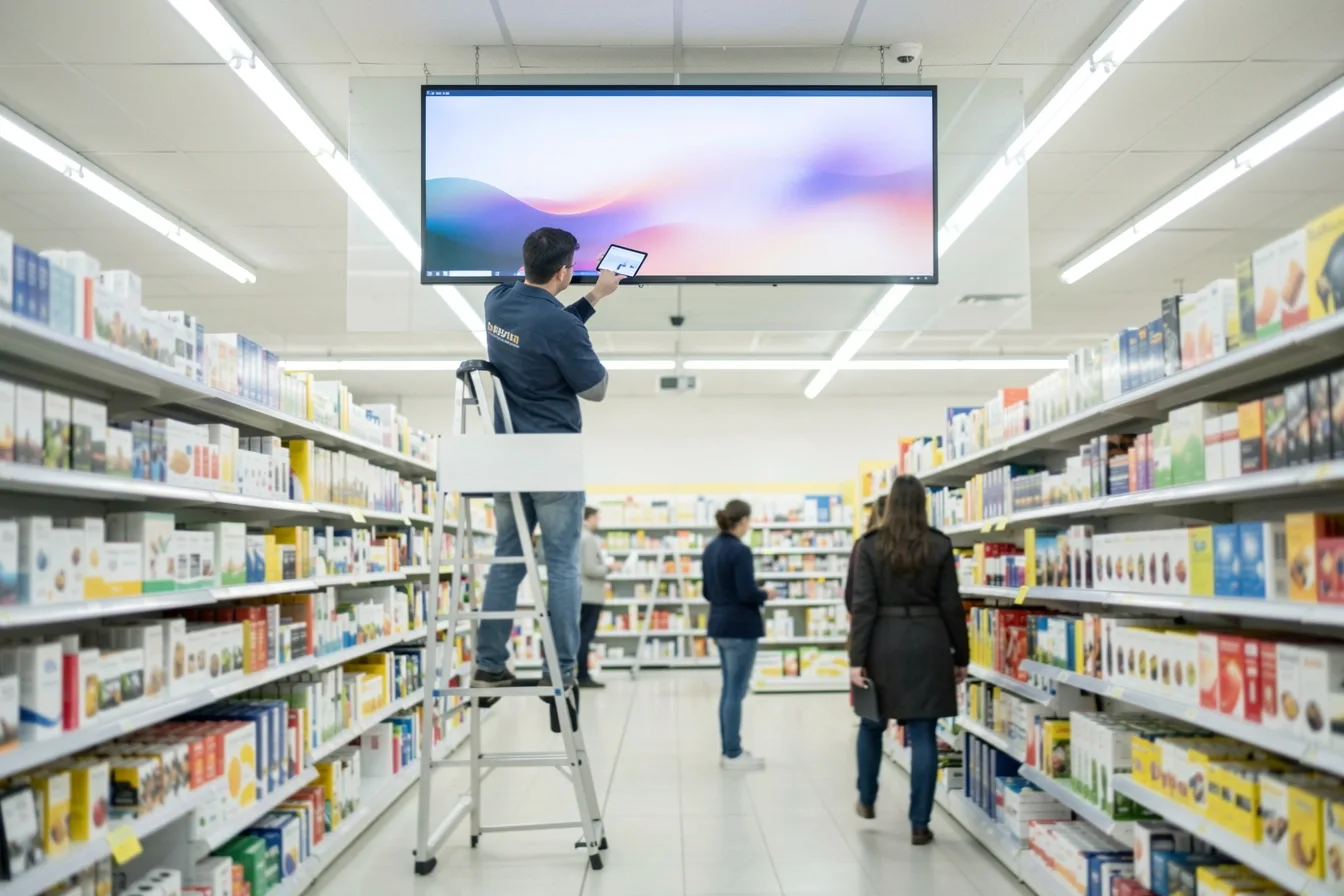
- Install the player on the real screen in its real spot, glare and weak Wi-Fi included.
- Pull the network cable for an hour. Content should keep playing.
- Cut power at the wall. Time how long the screen takes to show content again with nobody touching it.
- Leave it running for 72 hours and check for freezes or a frozen frame.
- Check that the offline alert actually reaches your inbox.
- Ask a staff member who has never seen the CMS to swap a playlist. If it takes more than 10 minutes, training will cost you every month.
- Send a support ticket late on a Friday afternoon and note when the answer arrives.
Write the results down for each vendor. After two trials, the gap between products is usually obvious.
What proof of play, AI tools and integrations add
Proof of play is a log of what played on which screen and when. You need it if you sell ad slots or run promotions paid for by suppliers. Check the tier: Yodeck, for example, starts proof-of-play reports on its Premium plan, not Basic.
Integrations pull live data into content. Link the board to your POS or inventory system and a price change at the till appears on the screen, with no one editing a slide. Our article on connecting signage to business systems with APIs explains the options.
AI content tools are new in 2026. The useful ones sit inside the editor: generate an image, remove a background, shorten or translate a headline, without exporting to another app and uploading again. Ask how they are billed, per image or per second of video, before staff start clicking. We compare them in AI content tools in digital signage.
How much digital signage software costs in 2026
Entry plans from the main cloud vendors run $8 to $20 per screen per month. A September 2026 index of 8 hosted platforms found a median list price of $9 per screen per month.
Yodeck paid plans 2026, USD per screen per month
| Software | Entry price per screen/month | Free plan or trial | Hardware | Best for |
|---|---|---|---|---|
| Look DS | $15, or $6 with yearly volume billing | Free trial | Own 4K players from $139 | Small to multi-site networks, resellers, on-premise needs |
| Yodeck | $8 Basic, $12 Premium, $16 Enterprise | 1 screen free | Raspberry Pi player free on annual plans | Small networks happy with Pi hardware |
| OptiSigns | $10 Standard, $9 billed yearly | Free up to 3 screens, with branding | Player app on supported devices | Mixed device fleets wanting many apps |
| ScreenCloud | $20 Core, $30 Pro | Trial only | Device included on Enterprise annual plans | IT-led corporate networks of 20+ screens |
The entry price rarely matches the final bill. Yodeck’s documentation lists three paid tiers at $8, $12 and $16. At OptiSigns, phone support requires an upgrade to Pro Plus at $15, and Enterprise has a 25-screen minimum at $45. ScreenCloud has no permanent free plan, only a trial.
Add players, mounts and installation on top. Our 2026 digital signage cost breakdown prices the full setup.
Which platform fits which business
Pick on screen count, the hardware you already own and who will update content. Here is how the main options line up.
Look DS
Look DS is a cloud digital signage CMS, founded in 2016, with an optional on-premise deployment and its own 4K media players. It costs from $15 per screen per month, or $6 with yearly volume billing, and its free Look Player runs on Android, Windows, Linux, macOS, LG webOS, Samsung Tizen, Raspberry Pi and Fire OS. It suits small businesses, multi-location brands and AV resellers who want one system for mixed hardware.
The platform runs 7000+ active screens in 80+ countries and holds a 4.9 out of 5 rating on Capterra from 116 reviews. Current prices are on Look’s pricing page.
Pros:
- Offline playback, smart scheduling, multi-zone layouts, user roles and playback analytics in the platform
- CRM, POS and inventory integrations, plus a Content Creator with ready-made templates
- Own players: Verde PRO at $149 (4K HDR, Wi-Fi 6, runs off the TV’s USB port, HDMI-CEC control, hardware watchdog that restarts it if it hangs), HD-2222 at $189 and HD-2222 Lite at $139
- White-label and reseller program for integrators
- Six AI tools inside the editors, rolling out since late September 2026, with the price shown before each run and the original file never overwritten
Cons:
- Smaller brand than Yodeck or ScreenCloud, with fewer third-party apps in its marketplace
- Hardware ships from Look’s own shop, not from big retailers
Yodeck
Yodeck has the lowest entry price of the big names and a free plan for one screen. Prices for Premium and Enterprise rose by $1 on April 1, 2026, and annual plans bundle a Raspberry Pi player.
- Pros: $8 Basic tier, free player on annual plans
- Cons: proof of play starts on Premium, and the player hardware is Pi-based
OptiSigns
OptiSigns gives you three free screens to start, with its logo on screen. Paid plans climb from $10 to $45 per screen.
- Pros: free tier for testing, yearly billing saves 10%
- Cons: phone support and some advanced features sit on higher tiers
ScreenCloud
ScreenCloud targets larger corporate networks, with Core at $20 and Pro at $30 per screen per month.
- Pros: enterprise options such as SSO, with a device included on Enterprise annual plans
- Cons: the highest entry rate in this table, and no permanent free plan
Four setups and what I would pick
- A cafe with 2 menu boards. Use the TVs you own, add a $139 to $149 player each, and schedule breakfast and lunch menus. Look DS at $15 per screen comes to $30 a month.
- A gym with 6 screens. Split the screens into zones: class timetable, promo video, a sponsor slot. Proof of play matters if a supplement brand pays for that slot.
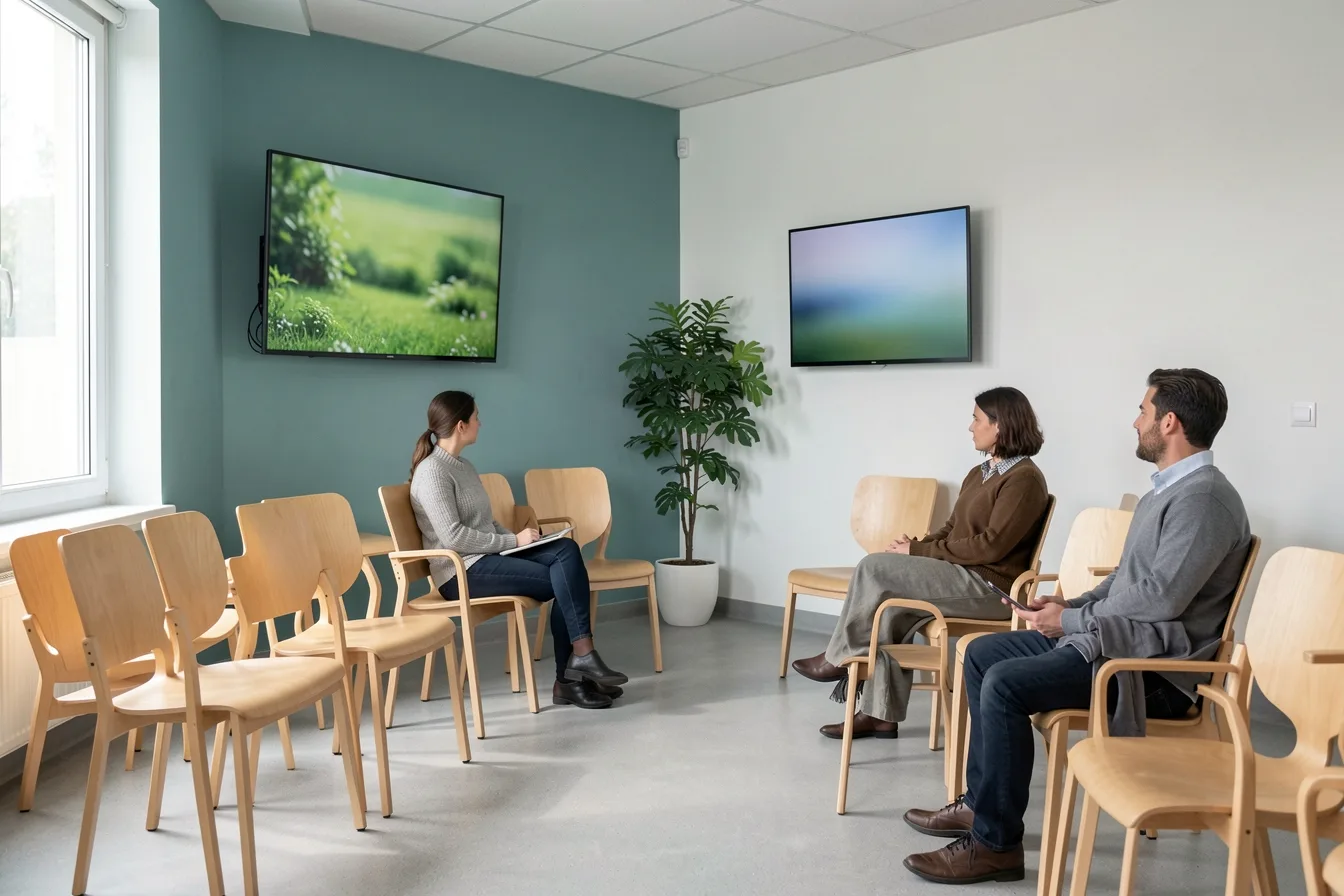
- A clinic waiting room. Offline playback and on/off scheduling come first, and an on-premise option if the network is closed to the internet.
- A retailer with 40 stores. User roles, monitoring alerts and POS integration decide it. Ask for the yearly volume rate before comparing totals.
For a longer list of vendors, see our top digital signage software compared.
Disclosure: Digital Signage Trends is published by Look Digital Signage.
FAQ
What is the difference between a CMS and digital signage software?
The CMS is the dashboard where you create, schedule and publish content. Digital signage software is the CMS plus the player app on each screen. People often use the two terms as if they meant the same thing, but the player is half of the system.
Can I use a regular TV for digital signage?
Yes, with a media player or a smart TV that runs the player app. Consumer TVs can update themselves and reboot to the home screen, so pick a player with HDMI-CEC control and a watchdog. Commercial displays tolerate 24/7 use better and resist burn-in longer.
Does digital signage work without internet?
Good software caches content on the player and keeps playing during an outage. You need a connection only to send new content and receive status reports. Test this in the trial by unplugging the network for an hour.
How much should I budget per screen per year?
Software runs about $96 to $240 per screen per year at entry list prices of $8 to $20 a month. Add a one-time player cost of roughly $100 to $190 if your screen cannot run the app itself, plus mounting and installation.
Is free digital signage software good enough?
For one to three screens and simple slideshows, sometimes. Free plans usually limit screens, storage or support, and some show the vendor’s logo. Once a screen earns money or carries ads, paid features like alerts and proof of play pay for themselves.
Should I choose cloud or on-premise signage software?
Choose cloud if your screens have internet access and you want updates without running servers. Choose on-premise if security policy keeps the network closed, which is common in healthcare, banking and government. Few vendors offer both, so ask before the trial.
Sources
- The Business Research Company: Digital Signage Software Market Report 2026
- Yodeck Documentation: How is Yodeck priced?
- Brix Signage: Yodeck Pricing, Plans, Players and the Price Rise
- Rise Vision: OptiSigns Pricing in 2026
- DigitalSignage.com: ScreenCloud Pricing in 2026
- DigitalSignage.com: Digital Signage Pricing Index 2026
- Smart Workplace Guide: ScreenCloud Review 2026